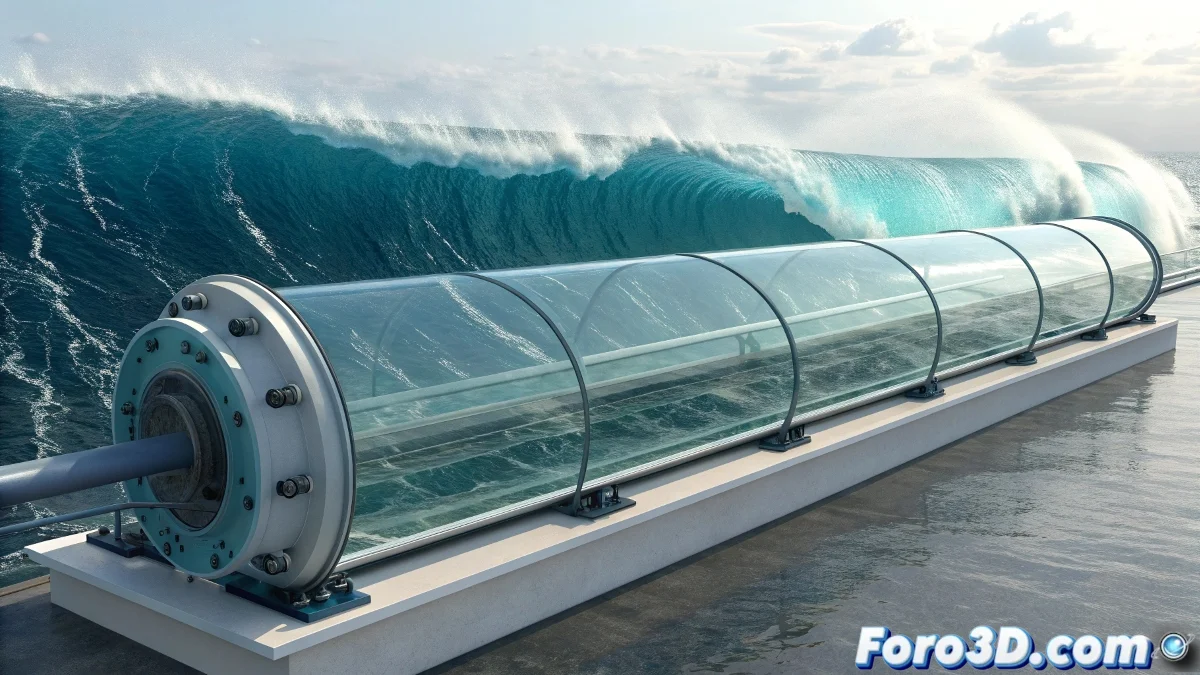
The Art of Taming Digital Waves
Creating a realistic wave tank in RealFlow is like becoming the god of miniature oceans. It's not just about moving water, but about understanding the physics behind the formation, propagation, and dissipation of waves. The beauty of RealFlow lies in how it allows you to control every aspect of the simulation, from the gentlest ripple to the most violent storm.
A well-configured wave tank needs to balance generation forces, edge collisions, damping, and initial conditions. Pre-made scripts can save time, but understanding the principles will allow you to create waves that behave exactly as you imagine.
In RealFlow, a perfect wave tank is one where the waves obey your commands but maintain their natural chaotic essence
Basic Container Setup
Start with a suitable domain for your tank. The dimensions and resolution will determine the realism and simulation time. A tank that's too small will limit wave development, while one that's too large will consume unnecessary resources.
- Proportional Dimensions: 3:1 or 4:1 ratio for standard tanks
- Adequate Resolution: 150-300 for balanced quality
- Realistic Depth: sufficient to avoid bottom artifacts
- Edges as Colliders: configure walls with bounce properties
Essential Daemons for Wave Generation
Daemons are the heart of your wave system. Strategically combined, they can create everything from gentle tides to perfect storms. The key lies in the interaction between them.
The Wave daemon is your best ally for directional waves, while the Noise field adds that natural irregularity that avoids the artificial look of overly perfect waves 😊
- Wave daemon: for directional and controlled waves
- Noise field: to break repetitive patterns
- Gravity: base force for the entire system
- K Age: to naturally dissipate distant waves
Wave Daemon Configuration
This daemon is your primary tool for realistic waves. Its parameters control the very essence of each wave, from its height to its frequency.
Experiment with combinations of amplitude, wavelength, and speed. Extreme values create tsunami-like waves, while subtle settings produce gentle ripples.
- Amplitude: 0.5-2.0 for normal waves
- Wavelength: 2.0-8.0 for realistic variation
- Speed: 1.0-3.0 for propagation control
- Damping: 0.1-0.5 for edge damping
Multiple Wave System
Real waves never come alone. Create a system of overlapping Wave daemons to simulate the complexity of a real ocean. Each daemon represents a set of waves with different characteristics.
Use 3-5 Wave daemons with slightly different configurations. The interference between them will create those unique and unrepeatable patterns you're looking for.
- Daemon 1: primary long-wavelength waves
- Daemon 2: secondary shorter waves
- Daemon 3: very small ripple for micro-detail
- Daemon 4: transverse waves for complexity
Collision and Bounce Control
The walls of your tank should behave like real surfaces. Carefully configure the collision parameters to avoid that artificial pool effect.
The resilience and friction values on the colliders determine how waves interact with the edges. Too much bounce looks cartoonish, too little looks like stagnant water.
- Resilience: