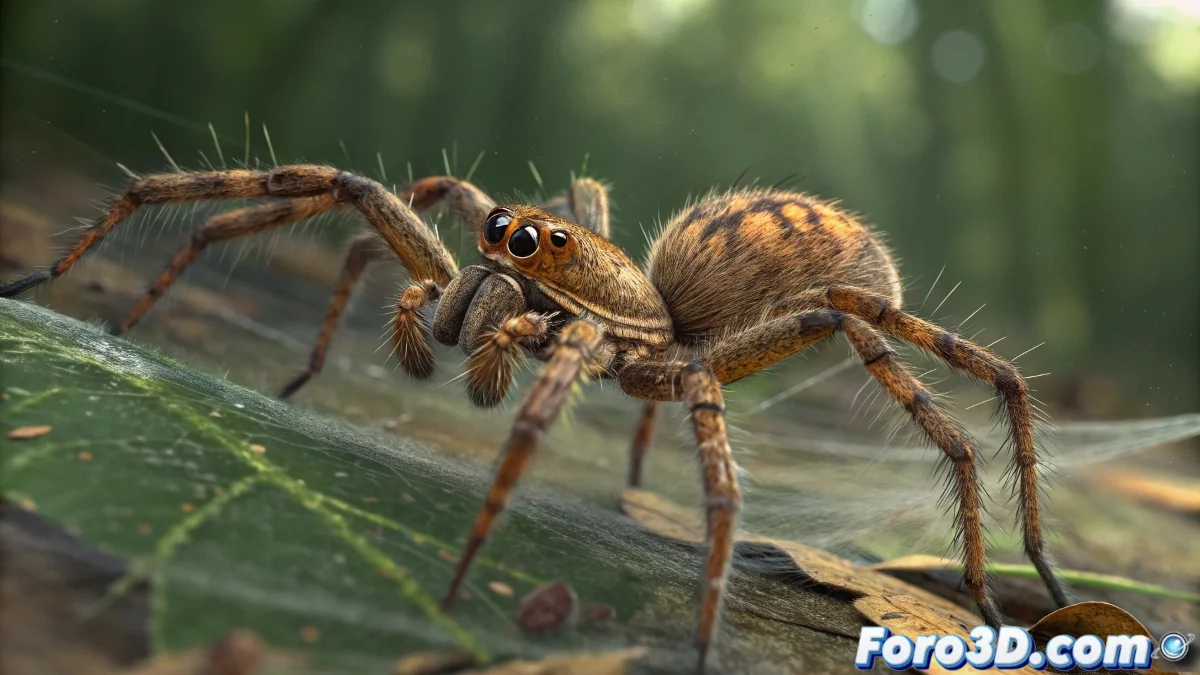
The Mathematical Dance of Spider Legs
Manually animating a spider's eight legs to achieve a believable walk is a titanic task that could take days 🕷️. Fortunately, the power of procedural rigging comes to the rescue. By using mathematical expressions based on the sine (sin) and cosine (cos) functions, you can completely automate the movement, creating an infinite, perfectly coordinated walk cycle that can be adjusted with a few simple parameters. It's the dream of any lazy (or smart, depending on how you look at it) animator.
The Heart of Sine and Cosine Movement
Trigonometric functions are ideal for this job because they produce smooth, repetitive oscillations. Imagine each leg moving in a small invisible circle: the cosine controls the forward and backward movement (X or Z axis), while the sine controls the lifting and lowering movement (Y axis). The time variable (usually linked to the frame number) is what advances the animation. The base formula for a leg's position would be something like:
posZ = cos(time * speed) * amplitude
posY = sin(time * speed) * amplitude
Using sine and cosine to animate is like having a digital metronome for your spider's legs; it never loses the beat.
The Magic of Offset: Choreographing the Legs
If all legs used the same formula, they would move in unison, like a military regiment, which is not natural at all. The secret to a spider's characteristic gait lies in the offset. This is a constant added to the time to phase-shift the animation of each leg. For example, the front left leg might have an offset of 0, the rear left leg an offset of π (3.14), making them move in perfect opposition. By wisely distributing these offsets among the eight legs, you create the iconic movement sequence that always keeps several points of support on the ground.
Implementation in 3ds Max: The Master Control
The elegant implementation involves creating a master control. This is a helper or dummy that contains the global parameters via Expression Controllers or Script Controllers. In it, you define variables like globalSpeed and globalAmplitude. Then, in the expression for each leg, instead of writing fixed values, you reference these master parameters (master.amplitude). This allows you to change the speed of the entire walk or the step height of all legs simultaneously, with a single slider.
Workflow for a Robust Rig
Follow these steps to build a reliable procedural system:
- Base Modeling and Rigging: create the spider geometry and a simple skeleton with one bone or null per leg.
- Master Control: add a dummy to the scene and use the Parameter Collector or Wire Parameters to create speed and amplitude controls.
- Expressions per Leg: for each leg controller null, add a Position Script Controller and write the expression that links its position to time and the master control.
- Offset Assignment: define a unique offset for each leg. Typical values are usually multiples of π/2 (1.57) or π/4 (0.785).
- Tweaking and Fine-tuning: preview the animation and adjust the amplitudes and offsets until the movement looks natural and balanced.
With this system, your spider will come to life with organic and complex