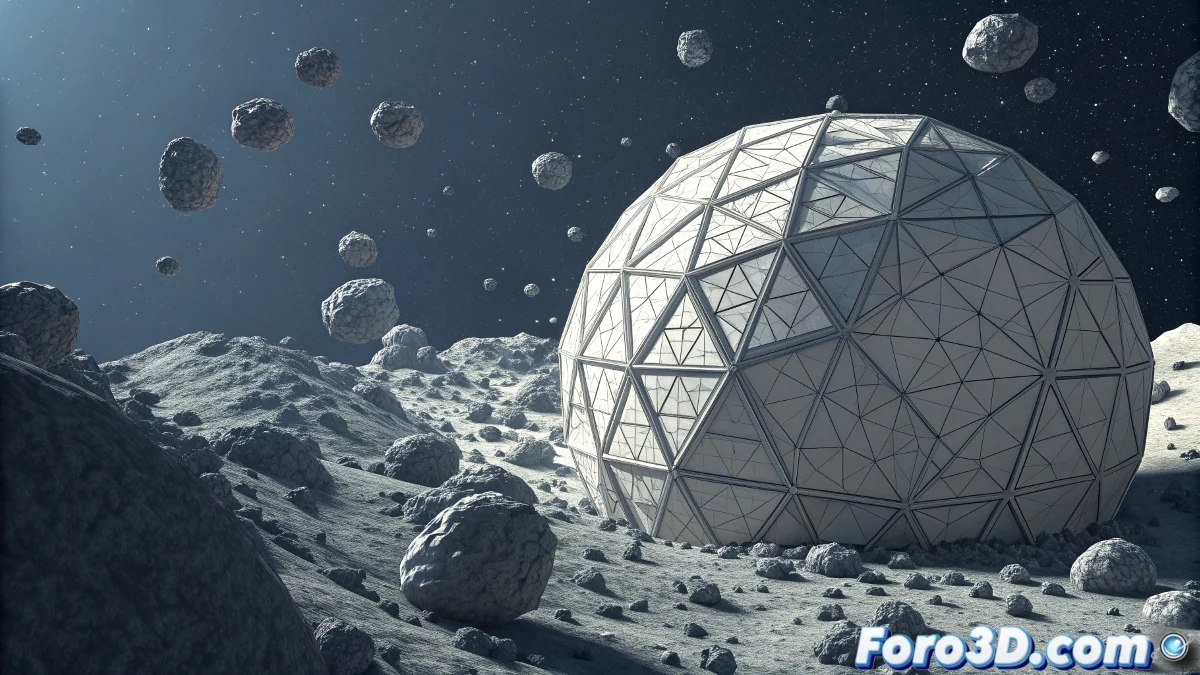
The Art of Creating Digital Meteorites
Creating a convincing meteorite composition in Cinema 4D is like capturing a moment of pure cosmic energy. It's not just about modeling a space rock, but about recreating the entire spectacular physics of an interstellar object entering the atmosphere: the incandescence, the plasma trail, the breaking fragments, and that aura of imminent destruction that makes meteorites so cinematic.
A successful meteorite composition requires working on several layers: the rocky core, the thermal and luminous effects, the particle trail, and the integration with the atmospheric or space background. Each element must work in harmony to create that illusion of speed and energy that characterizes real meteorites.
In Cinema 4D, a perfect meteorite is not just a flying rock, it's a spectacle of atmospheric physics in motion
Modeling the Meteorite Core
Start with the base geometry of the meteorite. Avoid perfect spherical shapes and aim for the irregularity characteristic of real celestial bodies.
- Use Landscape object: deform for organic irregular shape
- Apply displacement maps: with high-frequency rock textures
- Create craters and fractures: with booleans and basic sculpting
- Optimize topology: enough detail but not excessive
Materials for Realistic Space Rock
The meteorite material must reflect its rocky nature and the thermal effects of atmospheric entry. It's not a static material, but one that evolves with heat.
Use a layered material that combines the base rock with progressive incandescence effects. The edges should glow more than the center 😊
- Material layers: base rock, heat, emission
- Noise textures: for mineralogical variation
- Temperature gradients: hotter on leading edges
- Low reflectance: space rocks are not shiny
Particle System for the Trail
The luminous trail is the most characteristic element of a meteorite. Use Thinking Particles or X-Particles to create a system that responds to movement.
Configure the particles to emit from the meteorite's surface and be affected by simulated aerodynamic forces. The density should increase with speed.
- Emission from surface: not from a single point
- Drag force: simulate atmospheric resistance
- Luminescent material: for the trail plasma
- Size variation: larger particles near the core
Heat and Combustion Effects
Atmospheric friction generates extreme temperatures that must be visualized. Combine volumetric effects with emissive materials to create this effect.
Use PyroCluster or Cinema 4D's native volumes to create the plasma aura around the meteorite. The intensity should correlate with speed.
- Volume builder: for plasma cloud around the meteorite
- Fire material: with intense orange-white emission
- Density animation: denser near the surface
- Interaction with particles: make the trail interact with the volume
Animation and Realistic Trajectory
The meteorite's animation must reflect the laws of physics. Avoid linear movements and add rotation and subtle variations to the trajectory.
Use splines with noise variation for the main trajectory and add random but consistent rotation to the meteorite's core.
- Spline trajectory: pronounced parabolic curve
- Aligned Spline: so the meteorite always faces forward
- Random rotation: but with some consistency
- Speed variation: progressive acceleration