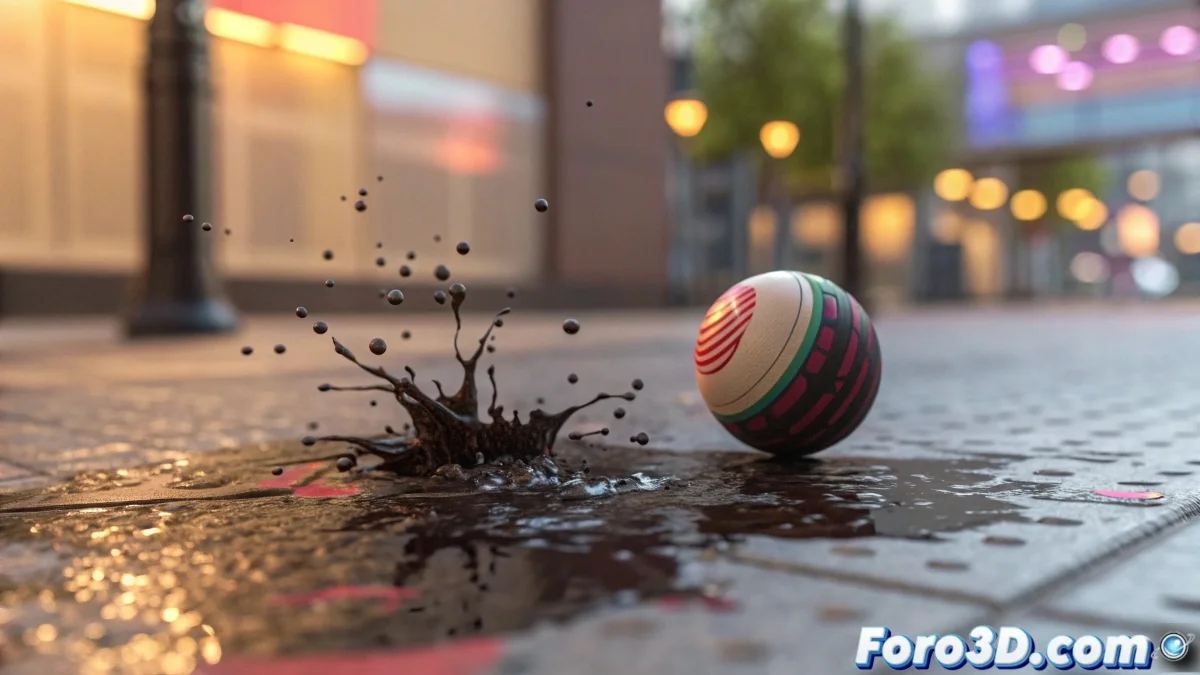
Creating a Bouncing Ball that Leaves Animated Letters in 3ds Max
Do you want your 3D ball to leave a trail of letters as if it were a magical message? ✨📝 With this guide, you'll combine traditional animation, particles, and morphing in 3ds Max to create an effect that looks like it's straight out of a TV commercial. Get ready to bounce your creativity. 🏀
Step 1: Expressive Ball Animation
Basic Method:
- Auto Key + acceleration curves
- Use Bounce in the Curve Editor
- Add secondary rotation
For Pros:
- Rig with Squash & Stretch
- Deformation controller
- Dynamics with MassFX
Step 2: Particle System for Impacts
- Create a Particle Flow
- Configure Birth On Collision
- Assign a splatter as geometry
- Adjust timing with Age Test
Particles are like Tom Thumb's breadcrumbs: they mark the path for the letters to appear at just the right moment.
Step 3: Magical Transformation with Morpher
| Preparation | Process | Tricks |
|---|---|---|
| 1. Model base splatter | Apply Morpher modifier | Use Channel List |
| 2. Create letters (same topology) | Add as Targets | Smooth curve animation |
| 3. Verify vertices | Keyframe the transition | Combine with Material |
Advanced Techniques (Optional)
- tyFlow for greater particle control
- OpenVDB for fluid transitions
- Expressions with Max Creation Graph
- Render with Arnold for dynamic materials
5 Mistakes That Ruin the Effect
- Inconsistent topology between splatter and letters
- Unsynchronized timing between bounce and appearance
- Particles that don't inherit rotation
- Forgetting Reset XForm before morphing
- Excessive subdivisions (slows down the morph)
With this system, your ball won't just bounce, it will write messages as if by magic! And when you see it rendered, don't be surprised if you start thinking about all the creative variations you could make. Maybe a snowball that leaves icy words? ❄️
Nostalgia Bonus: If you miss the old days of RealFlow, think that now you can achieve similar effects directly in 3ds Max... without waiting hours for it to finish calculating. Progress is sweet! 🍬