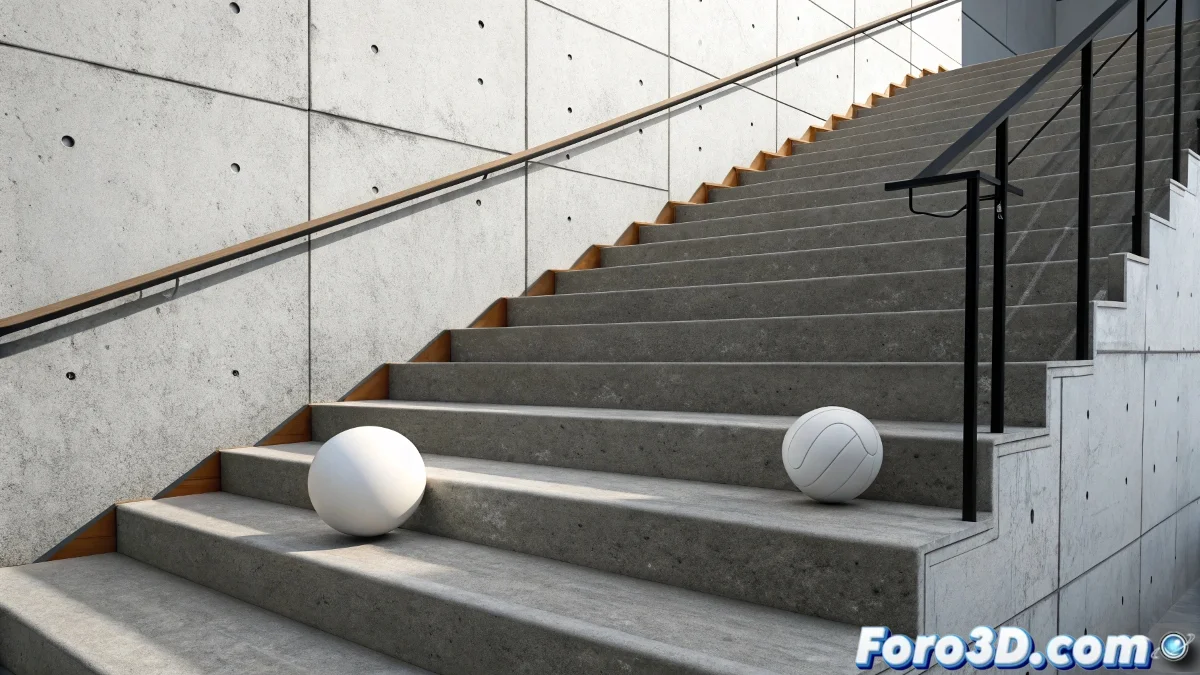
The Art of Taming Animations with Smart Limits
Using Float Limits in 3ds Max is like putting invisible rails on an animation 🛤️. These powerful tools allow restricting movement within specific ranges, preventing those annoying "jumps" or out-of-control values that ruin the illusion of realistic physics. However, their implementation requires precision and understanding of how different limits interact on the timeline.
Understanding the Nature of Float Limits
Float Limits do not create movement – they act as security guards that prevent values from going outside predefined ranges. Their correct implementation requires understanding their fundamental behavior.
- Passive restriction: They do not generate animation, only limit existing values
- Defined ranges: They operate within specified minimums and maximums
- Sequential application: Multiple limits can be applied at different times
- Temporal context: Their influence can be limited to specific frame ranges
Float Limits are like safety railings: they don't tell you where to walk, but they prevent falls.
Float List Setup for Sequential Control
The Float List acts as the orchestra conductor that coordinates when and how different limits are applied.
- Additive layers: Layers of limits applied sequentially
- Weight control: Control of each limit's influence in the list
- Time ranges: Definition of activation frames for each limit
- Order matters: The order in the list affects the final result
Implementation Methods for Different Scenarios
Different types of animation require specific approaches for limit implementation.
- Base animation first: Create basic movement before applying limits
- Limits per event: One limit per step or significant event
- Temporal activation: Limits that only act during specific frames
- Script-controlled: Activation/deactivation via scripts
Workflow for Ball Animation on Stairs
A step-by-step approach ensures predictable and controlled results.
- Create base animation of the ball moving freely
- Identify critical points where restrictions are needed
- Add specific Float Limits for each critical section
- Adjust ranges and weights for smooth transitions
- Test and refine with animation previews
Advanced Control with Script Controllers
For complex needs, Script Controllers offer programmatic control over limits.
- Automatic activation: Activation based on conditions or frames
- Dynamic ranges: Limits that change during the animation
- Conditional logic: Limits applied only under certain conditions
- Multi-parameter control: Coordination between multiple parameters
Common Errors and How to Avoid Them
Certain recurring errors can completely ruin the effect of Float Limits.
- Conflicting limits: Multiple limits competing in the same range
- Too strict ranges: Limits that are too tight create artificial jumps
- Incorrect order: Limits applied in the wrong sequence
- Lack of base animation: Trying to make limits generate movement
Integration with Other Control Systems
Float Limits work best when integrated with other animation control tools.
And when your ball still behaves like it has rocket propulsion, you can always argue it's a magical ball in an alternate physics universe 🧙. After all, in the world of 3D animation, sometimes restriction "errors" become fantasy features.