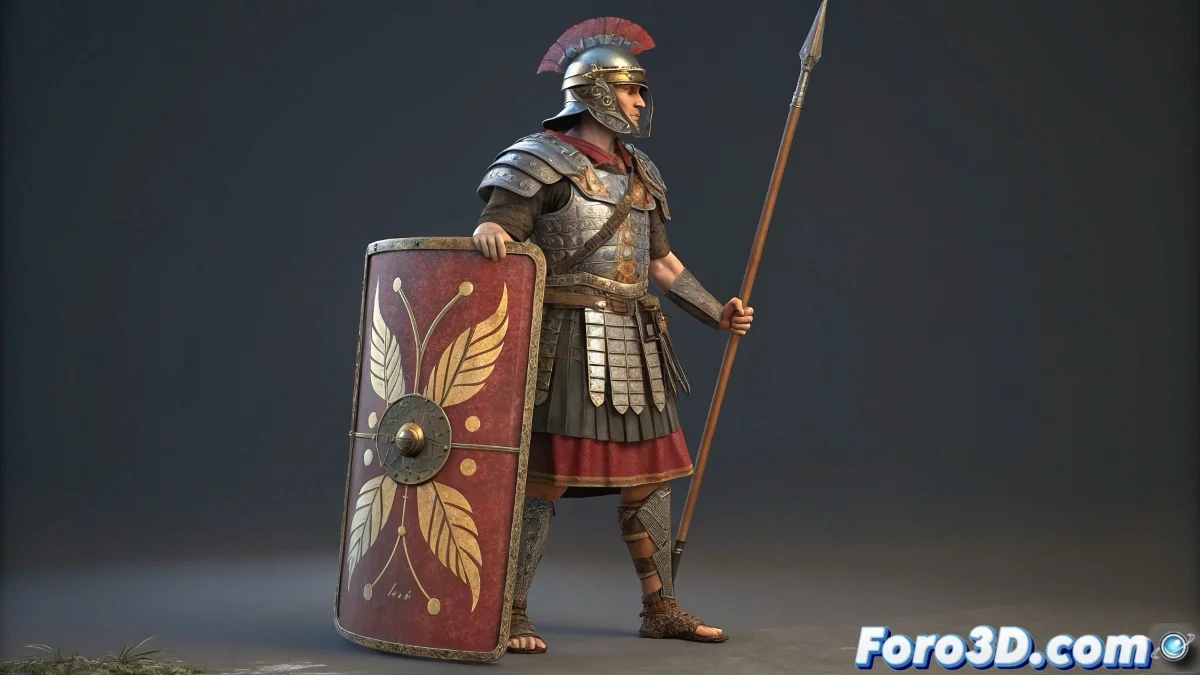
The Art of Dressing and Equipping Characters in Blender
Adding objects and clothing to a character in Blender is like choosing the perfect outfit for a digital puppet 👗. The difference between an accessory that moves naturally and one that looks artificially glued lies in understanding what technique to use for each type of object. Choosing incorrectly between rigid parenting and deformation can result in that "cardboard costume" look that ruins the illusion of life.
Rigid Parenting: for Objects that Maintain Their Shape
Objects like weapons, shields, jewelry, or any element that shouldn't deform during animation are perfect candidates for direct parenting to bones. This technique creates a rigid relationship where the object follows the bone's transformations exactly without altering its own geometry.
- Weapons and tools: Swords, spears, hammers parented to hands
- Shields and rigid armor: Objects that maintain constant shape
- Accessories: Glasses, necklaces, earrings parented to head or neck
- Environmental objects: Lanterns, bottles, keys on belts
Parenting is like welding: it joins permanently but without flexibility.
Armature Modifier: for Clothing and Deformable Elements
Clothing items, flexible armor, and any object that must adapt to body movements require the use of the Armature Modifier with vertex groups. This approach allows the geometry to deform naturally following the influence of multiple bones.
- Clothing: Skirts, capes, tunics that flow with movement
- Flexible armor: Leather, padded fabric, segmented armor
- Deformable accessories: Wide belts, bandoliers, backpacks
- Organic elements: Wings, tentacles, natural appendages
Intelligent Vertex Group Assignment
The magic of deformation happens in the correct assignment of weights to vertex groups. Each vertex of the mesh must know which bones influence it and to what proportion.
- Gradual weights: Smooth transitions between areas of influence
- Multiple influences: Vertices affected by more than one bone
- Weight painting: Intuitive visual adjustment with weight brush
- Mirror weights: Automatically copy setup to the symmetric side
Advanced Techniques for Professional Results
For high-quality projects, certain additional techniques elevate the realism and credibility of linked objects.
- Complementary shape keys: Correct problematic deformations
- Drivers and expressions: Conditional linkages based on movement
- Additional constraints: Rotation or translation limiters
- Hybrid simulation: Combine deformation with physical simulation
Optimized Workflow
Following an organized methodology ensures consistent results and avoids redoing work due to incorrect approaches.
- Identify which objects should be rigid and which deformable
- Parent rigid objects directly to appropriate bones
- Apply Armature Modifier to deformable objects
- Assign vertex groups and meticulously adjust weights
- Test with extreme animations to verify deformations
When to Consider Cloth Simulation
For particularly fluid or dynamic garments, cloth simulation can offer superior results to armature deformation alone.
And when your cape behaves more like a wooden board than fabric, you can always argue it's avant-garde fashion with architectural influences 🏛️. After all, in the 3D world, the boundaries between bug and feature are merely conceptual.