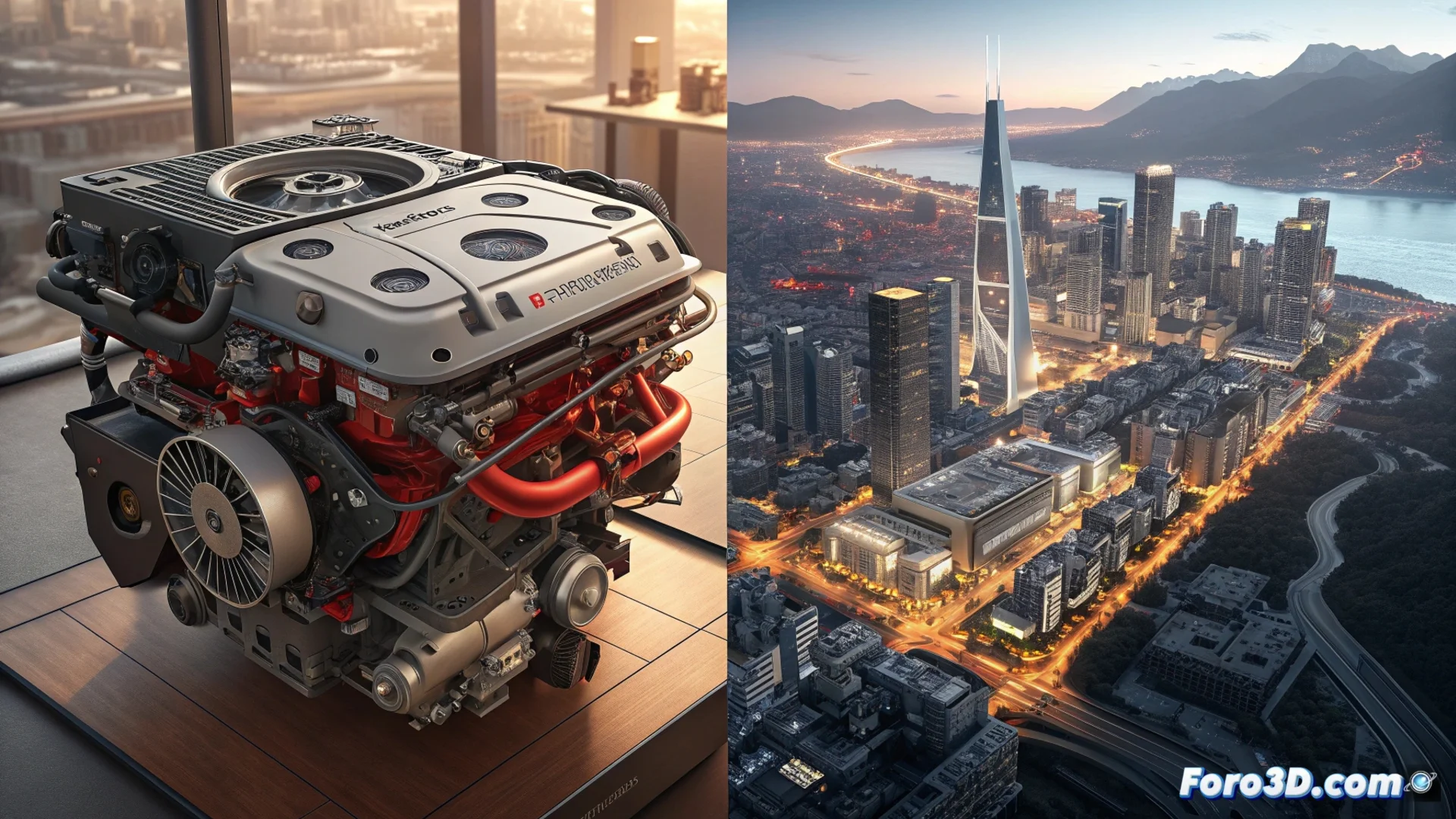
Corona Render and Maverick Render: Two Philosophies for Complex Scenes
In the field of 3D rendering, dealing with dense geometry, thousands of lights, and high-resolution textures is a common challenge. Two engines, Corona Render and Maverick Render, propose solutions with radically different approaches to handle this complexity. While one bets on integration and a flawless final result, the other prioritizes immediate response and fast iteration. 🎨
Corona Render: Photorealistic Quality and an Accessible Learning Curve
Corona Render operates as an unbiased path tracing engine integrated directly into 3ds Max and Cinema 4D. Its philosophy is based on achieving photographic realism with a simplified interface and setup. It is known for making material and lighting setup intuitive, allowing artists to achieve high-quality renders without a steep learning curve. It efficiently handles large volumes of data, although denoising interiors with low light may require more computation time. Its interactive lighting system and extensive library of pre-designed materials significantly speed up the creative process.
Key Features of Corona Render:- Native Integration: Works within 3ds Max and Cinema 4D, offering a unified workflow.
- Intuitive Materials and Lights: Simplified setup for quick photorealistic results.
- Heavy Asset Handling: Stably processes complex geometry and high-resolution textures.
The most complex scene doesn't always have more polygons; sometimes it has more poorly configured lights and the artist decides to render right before heading home.
Maverick Render: Raw Speed and Real-Time Interactivity
Maverick Render adopts a hybrid strategy, combining path tracing techniques with rasterization to maximize response speed. As an independent engine, its strength lies in handling enormously heavy scenes—with millions of polygons and thousands of light sources—while maintaining a smooth and reactive preview. Changes to any parameter (materials, lighting, geometry) are visualized instantly, completely transforming the way to iterate and make decisions, especially valuable in projects with very tight deadlines. ⚡
Main Strengths of Maverick Render:- Hybrid Engine: Merges path tracing and rasterization to prioritize interactive speed.
- Massive Scenes in Real Time: Maintains fluidity even with extremely dense geometry and numerous lights.
- Immediate Iteration: Allows testing ideas and adjusting parameters with instant visual feedback.
Which One to Choose? It Depends on Your Workflow and Goals
The decision between Corona and Maverick is not about which is better in absolute terms, but about which fits specific needs. Corona Render is a solid choice for studios seeking deep integration with the Autodesk or Maxon ecosystem and valuing artisanal control over a final result of the highest quality. On the other hand, Maverick Render appeals to professionals working with scenes of colossal scale who need immediate response, prioritizing interactivity and iteration speed over specific integration in a particular software. Both demonstrate that complexity can be handled, but they differ in which aspect they emphasize: polished final quality or agility during creation. 🚀