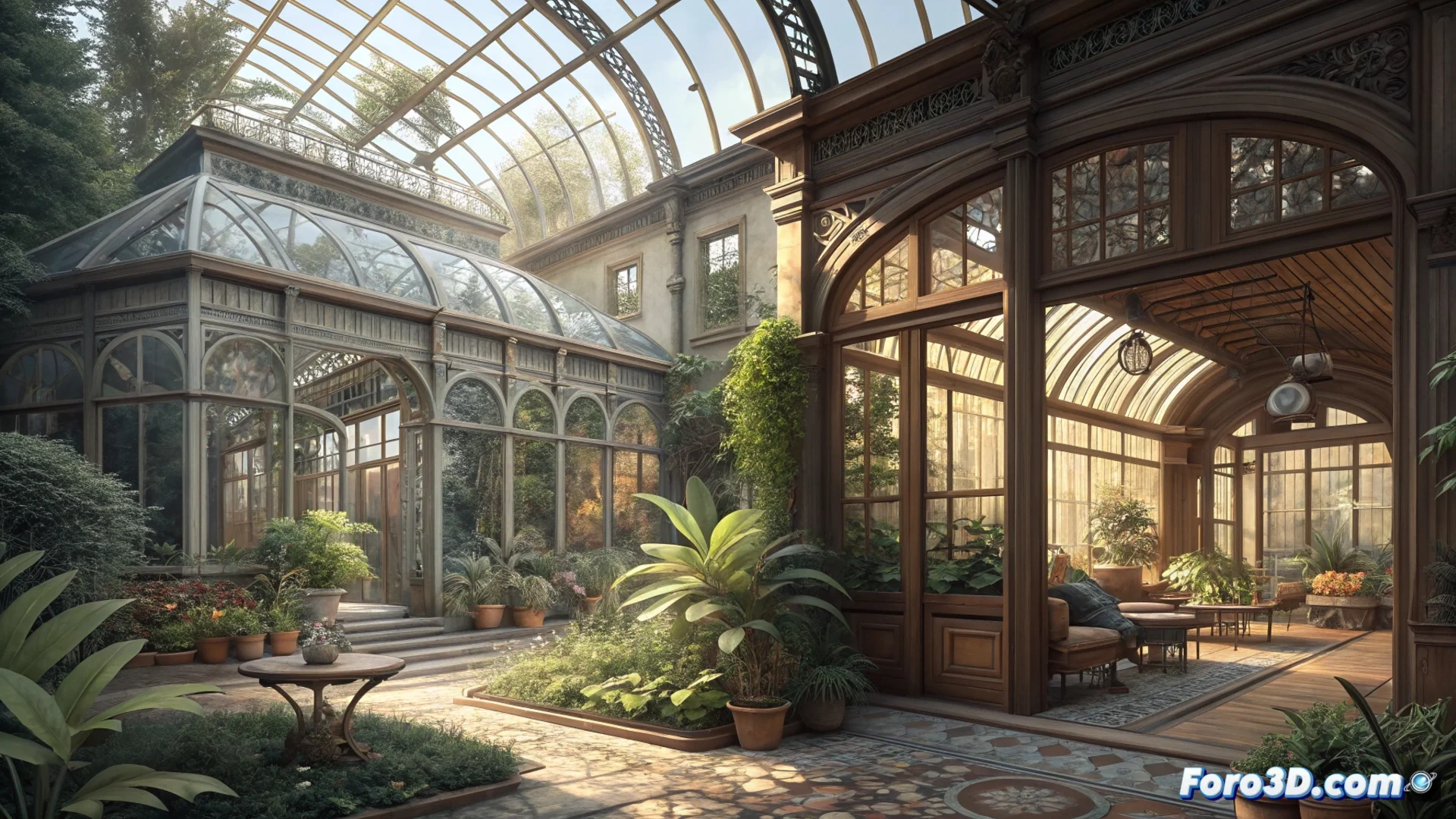
Corona Render and Eevee: Two Philosophies for Rendering Complex Scenes
In the world of 3D visualization, choosing how to produce final images defines the creative process. Two approaches stand out: one seeks to emulate light physics with accuracy, while the other prioritizes immediate response. 🎨
Physical Precision vs. Interactive Speed
Corona Render operates as an engine that calculates light. Based on the CPU, it simulates how photons interact with every surface and material in a complex scene. This generates photographic realism at a high level, ideal for interiors with intricate natural or artificial lighting. The cost is time: it needs to process many samples to reduce noise, which lengthens deadlines to obtain the final frame. On the other hand, Eevee in Blender uses rasterization, a video game technique, to approximate lighting effects. This allows seeing changes instantly and rendering images in seconds, even with dense geometry. ⚡
Key Differences in Approach:- Corona: Guarantees precision in effects like caustics, diffuse reflections, and glass refraction. The artist trusts that the preview matches the result, even if they have to wait.
- Eevee: Requires manually configuring effects like Screen Space Reflections or Ambient Occlusion to approach realism. Materials often need specific adjustments.
- Workflow: Eevee accelerates the creation phase by allowing interactive testing of lighting, materials, and camera angles.
Rendering with Eevee is sometimes like convincing a child to eat vegetables: you have to camouflage the illusion. With Corona, it's letting a scientist calculate every bite, knowing that the wait guarantees perfect visual nutrition.
Hardware Dictates the Optimal Tool
The decision between one and the other is often linked to system resources. Corona Render scales well with many CPU cores and lots of RAM, but does not use the graphics card for the final render. Eevee relies entirely on GPU power. Therefore, in a complex scene, a machine with a powerful CPU but a modest GPU will perform better with Corona for the final product. A machine with a powerful GPU will make the most of Eevee's interactivity. 🖥️
Practical Usage Strategies:- For high-quality projects, it is common to use Eevee to compose, light, and adjust the scene quickly.
- Then, Corona Render or a similar engine is used to produce the definitive final image with maximum fidelity.
- This combination optimizes the workflow, balancing creative speed and output quality.
Conclusion: Choose According to the Objective
There is no universally superior option. The choice between Corona Render and Eevee boils down to prioritizing absolute visual fidelity or agility in the design process. Understanding how each engine processes complex scenes and how it aligns with available hardware allows making the most efficient decision for each project. The ideal balance often lies in integrating both in different stages of the creative pipeline. ✅