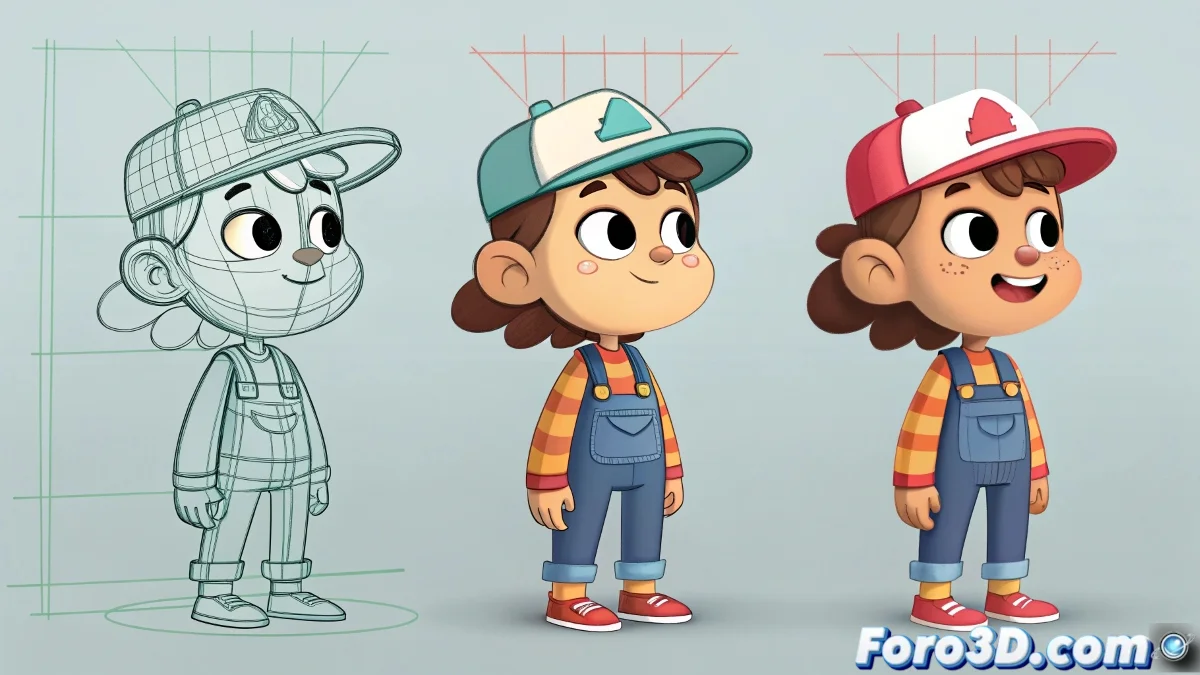
From Paper to Motion: Transforming Illustrations into Animated Shorts
Turning illustrated characters into animated stars is like directing a musical: you need good actors (your designs), choreography (rigging), and a lot of rhythm (timing) 🎭. Whether you choose the 2D or 3D route, the journey from static concept to fluid animation requires planning and knowledge of the right tools.
From Illustration to Model: Crossing Digital Borders
The transformation process varies depending on the technique:
- For 3D: Modeling based on reference images, texturing faithful to the original style, and rigging adapted for cartoon
- For 2D: Vectorization of strokes, preparation of movement libraries, and layer-based animation
"A good illustrated design is like a script: it sets the foundation, but it's in the animation where it truly comes to life"
Budget and Planning: The Treasure Map
Before embarking on production:
- Assess complexity: Simple cartoon style vs. detailed
- Choose technique: 3D (more expensive but versatile) or 2D (economical and fast)
- Calculate costs: From $500 for a basic 2D short to $10,000 for professional 3D
- Pilot tests: Create a 30-second short to adjust the pipeline
Remember that in animation, time is money ⏳. A well-rigged 3D character can cost between $200-$1000, but it will serve you for the entire series.
Compared Workflows
| Technique | Advantages | Key Software |
|---|---|---|
| 3D Cartoon | Fluid movements, multiple angles, asset reuse | Blender, Maya, 3ds Max |
| 2D Flash Style | Fast production, authentic cartoon look, lower cost | Adobe Animate, Toon Boom |
In the end, whether you choose the path of the pixel or the polygon, the magic lies in maintaining the spirit of the original design while bringing it to life. And if the costs scare you, remember: even Pixar started with a Luxo lamp and a borrowed computer. Your short could be the next big hit! ✨