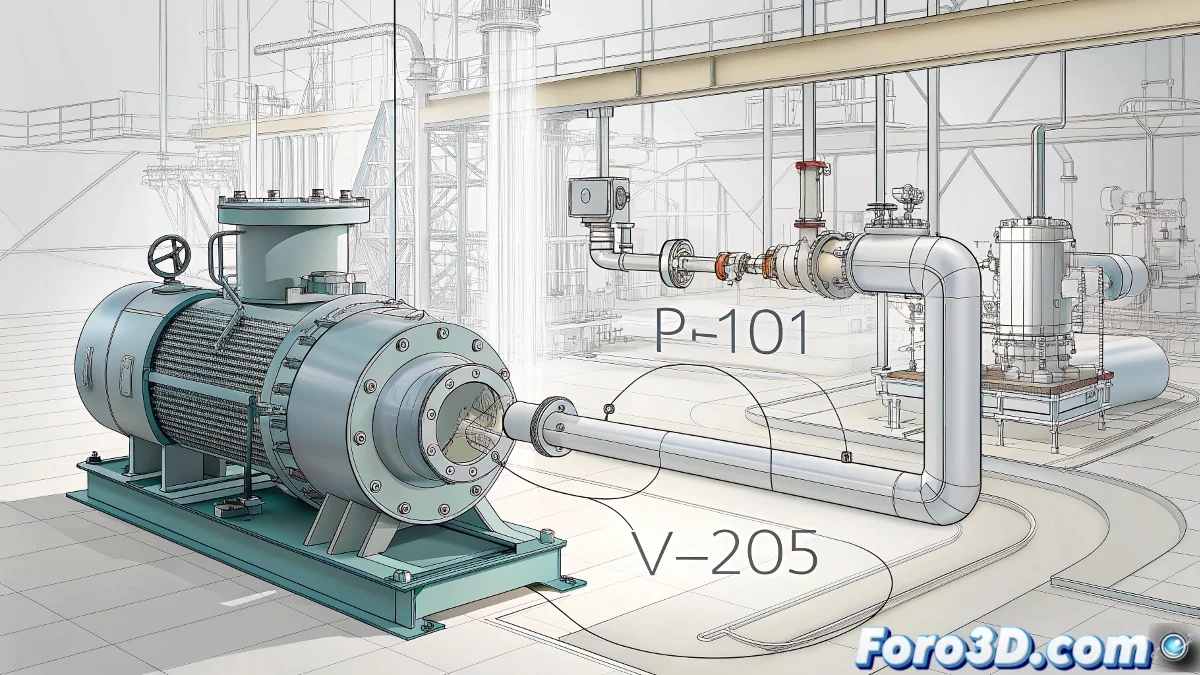
The Challenge of Inflexible TAGs in Plant 3D
When working with AutoCAD Plant 3D and needing TAGs for equipment based on Block Reference to behave like multiline text, you face a common limitation in the plant design workflow. The rigidity of Block References versus the flexibility of multiline text represents an interesting technical challenge. While multiline text in AutoCAD can automatically adjust words onto different lines based on available space, Block References maintain a fixed structure that does not dynamically adapt to content.
Understanding the Limitations of Block References
Block References in AutoCAD Plant 3D are designed as consistent and predictable graphical entities, making them excellent for representing equipment with fixed dimensions but problematic when you need dynamic text behavior. The static nature of these blocks clashes with your need for text to automatically reorganize into one, two, or three lines depending on how you stretch or shorten the TAG.
- Fixed structure vs dynamic content in Block Reference
- Lack of automatic word wrap across multiple lines
- Limitations of block attributes for flexible text
- Fundamental difference between geometry and text in AutoCAD
Practical Solutions for Flexible Text
Several approaches exist to achieve the behavior you seek, although none are perfect natively. The most effective strategy usually combines different functionalities of AutoCAD and Plant 3D to simulate multiline text behavior while maintaining the Block Reference structure.
Converting a Block Reference to multiline text is like wanting a brick to behave like water: you need to fundamentally change its nature
- Using dynamic fields with conditional expressions
- Implementing dynamic blocks with visibility states
- Creating multiple versions of the TAG for different lengths
- Exploring solutions with .NET API for custom behavior
Creative Workarounds for Efficient Workflows
While a perfect native solution doesn't exist, you can implement creative strategies that allow you to approximate the desired behavior. These methods require a bit more initial setup but can save you significant time during the project documentation phase.
Resolving these types of limitations in specialized software like Plant 3D requires a combination of technical knowledge and lateral thinking 🧩. Every solution you implement brings you closer to a more efficient workflow, adaptable to the specific needs of your plant design projects.