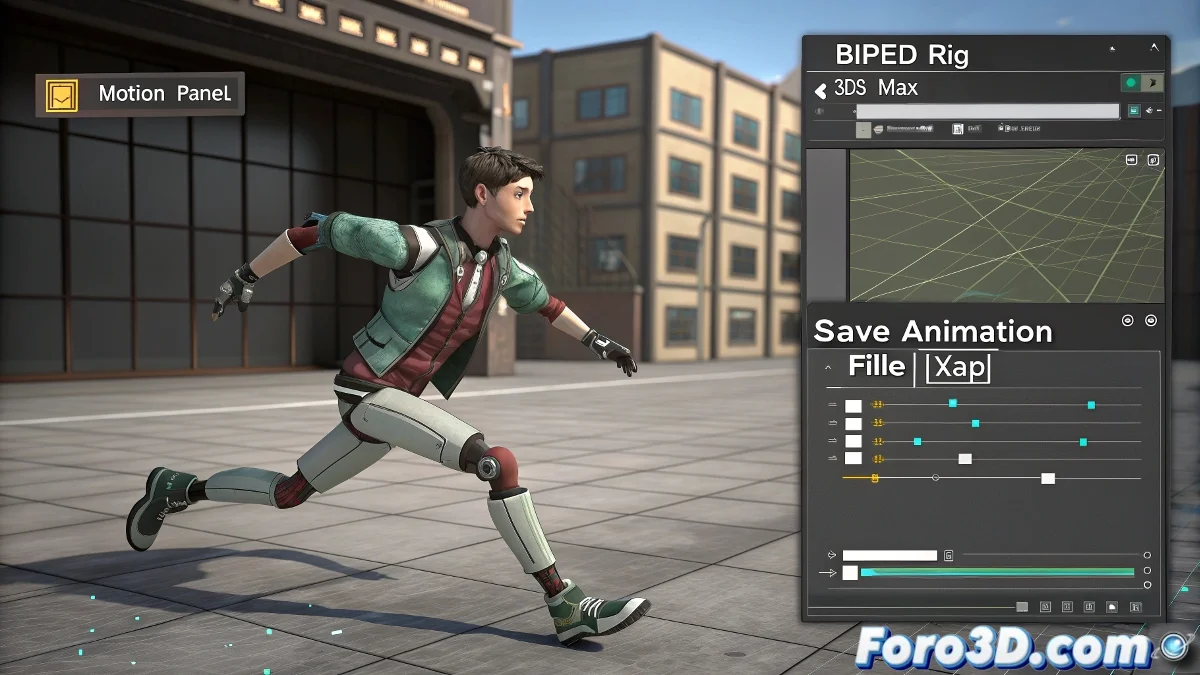
The Art of Translating Animations into Biped's Language
When your animations prefer to speak languages other than 3ds Max's native XAF, you need to become a true digital polyglot. This exclusive format of the Biped system is like the Latin of 3D animation: powerful, specific, and sometimes frustrating to master. 🏛️
Why Changing the File Extension Isn't a Solution
Trying to rename an .fbx file to .xaf is like putting a champagne label on a soda: the content remains the same even if the wrapper says otherwise. For a real conversion you need:
- Correctly interpret the original animation data
- Reassign the controls to the Biped system
- Export in the format that 3ds Max understands as valid animation
The Professional Path for Clean Conversions
A wise animator once said: "I'd rather redo 100 frames than debug a bad conversion"
The ideal workflow involves:
- Importing the original animation into intermediate software
- Applying it to a temporary compatible rig
- Exporting in a universal format (usually .fbx)
- Reorienting in 3ds Max using the Motion Panel
For this, your best allies are:
- Noesis: The universal translator for game formats
- Blender: The multipurpose bridge
- Specific plugins depending on the original format
When the Biped Dances to the Wrong Tune
If after conversion your character seems to be at a rave party instead of performing the planned animation, try these adjustments:
- Check the time scale between software
- Review the bone orientation
- Apply smoothing filters to the animation curve
And remember: if all else fails, you can always say it's an artistic interpretation of the original animation. After all, what would 3D animation be without a bit of controlled chaos? 🕺💥