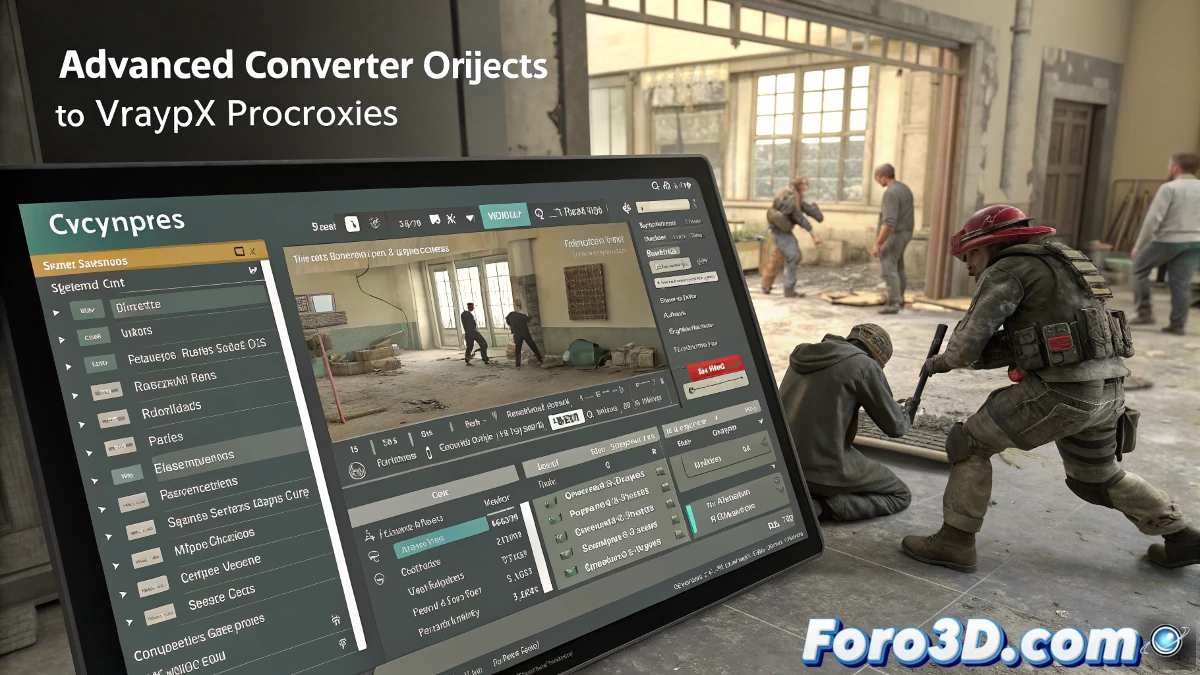
A new script for 3ds Max simplifies the conversion of objects to VrayProxies, automatically generating .mat files with their materials and preview thumbnails. This tool optimizes the workflow by automating the creation of material files and previews, allowing for better organization of assets within the project.
Conversion of Objects to VrayProxies with Materials
The script converts the selected objects into VrayProxies and saves their materials in .mat files. Additionally, it generates preview thumbnails with two options:
- Rendered thumbnails, with optimized lighting to highlight details.
- Thumbnails captured from the viewport, ideal for a quick view of the model.
If the objects are already VrayProxies, the script will generate the material files and copy the proxies to the destination folder without needing additional conversion.
Advanced HDRI Lighting Options
To improve the quality of rendered thumbnails, the tool allows loading an HDRI file that provides more realistic reflections and lighting. Controls for saturation and intensity of the HDRI are included. If no HDRI is selected, the render will be performed with standard white dome lighting.
Customization of Background in Viewport Captures
Thumbnails generated from the viewport can have different backgrounds depending on the view settings in 3ds Max. To facilitate adjustment, the script includes a quick access button to the background settings, allowing easy modification.
Automated Management of Paths and Bitmaps
The script allows obtaining the output folder based on the paths of the bitmaps used in the selected objects. It also offers the option to collect and relocate all textures into a folder called Maps, located within the VrayProxies directory.
Creation of Thumbnails and Management of Existing Proxies
In addition to generating thumbnails when converting objects to VrayProxies, the tool offers two additional functions:
- Creation of thumbnails from existing proxies, as long as they have the .mat files in the same folder.
- Generation of thumbnails from selected objects, whether they are VrayProxies or standard geometry.
Both options allow choosing between thumbnail renders or direct captures from the viewport.
Bulk Import of VrayProxies with Materials
The script includes the option to import multiple VrayProxy files with their assigned materials. All imported objects are organized into a layer called Imported_VrayProxy, positioning them equidistantly at the scene origin.
An Essential Tool for VrayProxies Management
This script represents an efficient solution for managing VrayProxies in 3ds Max, facilitating conversion, material generation, texture organization, and thumbnail creation. Its integration of HDRI lighting and process automation make it a key tool for optimizing asset management in architectural visualization and 3D design projects.
"You can find more information here. The direct download is available here."