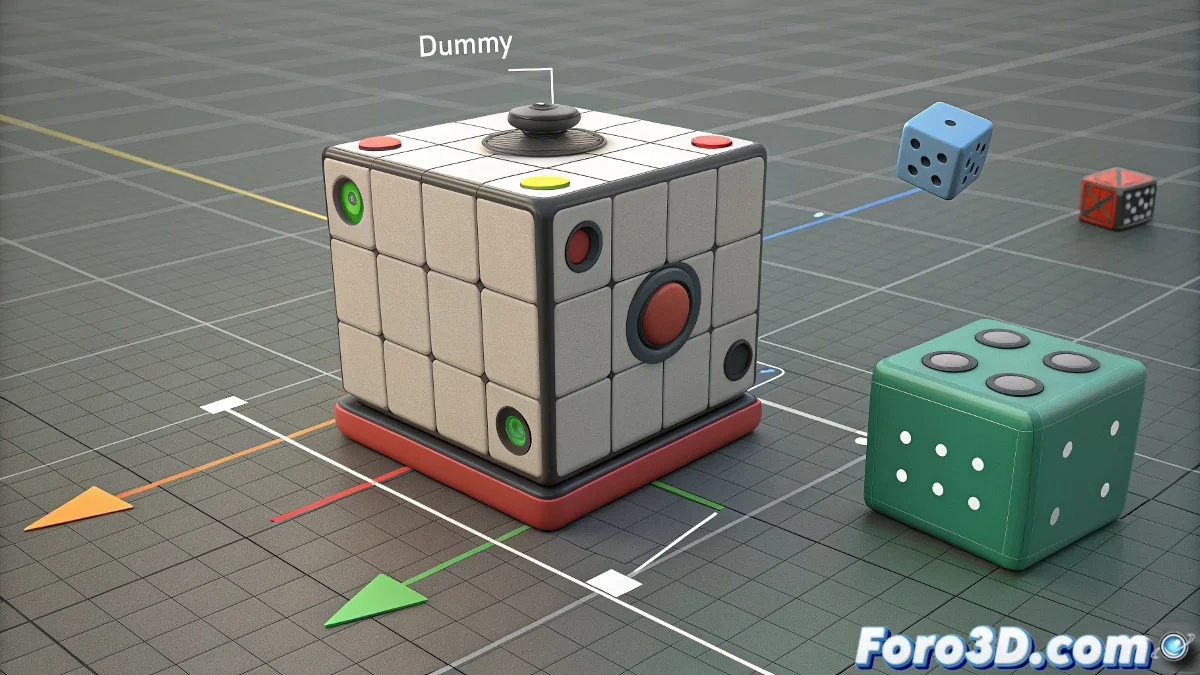
When Your 3D Object Wants to Be an Olympic Gymnast 🤸
3D Animation 101: if your object insists on spinning like a top in a nightclub, you probably need to control its movements better. Rotation on multiple axes can turn your model into a figure skating star... even if that's not exactly the effect you were going for.
The Art of Taming Rebellious Rotations
In the 3D world, every object comes with its own rotation coordinate system, like a teenager with their own value system. The problem arises when you want it to rotate on more than one axis simultaneously. This is where helper objects come in, the true unsung heroes of animation.
"A Dummy in 3ds Max is like that friend who's always willing to help you move furniture: they do the heavy lifting without complaining."
Steps for Controlled Rotation (and Not a Spinning Chaos)
- Create your support team: Add a Dummy or Point Helper to the scene. Think of it as your object's personal trainer.
- Establish the hierarchy: Link your original object to the helper, creating a parent-child relationship healthier than in many soap operas.
- Divide and conquer: Assign different rotation axes to each element to achieve the desired compound movement.
- Trial and error: If your object starts dancing the Macarena, check the rotation order in the properties. 🕺
The Dreaded Gimbal Lock and How to Avoid It
This phenomenon occurs when two axes align and your object loses a degree of freedom, like when you run out of arguments in a discussion. To avoid it:
- Check the Rotation Order in the object's properties
- Experiment with different axis sequences
- Consider using quaternions if your software allows it
Remember that in 3D animation, as in life, sometimes less is more. If your model is spinning as if it had a vertigo attack, maybe it's time to simplify. After all, not even the best dancers do pirouettes on all three axes at the same time... unless they're in a Marvel movie. 🦸
And now, if you'll excuse me, I'm going to try to get this virtual cube to stop spinning as if it were in a centrifuge. Spoiler: I'll probably end up dizzy before the object does. 😵