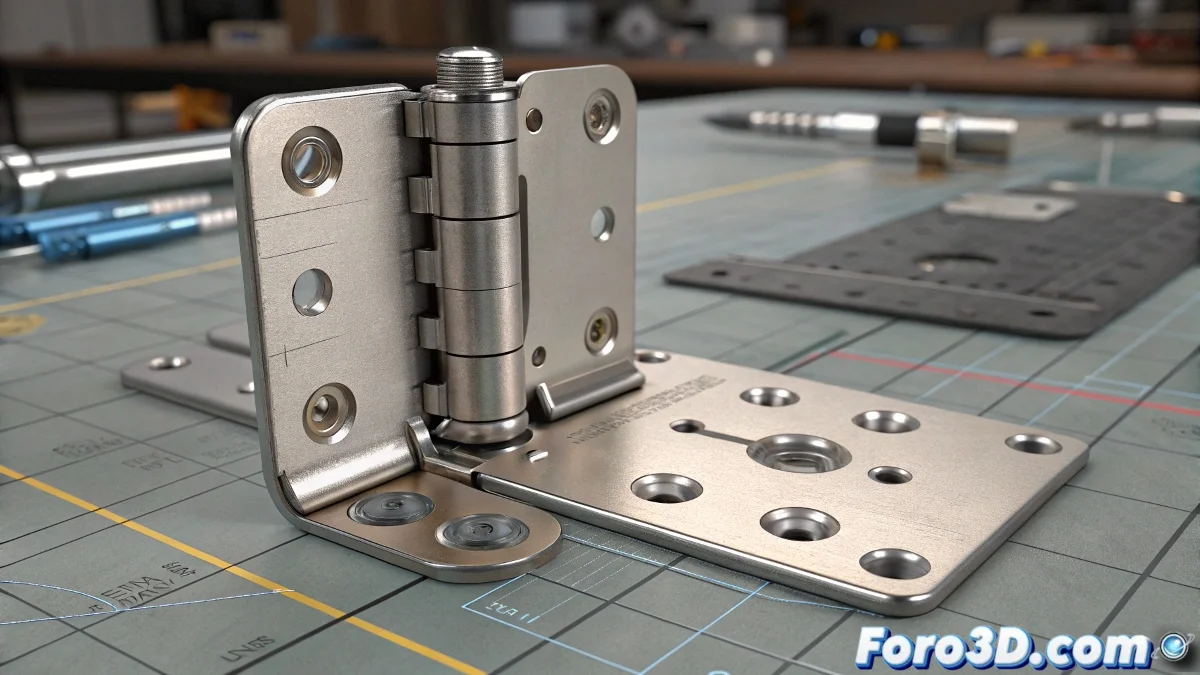
Controlling a Hinge with Basic Rigging in 3ds Max
When you face the task of creating a simple rig for an articulated hinge in 3ds Max, it can feel like you're fighting the software itself. The logic seems straightforward: a fixed part, a moving part, and a few position and orientation constraints. However, in practice, the matter can become more confusing than reading a poorly commented shader.
Setting Up Constraints for a Realistic Hinge
The typical problem when trying to rig a hinge is that, even if you use constraints like position constraint or orientation constraint, if you don't correctly define the pivots and hierarchies, the result will be more unstable than a 2k render with missing textures. For a functional setup, it's advisable to work with helper objects, such as dummies or points, to serve as intermediate controllers.
First, make sure the fixed part of the hinge has its pivot properly placed on the desired axis of rotation. Then, for the moving part, adjust its pivot exactly on the same axis. This makes it easier for the hinge to rotate correctly without drifting through space as if you were animating a puppet with a fever. It's as if each pivot were a little anchor keeping everything in place! ⚓
Suggested Steps for an Effective Rig
- Place a dummy as a master controller: On the axis of rotation.
- Apply a position constraint: To fix the moving part to the dummy.
- Use an orientation constraint: To link the dummy's orientation to the moving part.
- Animate the dummy: On the rotation axis to achieve the hinge effect.
If you want more control, you can even link the dummy to a custom attribute controller or use a wire parameter to add limitations to the rotation angle.
Additional Tips and Little Tricks
If you want cleaner control for animation in production or vfx projects, consider exporting this simple rig as an alembic file if you plan to take it to another software like Maya or Blender. You can also optimize the rig by using script controllers to automate certain behaviors, such as limiting the opening range.
And remember: don't fall into the trap of using a lookat constraint expecting it to magically do the hinge's job for you. That will only end in a scene more broken than a poorly unwrapped uv.
Because, of course... who needs a professional rig when you can move the hinge by hand on every frame? After all... render time is infinite and clients love unpredictable results. But with these tips, you'll achieve a stable and functional rig! 😄