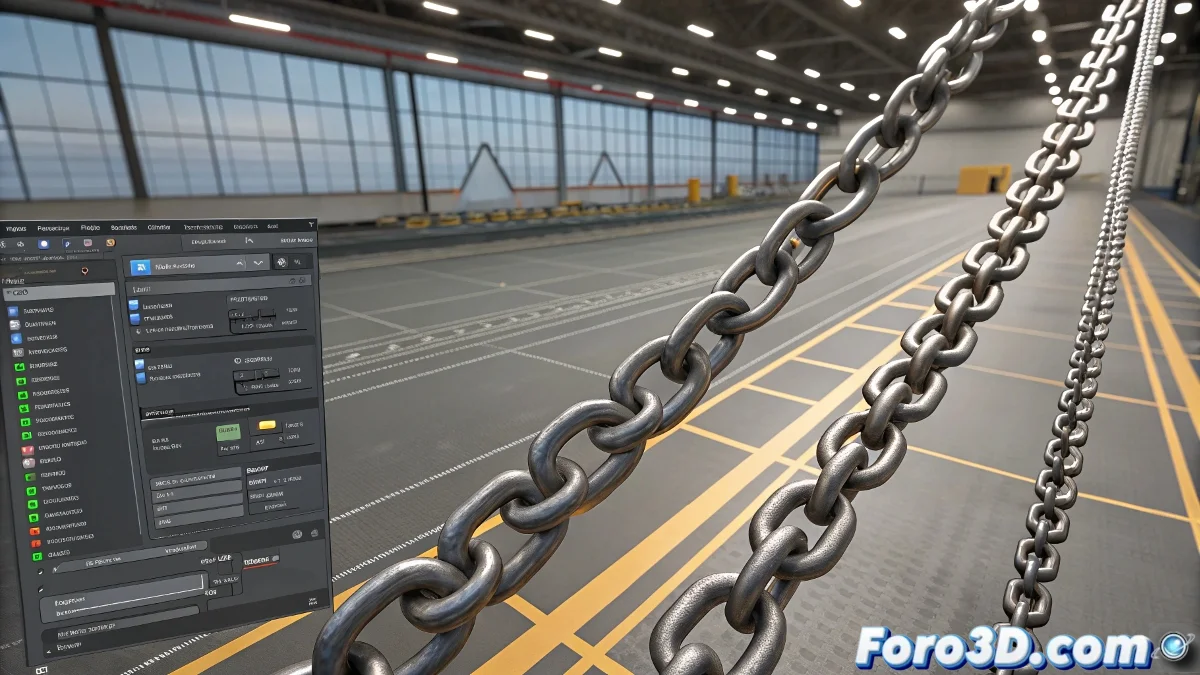
When Your Links Decide to Fly ✈️
Every 3D artist has lived through that traumatic moment: you set up a nice chain link simulation in Reactor, hit calculate... and poof! Your objects shoot off as if they've had ten coffees. The result? More like an explosion than a natural dispersion. But don't worry, there's a solution to this chaos.
Taming Reactor: Key Adjustments
To make your links behave like responsible adults and not like sugar-fueled children, focus on these parameters:
- Maximum Friction: Both on the ground and on the objects (no figure skating).
- Sensible Mass: Not too light (they'll bounce like balls) nor too heavy (they'll sit like bricks).
- Low Bounce Threshold: To limit those exaggerated bounces from small impacts.
- Additional Substeps: More calculations = fewer errors = fewer flying links.
A good Reactor simulation is like good tequila: it should go down smooth, not leave your head spinning.
Plan B: When Reactor Refuses to Cooperate
If after a thousand adjustments your links still behave as if they're in a nightclub, consider these non-physics alternatives:
- Use the Scatter modifier for random distribution
- Try plugins like Forest Pack (free version available)
- Apply manual rotations and scales with some variation
These methods will give you absolute control, although they'll require a bit more manual work. 🛠️
Conclusion: Links Under Control (More or Less)
With these tricks, you'll be able to achieve that natural link dispersion without your scene looking like the center of a nuclear war. And remember: when Reactor misbehaves, you can always threaten it with using manual methods. It works more often than you think! 😼
If you finally get it to work, congratulations. Now try it with 500 links... if you dare. 💥