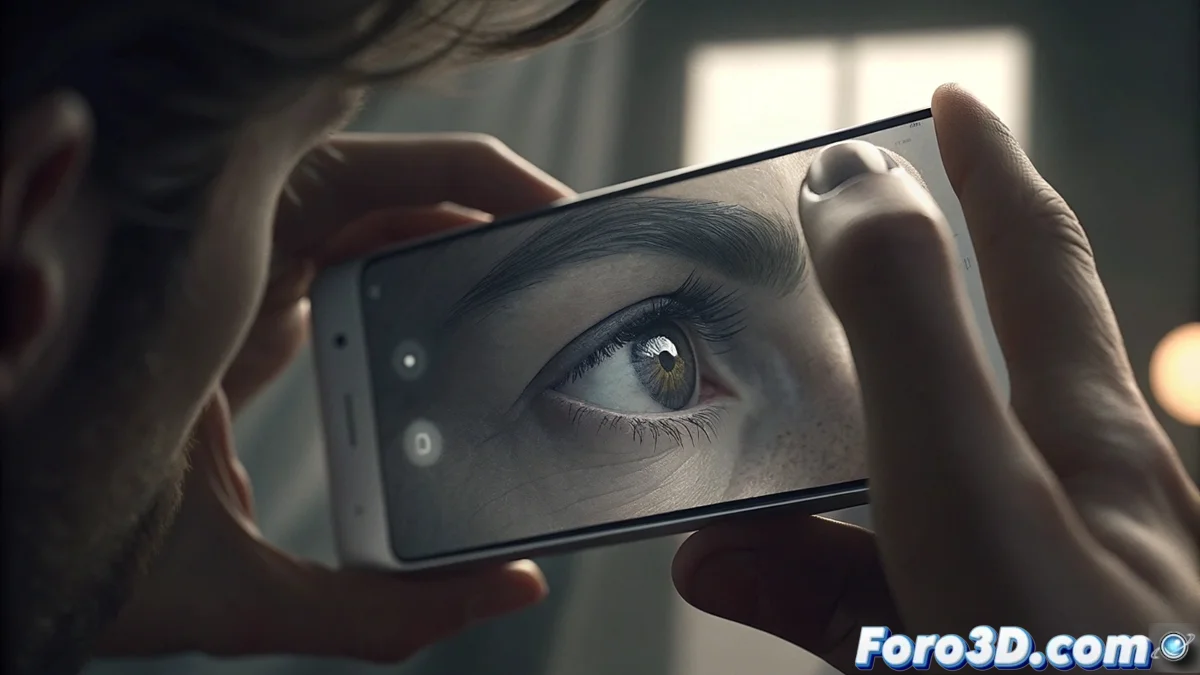
Control Focus and Exposure in Mobile Photography by Tapping the Screen
The camera built into your smartphone is a portable photography studio, full of features that many overlook. Going beyond automatic mode is key to creativity, and one of the most powerful tools is right at your fingertips: tactile control of focus and exposure. This manual method allows you to direct the visual narrative of each shot, ensuring sharpness and precise light where it matters most. 📱✨
The Power of a Simple Tap: Define Your Point of Interest
When you open the camera app, a small box or circle appears on the screen, indicating where the automatic system is measuring light and focusing. However, you can take control. By tapping any area of the live image, that indicator moves immediately. The lens readjusts to focus precisely on the newly selected point, making it the sharpest area of the composition. This is essential for portraits, where the eyes must be perfectly defined, or to isolate a foreground object from a softly blurred background, adding depth and professionalism instantly.
Key Advantages of Tap-to-Focus:- Creative Precision: You decide exactly which element of the scene will be the protagonist in terms of clarity.
- Dynamic Composition: Allows creating selective blurs (bokeh effect) even without a dedicated portrait mode, playing with depth of field.
- Focus Lock: By holding pressure on the selected point for a couple of seconds, you can "lock" the focus, which is ideal for recomposing the shot without the camera searching for an automatic point again.
Don't let the algorithm decide for you. A tap on the screen can transform a generic photo into an image with intention and narrative focus.
Master the Light with a Swipe: The Exposure Slider
Tactile control doesn't stop at focus. Right after tapping to focus, if you look closely, you'll see a sun icon ☀️ or a vertical bar next to the box. This is your manual exposure slider control. By swiping your finger up or down on the screen, you adjust the specific brightness for the area you just selected. This localized adjustment is a lifesaver in tricky lighting situations.
How to Use the Exposure Slider:- Swipe Up (+): Increases brightness. Perfect for lighting up a face in shadow, brightening details in dark areas, or correcting a silhouette in backlighting.
- Swipe Down (-): Decreases brightness. Ideal for recovering texture and color in an overexposed sky, adding drama to a scene, or creating more defined shadows with contrast.
- Strategic Combination: First tap to focus on your main subject, then swipe to adjust its exposure. This ensures it's well-lit, regardless of the background.
From User to Creator: Integrating Manual Control into Your Workflow
Adopting this technique is the first solid step to abandoning total dependence on automatic mode. It forces you to think like a photographer, evaluating the scene and making active decisions about what should stand out and how the light should look. Experiment by tapping different areas: the result of focusing on the foreground versus the background, or exposing for highlights versus shadows, can completely alter the story and mood of your image. Remember that this tool is designed to give agility and control to your creative process, allowing you to react and adjust in real time. The next time you pull out your phone to capture a moment, remember that the power to create a great photo, and not just take one, is literally at your fingertips. 🎯