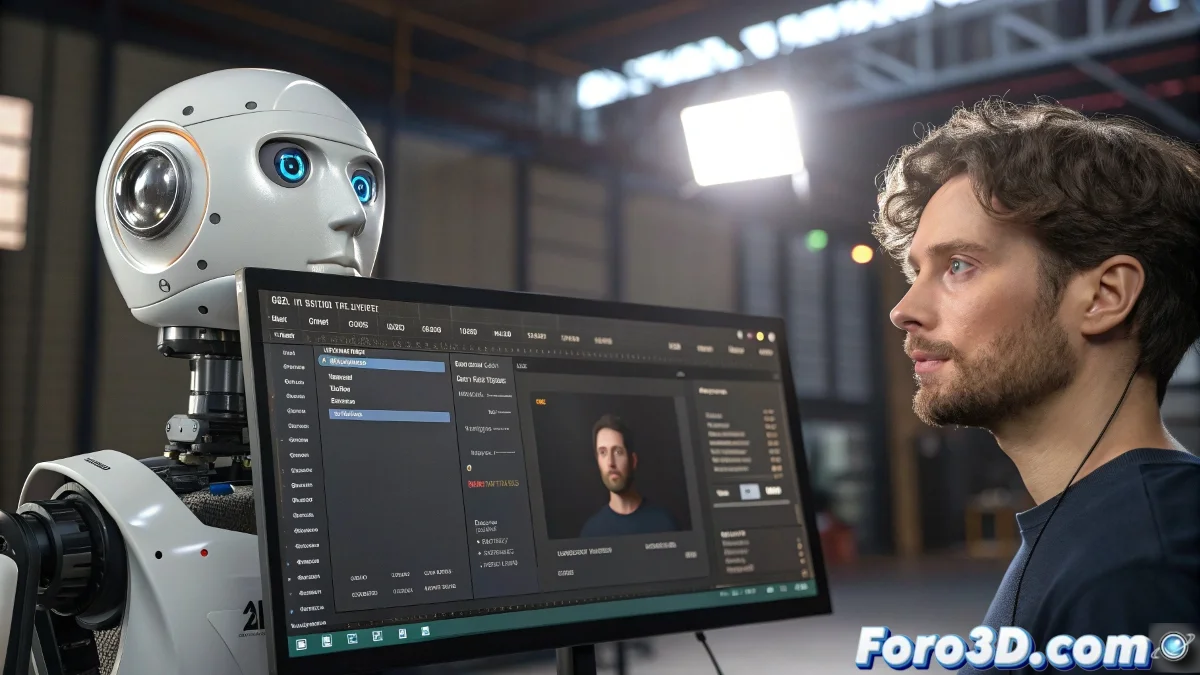
Connecting Face Robot with Webcam for Real-Time Animation
If you already master Face Robot in Maya 2024 and want to take it to the next level, connecting your facial animation to your webcam for real-time facial capture is an excellent idea. This will allow you to animate characters with your own expression instantly, ideal for demos, homemade motion capture, or streamings.
How to Link Face Robot with Your Webcam Step by Step
Face Robot does not have a native webcam function itself, but you can integrate external tools that transmit facial data in real time to Maya:
- Use Faceware Live: A facial capture software that converts your webcam expressions into data for Face Robot.
- Configure Faceware Live: To send the animation to Maya via a specific plugin.
- Alternatively, use iPhone with Face Cap or Live Link Face: To capture expressions and export FBX data or send it directly to Maya.
In Maya, import that data so the Face Robot rig animates in sync with your face. Make sure to correctly calibrate the camera and the base expression to avoid misalignments.
Tips for Better Results
- Use good frontal lighting: So the webcam or device captures your gestures well.
- Work with a clean facial mesh: And with an updated Face Robot rig so the deformations respond accurately.
- Check the integration tutorials: For Faceware and Maya 2024 to optimize the pipeline.
Did you know that some studios use this technique to animate characters live at events? So, if you start doing capture at home, who knows, your animated puppet might end up giving talks at conferences!