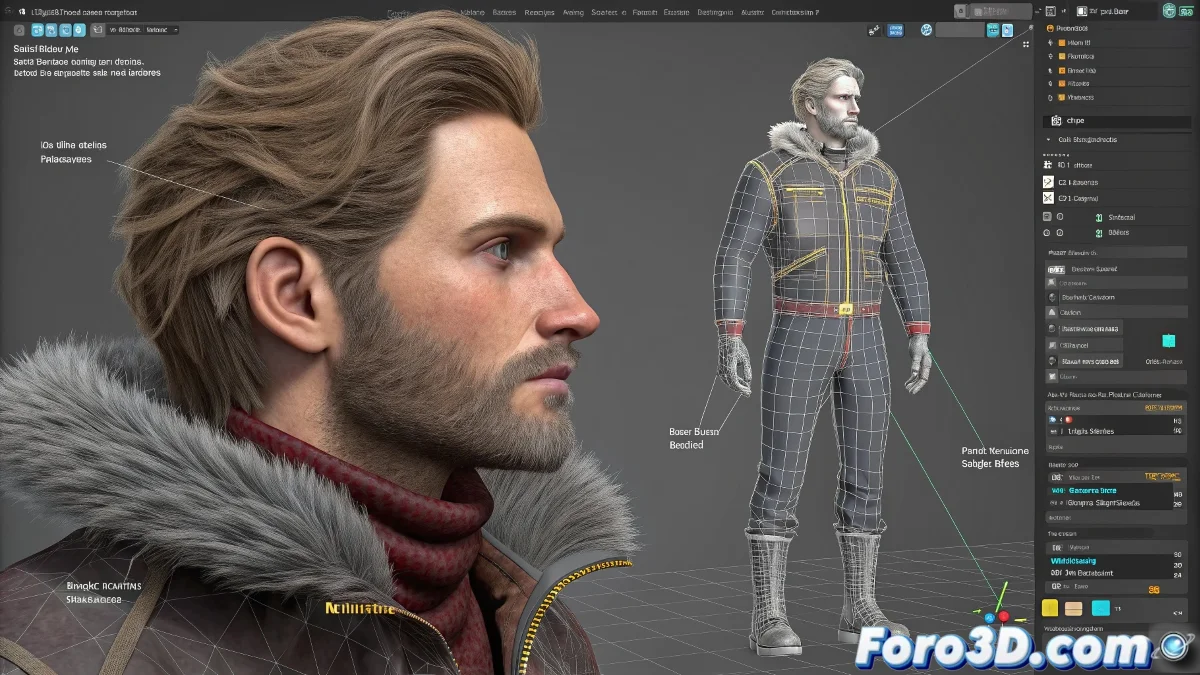
The art of rigging complete characters in 3ds Max
Do you need to create a professional rig for characters with clothing and hair? Discover how to combine skinning techniques, physics simulations, and dynamic systems to achieve realistic and expressive animations.
"A good character rig is like a custom-tailored suit: it must fit perfectly and allow natural movement"
1. Base skeleton setup
Optimal structure for humans:
- Use Biped for quick base or create custom bones
- Add IK/FK controls for limbs
- Include secondary bones for:
- Torso deformation
- Facial joints
- Clothing movement
2. Professional clothing rigging
Method 1: Traditional Skin
- Apply Skin Modifier to each garment
- Assign same bones as the base body
- Use Skin Wrap for fitted garments
Method 2: Cloth Simulation
- Perfect for:
- Loose garments
- Skirts/capes
- Dynamic elements
- Set up collisions with body
- Adjust stiffness and damping
3. Advanced hair systems
Dynamic option: Hair and Fur
- Apply Hair and Fur modifier
- Define styling guides
- Set up dynamics:
- Gravity
- Collision with clothing
- Wind
Static option: Polygonal modeling
| Advantages | Key techniques |
|---|---|
| Greater artistic control | Use of alpha maps |
| Faster rendering | Layered modeling |
| Precise stylization | PBR texturing |
Implementation checklist
- ✅ Compatible topology: Meshes with deformation loops
- ✅ Organized hierarchy: Groups by systems (body/clothing/hair)
- ✅ Range tests: Verify extreme poses
- ✅ Optimization: Detail levels as needed
On foro3d you'll find complete rigs for study. Because we've all had those characters that looked like rag dolls before mastering these techniques. 🧵✂️
Advanced troubleshooting
- Clothing penetration: Adjust collision margin
- Unnatural hair: Modify stiffness parameters
- Abrupt deformations: Add additional bones
- Slow rendering: Use proxies for simulations
As character TD veterans say: "The best rig is the one you notice when it's missing". Now go and take your characters to the next level of realism and control. 🎭