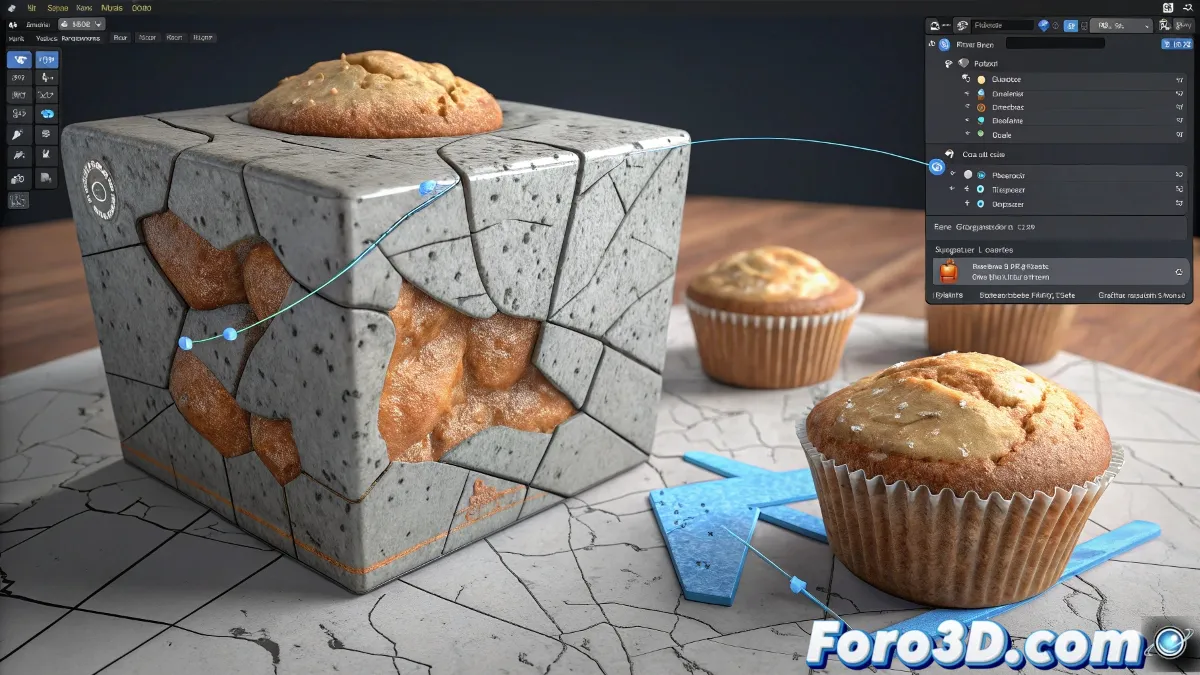
The baking process allows transferring complex details to simple models, optimizing performance without sacrificing visual quality.
Preparation of the 3D models
The workflow requires two versions of the same object:
- Base model (low poly): Optimized mesh for final use
- Detailed model (high poly): Version with subdivision and sculpted details
Essential UV setup
Both models must have properly unwrapped UV maps. To generate them:
- Select all faces in edit mode
- Use the smart uv project or unwrap tool
- Verify there are no overlaps
Preparations before baking
On the low poly model, you must:
- Create a new material
- Add an empty texture in non-color mode
- Select that texture without connecting it to the normal node
Baking process in Cycles
The fundamental steps include:
- Switch to render engine cycles
- Select normal map in the bake options
- Enable selected to active
- Select high poly first, then low poly
- Start the process with the bake button
Solution to common problems
The most common errors and their solutions:
- Missing UVs: Verify both models have UV maps
- Misalignment: Ensure the models share the same space
- Artifacts: Check distance between models and cage
Application of the final result
The generated normal map is connected to the normal map node and then to the main bsdf. This allows visualizing the high poly details on the optimized model.