Complete Guide to Drivers in Blender: Automation and Advanced Control
Drivers in Blender represent a powerful functionality that allows automatic control of any property's value through other properties, mathematical expressions, or Python scripts. This capability transforms the way complex relationships are created between different components of a scene, such as transformations, modifiers, or custom properties, eliminating the need for repetitive manual adjustments and ensuring coherent and precise movements. 🎯
Types of Drivers and Their Practical Applications
There are multiple types of drivers designed to cover various needs in animation and rigging projects. Drivers based on mathematical expressions use formulas to establish direct relationships, such as making an object's scale depend on another's position. On the other hand, drivers that employ Python scripts offer advanced control, ideal for implementing conditional logic, accessing external data, or handling situations that require greater flexibility. Additionally, these systems can manage transformations, modifier values, and even user-defined properties, making them extremely versatile for character rigging, animated mechanisms, or interactive simulations. 🔧
Main Categories of Drivers:- Mathematical Expression Drivers – Use formulas to relate properties directly and efficiently
- Python Script-Based Drivers – Allow implementing complex logic and access to advanced functionalities
- Transformation Drivers – Automatically control objects' location, rotation, and scale
The magic of drivers is revealed when a simple change triggers a perfectly coordinated chain of actions, although a poorly written expression can turn your creation into a chaotic dance.
Efficient Setup and Professional Recommendations
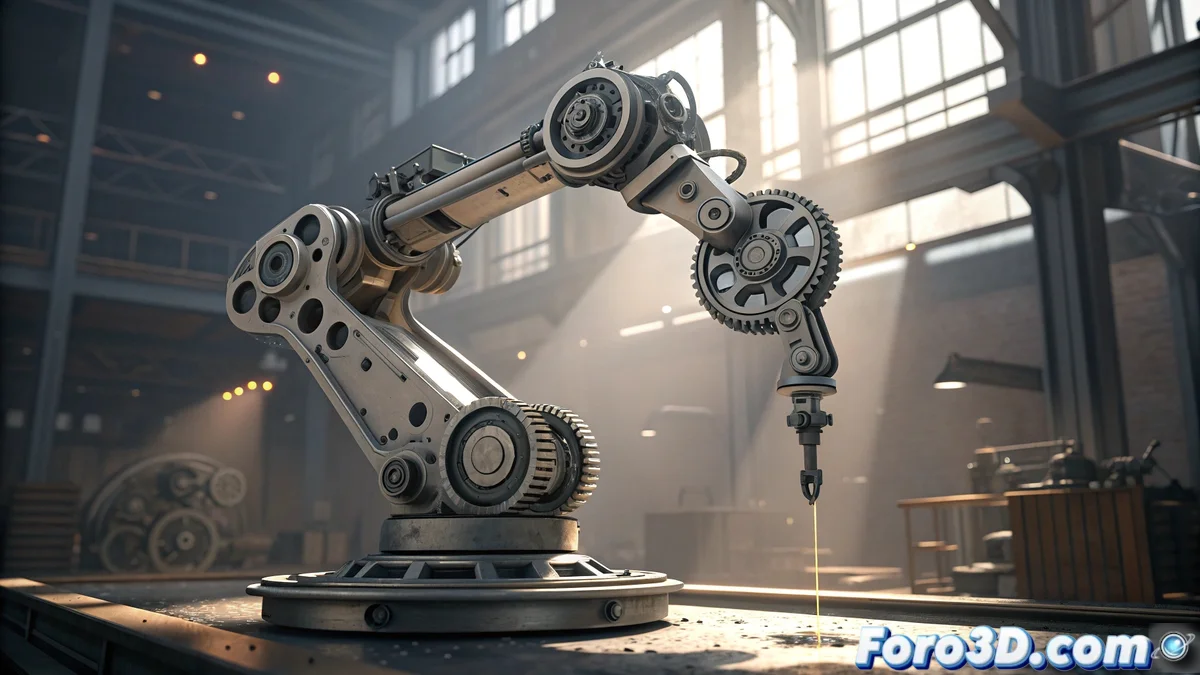
To set up a driver correctly, it is necessary to access the properties editor and assign it to the target property, defining the control source either through another property or a specific expression. It is essential to use descriptive names for variables and perform thorough testing in controlled environments to prevent errors. Drivers significantly simplify tasks such as creating bone systems that respond automatically or synchronized gear animations, saving considerable time and improving efficiency in highly complex projects. ⚙️
Essential Best Practices:- Clear Nomenclature – Assign descriptive names to all variables and drivers to maintain organization
- Iterative Testing – Verify expressions in controlled environments before implementing them in main projects
- Proper Documentation – Record the purpose and operation of each driver to facilitate future maintenance
The Balance Between Power and Caution
Drivers offer a level of control and automation that can seem magical, until an error in the expression turns your meticulously animated character into an unpredictable figure. This duality underscores the importance of deeply understanding their operation and applying solid practices of development. When implemented correctly, drivers become indispensable allies for any technical artist, enabling the creation of sophisticated animation systems that respond intelligently and consistently throughout the entire project. ✨