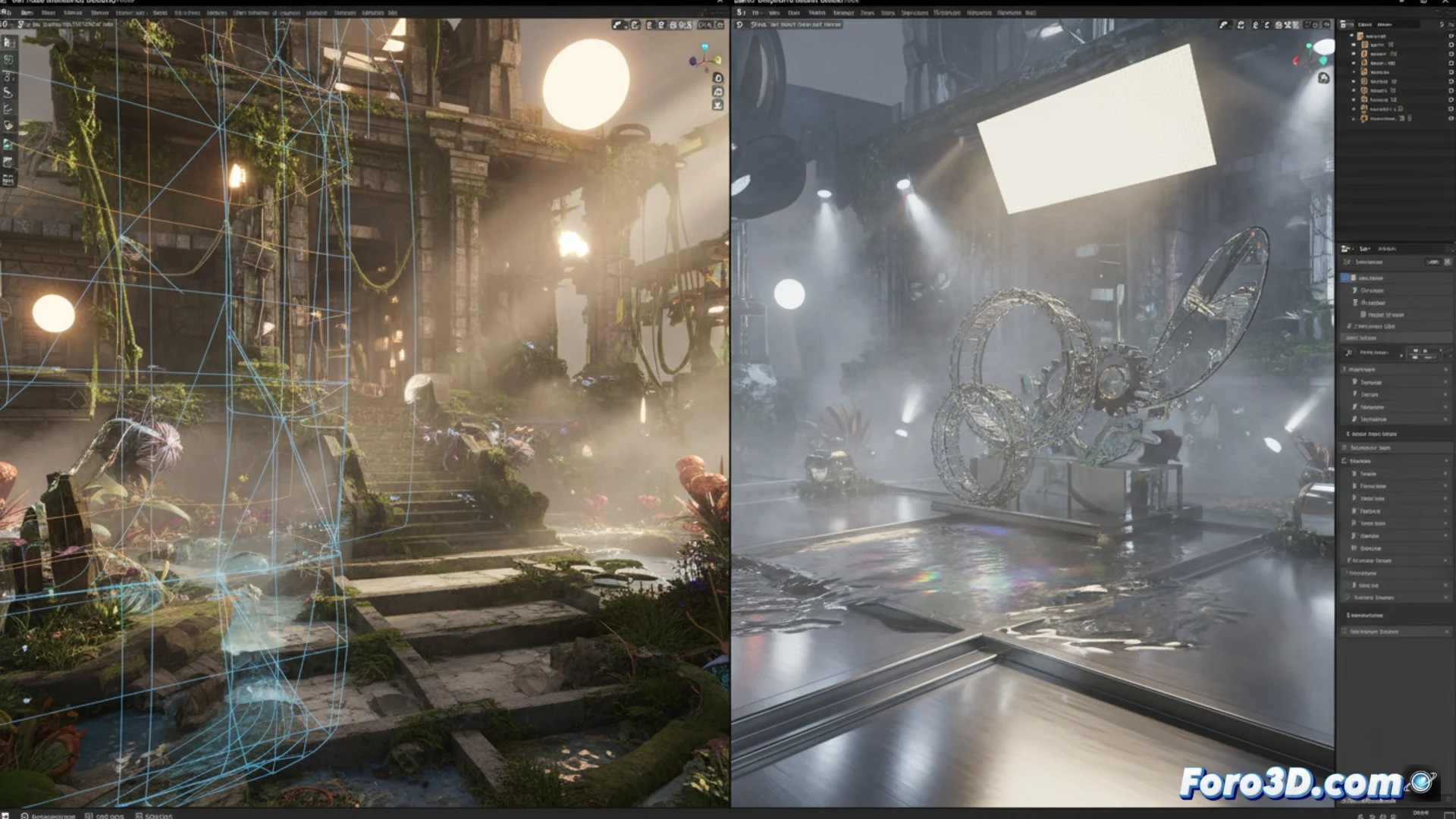
Comparing Render Engines for Complex Scenes: Cycles vs Maxwell Render
When working on projects with a lot of geometry and elaborate lighting effects, choosing the right render engine is key. Two powerful options, but with different approaches, are Cycles and Maxwell Render. One is part of the Blender ecosystem and the other is a standalone solution that seeks absolute physical fidelity. 🎨
Opposing Rendering Philosophies
The core of each engine defines how it handles light and materials. Cycles works as a ray tracing engine that uses path tracing and can be greatly accelerated with the GPU. Maxwell Render, on the other hand, is built on an unbiased engine that attempts to simulate the real behavior of light without shortcuts. Both can process meshes with many polygons, particles, and large texture maps, but the way they calculate the final results is very different.
Main features of each engine:- Cycles: Native integration in Blender, intensive use of graphics cards (NVIDIA OptiX, AMD HIP), nodes for creating shaders, and direct artistic control.
- Maxwell Render: Engine based on physical precision, material model that relies on measured data from the real world, and a lighting system that doesn't need manual adjustments to balance.
- Common point: Both require careful management of RAM and VRAM when using very heavy scenes.
The choice often comes down to deciding between waiting for the physical simulation to complete its work or manually adjusting parameters to speed up the process.
Physical Precision versus Artistic Control
This is the central axis of the comparison. Maxwell Render prioritizes accuracy in its simulation, which can mean that renders require less post-retouching, but at the cost of longer calculation times. Cycles, although also physically accurate, is designed to give the artist more control tools within the Blender interface, which directly affects how a scene is set up and the speed to obtain a clean image.
Impact on the workflow:- With Maxwell Render, the user trusts that the engine will calculate the light correctly, which can reduce adjustment time but increase render time.
- With Cycles, the artist has more immediate control over the final look, being able to optimize and "trick" the physics to achieve results faster.
- The total integration of Cycles into the Blender pipeline streamlines the entire creation process.
Evaluating Performance and Required Resources
In terms of speed and hardware usage, both engines leverage modern GPUs. However, Maxwell's commitment to precision can translate into higher calculation times to achieve a low noise level, especially in complex interiors or with many light bounces. Cycles, being optimized for an interactive workflow within Blender, usually responds better when the artist needs to iterate quickly. For any option, scenes with millions of polygons and 8K textures will demand a large amount of system RAM and VRAM. ⚙️