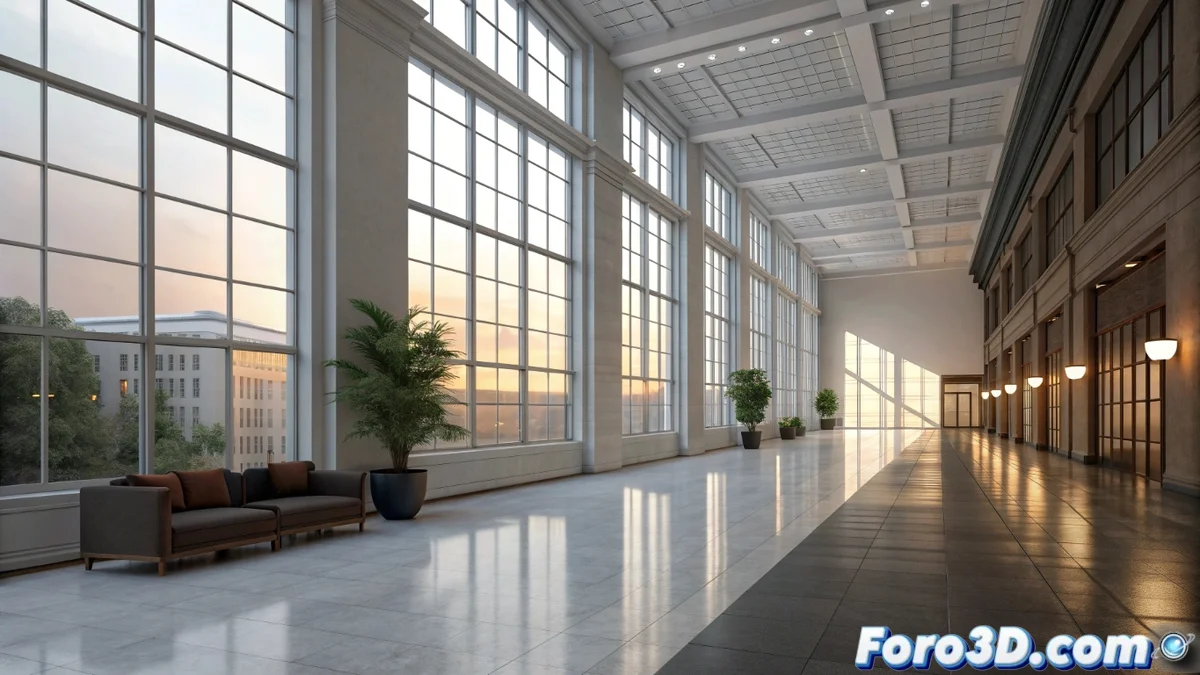
Comparing Lighting in Unreal Engine and Lumion for Archviz
To visualize architecture realistically, good lighting is essential. Two leading tools, Unreal Engine and Lumion, address this challenge with radically different working philosophies, which completely define the process and the final result that can be obtained 🏗️.
Fundamental Technical Approaches
The foundation of each engine explains its behavior. Unreal Engine uses a physical engine that relies on real-time ray tracing. This allows calculating how light behaves with a high level of accuracy. In contrast, Lumion works with an extensive library of predefined effects and an engine optimized for a single purpose: generating attractive images at extraordinary speed.
Key Differences in the Lighting Process:- Unreal Engine: Requires defining physical properties for each light source and using systems like Lumen to simulate dynamic bounces.
- Lumion: Allows applying atmospheres and complex effects, like a realistic sky or solar studio, with just a few clicks.
- The end user decides between technical depth or operational agility.
Setting up light in Unreal is a technical process; in Lumion, it is an act of visual selection.
Physical Control vs. Execution Speed
In Unreal Engine, the user has absolute control. They can adjust parameters like luminous intensity in lumens, color temperature in Kelvin, or the attenuation radius of a source. The Lumen system manages global illumination, creating precise reflections and soft shadows that update instantly. This rigor produces coherent realism, especially when materials respond physically to light.
Lumion sacrifices some of that physical control for incomparable speed. Effects like Real Sky or Spotlights are pre-optimized to deliver immediate visual impact. It does not simulate every light bounce, but the render is ready in minutes, which is ideal for presenting ideas on very tight deadlines.
Typical Use Scenarios:- Unreal Engine: Projects where extreme realism and physical coherence are paramount, such as high-end visualizations or interactive walkthroughs.
- Lumion: Quick concept presentations, renders for client approvals, or when speed is the decisive factor.
- A user can spend hours adjusting an HDRI in Unreal, while in Lumion a sunset preset and some fill lights resolve the scene.
Deciding Between Precision or Immediacy
The choice between both tools is not about which is better, but about what the project prioritizes. Unreal Engine offers absolute control over light behavior, ideal for those seeking a faithful physical simulation. Lumion provides immediacy and a simplified workflow, perfect for quick and high visual quality results. Understanding this dichotomy is key to selecting the right tool and optimizing the workflow in architectural visualization 💡.