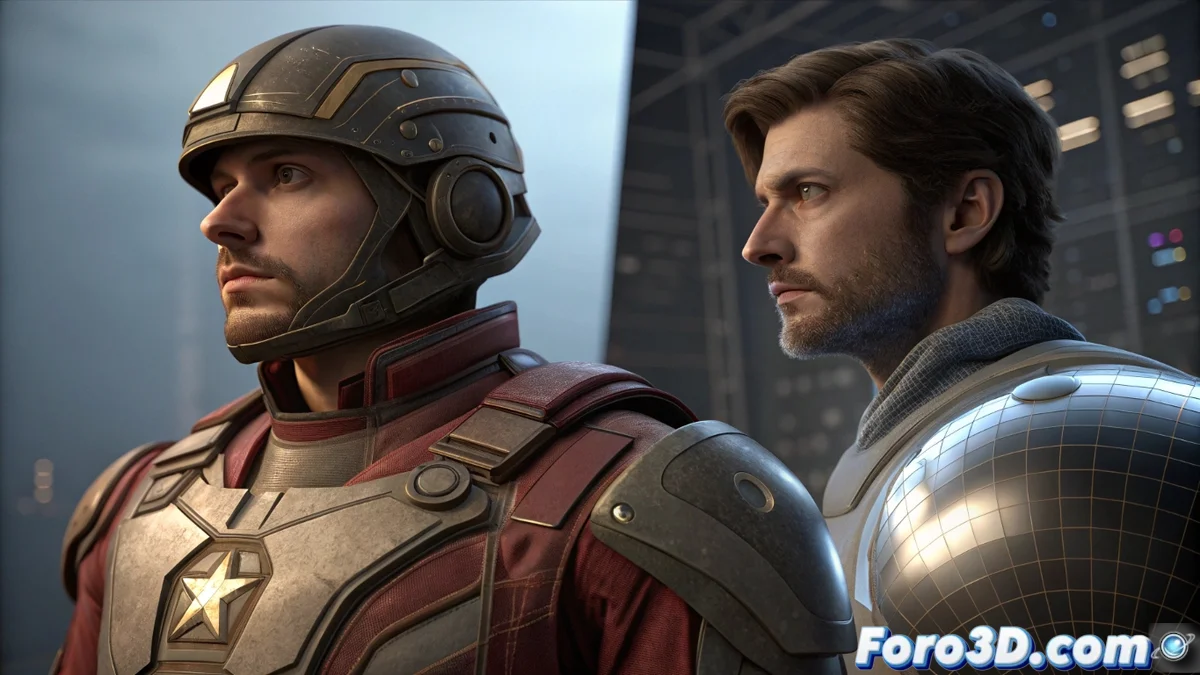
Comparing How to Light in Poser and Character Creator
In the 3D world, choosing how to light a scene defines the creative process. Poser and the combination of Character Creator with iClone represent two opposing philosophies: meticulous control versus visual immediacy. Understanding their differences helps select the ideal tool for each project. 💡
Poser's Approach: Precision and Rendering
Poser operates with an internal render engine that handles physical lights. Its node-based materials system allows adjusting each parameter in a traditional way. The artist sets intensity, color, and shadows, preparing the scene to render with methods like Iray or FireFly within the software itself.
Key Features of Lighting in Poser:- Internal render engine for total control over the final result.
- Node-based materials system for precisely adjusting how light reacts.
- Workflow centered on preparing and then rendering, ideal for high-quality static images.
An artist in Poser can spend hours adjusting a single light to make a material shine perfectly.
The Dynamics of Character Creator and iClone: Immediacy
Reallusion's suite integrates Character Creator with iClone for a more dynamic process. iClone stands out for its real-time lighting, using technology from engines like Unreal Engine. Changes are seen instantly, speeding up testing configurations. It supports HDRI and cinematic-type lights for a cinematic look directly in the preview.
Advantages of the Reallusion Ecosystem:- Immediate visual feedback while working, without waiting to render.
- Real-time lighting technology to preview complex scenes on the spot.
- Optimized workflow for animating and quick previews with a finished look.
Choosing Based on Workflow
The final decision depends on the goals. Those who prefer detailed control over every parameter for a final render may lean toward Poser. Those who value immediate feedback and a workflow oriented toward animating or iterating quickly will find advantages in Character Creator/iClone. Both paths lead to professional results, but the journey is radically different. In iClone, with one click the scene changes from day to night, challenging the artist to capture inspiration at the speed of light. ⚡