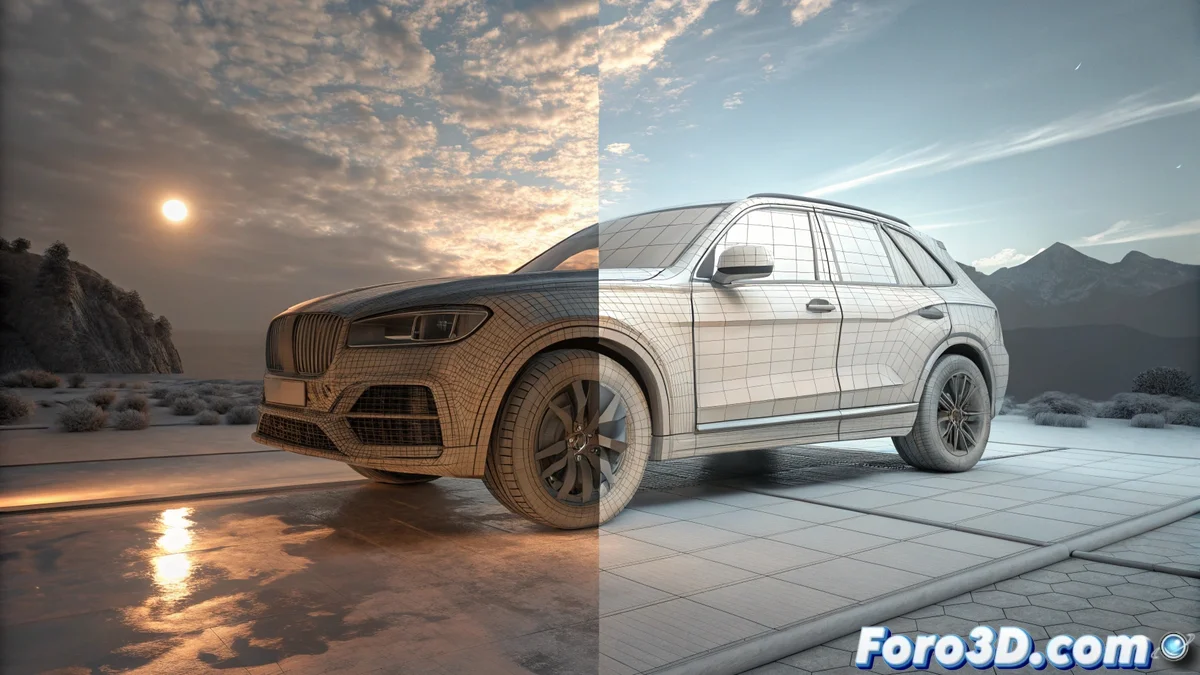
Compare Solidworks Visualize and Keyshot for Lighting
When rendering 3D designs, two engines stand out for their physical accuracy in simulating light: Solidworks Visualize and Keyshot. Although both seek realism, their interface philosophies and workflows diverge notably, marking distinct paths for the user. 🎯
Opposite Approaches in Integration and Access
Solidworks Visualize operates as a natural extension of the CAD environment, allowing model updates and scene adjustments directly without leaving the flow. In contrast, Keyshot functions as a standalone application that imports files from multiple sources, standing out for its vast integrated library of materials and ready-to-use environments from the first moment.
Key Differences in the Work Base:- Visualize: Bidirectional connection with Solidworks. Changes in the CAD model are reflected instantly in the render scene, preserving light and camera settings.
- Keyshot: Platform independence. Supports a wide range of 3D file formats and focuses its power on a visual drag-and-drop workflow.
- Libraries: Keyshot includes a more extensive collection of HDRI and predefined materials, while Visualize is oriented toward technical resources for product presentation.
The choice between deep CAD integration or speed with integrated libraries defines the ideal tool for each professional.
Methods for Setting Up Lighting
Managing light is where their differences are most noticeable. Visualize organizes lighting through preconfigured scenes and a studio lights system that the user modifies. Its engine processes light realistically, although its HDRI library may feel more limited.
Features of Each Lighting System:- Visualize: Prioritizes control and precision for iterating designs. Ideal for technical presentations where fidelity to the CAD model is crucial.
- Keyshot: Relies on global illumination and high-resolution HDRI environments. The user drags and drops elements to see results in real time, prioritizing speed to achieve photorealism without complex light setups.
- Result: Keyshot seeks immediacy and rich atmospheres; Visualize, accuracy and an integrated flow in the design process.
Decide Which Engine Fits Your Needs
A user accustomed to Visualize may miss the immediacy and vast libraries of Keyshot. On the other hand, a Keyshot user may perceive the lack of direct integration with their modeling software. In the end, choosing depends on whether you value a workflow directly linked to your CAD modeling more or prefer speed and integrated resources to produce photorealistic renders quickly. The key is to identify which aspect accelerates your creative process the most. 💡