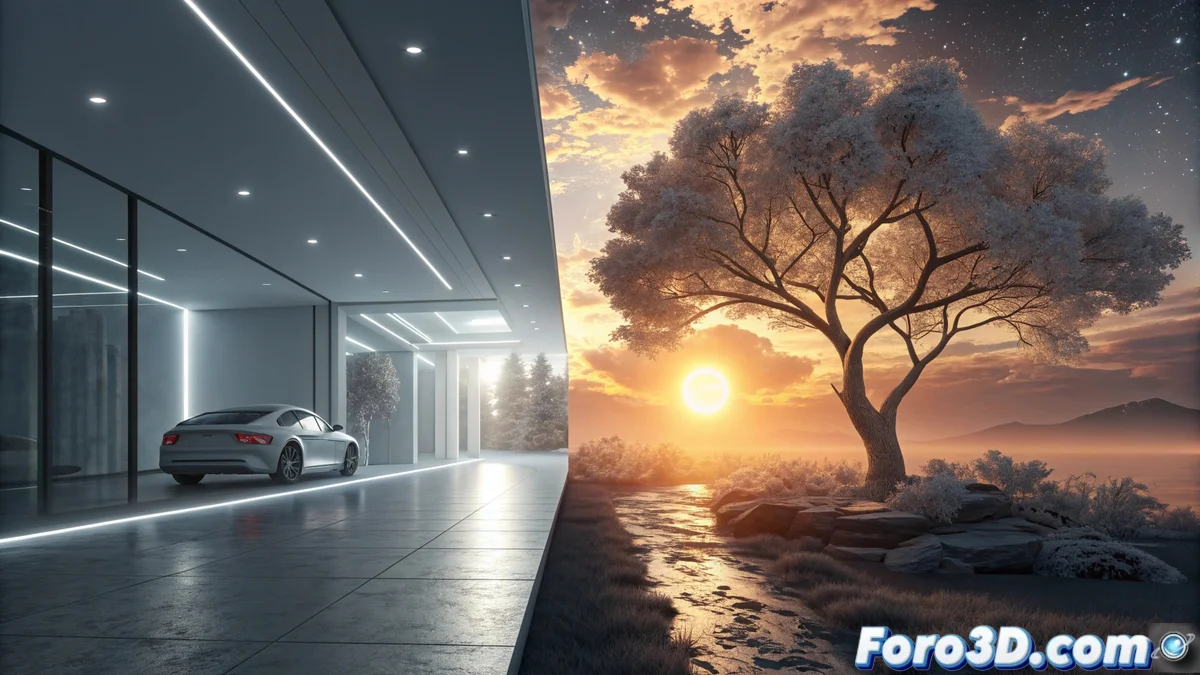
Comparing How to Light in Redshift for Cinema 4D and Karma for Houdini
In the world of 3D rendering, choosing how to light a scene depends greatly on the engine and its philosophy. Redshift for Cinema 4D and Karma for Houdini represent two distinct paths: one optimized for speed and the other designed for absolute control. Understanding their differences is key to optimizing your workflow. 🎯
Opposing Rendering Philosophies
Redshift works as a ray tracing engine that relies entirely on the power of the GPU. This allows for very fast iteration and efficient handling of complex scenes. Its lighting system is straightforward and integrates seamlessly into Cinema 4D's traditional environment. On the other hand, Karma is Houdini's native engine, available as Karma CPU and Karma XPU (hybrid). Its priority is physical accuracy and total integration with Houdini's procedural paradigm, where each light can be created and manipulated via nodes.
Main Features of Redshift:- GPU-based engine for maximum preview speed.
- Optimized lighting system that calculates global illumination and shadows quickly.
- Seamless integration with the 3D viewport and Cinema 4D's standard tools.
While Redshift makes you wait less, Karma sometimes makes you think more about how to connect nodes to turn on a simple light bulb.
Speed Focus versus Procedural Control
In Redshift, the artist adjusts parameters like intensity, color, and shadows in near real-time. Lighting is managed intuitively, often from the 3D viewport, speeding up the creative process. It's ideal for those who need quick results without sacrificing quality. In contrast, Karma treats light as another element within Houdini's node graph. This allows creating complex lighting systems that link to simulations or procedurally generated geometry.
Main Features of Karma:- Light is just another element within Houdini's procedural node graph.
- Karma XPU uses CPU and GPU to balance physical fidelity and speed.
- Detailed handling of area lighting, materials, and light scattering (subsurface scattering).
Choosing the Right Tool
The decision between using Redshift or Karma is not just about the engine, but about the entire workflow. If your priority is to iterate quickly within an environment like Cinema 4D, Redshift is the most direct option. If you're seeking extreme control, where lighting can be animated and generated procedurally within Houdini, Karma offers that power. Both are powerful, but they serve different creative needs. 🚀