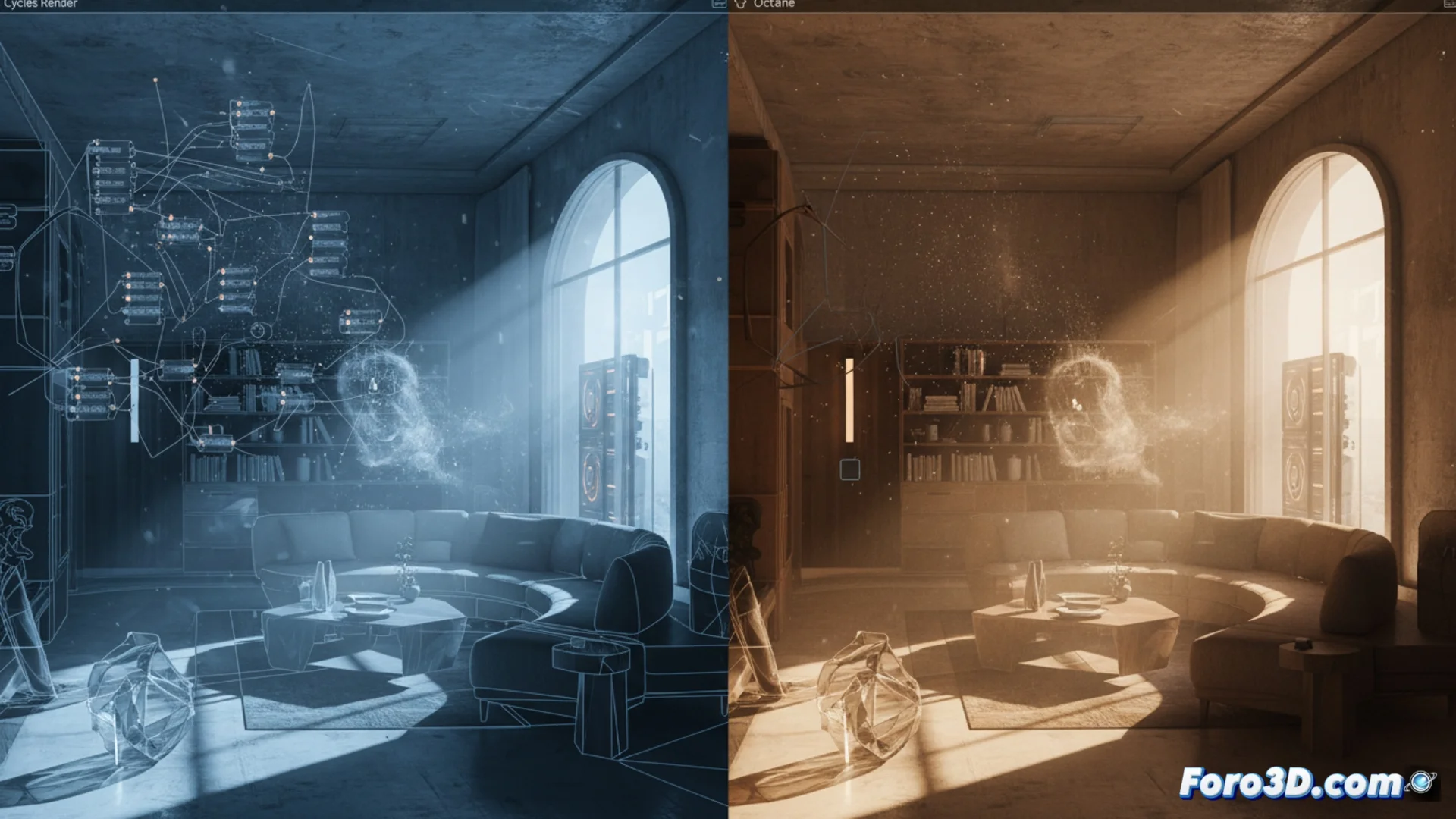
Compare How Cycles and Octane Render Work in Complex Scenes
When working with demanding 3D projects, the Cycles and Octane Render engines present opposing rendering philosophies. One is integrated into Blender and the other works as an external solution, which defines how they handle dense geometry, many materials, and elaborate lighting systems. The final decision usually pivots on the workflow, the hardware you have, and the project objectives. 🚀
Cycles: Physical Accuracy with Path Tracing
Cycles calculates lighting by simulating the journey of photons, which generates images with very high physical accuracy. In scenes with a large number of polygons and lights with soft shadows, it may need more time to eliminate image noise. Its native integration with Blender allows seamless use of nodes, modifiers, and simulations. To optimize, you can adjust light bounces, use irradiance maps, or enable denoising algorithms. It works on both processors (CPU) and graphics cards (GPU), although its performance is usually higher on NVIDIA GPUs thanks to OptiX technology.
Key Features of Cycles:- Uses path tracing to simulate light physically.
- Is fully integrated into Blender, making it easy to use all its tools.
- Can run on CPU and GPU, with an advantage on NVIDIA GPUs with OptiX.
Choosing between these engines is like deciding between a scalpel and an axe: both cut, but the precision and effort change depending on the task.
Octane Render: Speed and GPU Workflow
Octane Render processes all scene information directly in the graphics card memory (VRAM). This allows previewing changes almost instantly, creating a very interactive workflow. It handles effects like volumes, subsurface scattering (SSS), and thousands of light objects with great fluidity. Its main limitation is the amount of video memory; if the scene exceeds the available VRAM, the render stops. It offers advanced AOV (Arbitrary Output Variables) channels for compositing and connects to various modeling programs via plugins. Its licensing model is paid, unlike Cycles, which is free and open-source.
Defining Aspects of Octane Render:- Uses real-time ray tracing and relies exclusively on the GPU.
- Preview is extremely fast, ideal for iterating.
- Its main limit is the graphics card's VRAM.
Which One to Choose for Your Project?
The choice between Cycles and Octane Render is not universal. If you prioritize perfect integration within Blender, zero cost, and detailed control over the physical process, Cycles is the solid option. If your workflow needs immediate response, you have powerful GPU hardware with lots of VRAM, and the budget allows it, Octane Render can drastically speed up your production. In the end, evaluating the specific needs of complexity, time, and resources will guide you to the most effective tool. ⚖️