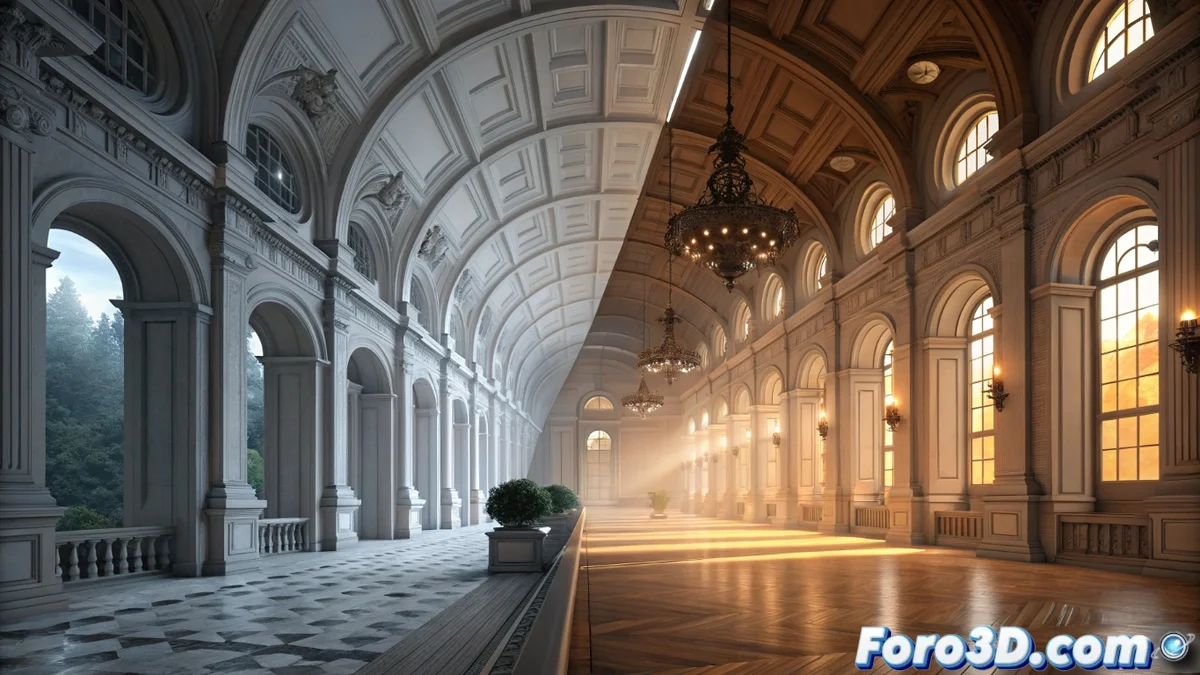
Compare How Blender Cycles and 3ds Max with V-Ray or Corona Light
Although Blender Cycles and the engines for 3ds Max like V-Ray or Corona are based on physical principles to simulate light, the way each one processes and calculates lighting varies significantly, affecting the workflow and render times. 🎨
Fundamental Calculation Methods
Cycles operates with a progressive ray tracing system. This means it follows the path of each light ray, calculating its bounces to achieve a physically accurate result. The counterpart is that it may need more samples to eliminate noise, especially in low-light scenes. On the other hand, V-Ray and Corona implement hybrid algorithms. They combine direct ray tracing with methods like the irradiance map or light cache, which precalculate and store indirect lighting. This technique usually makes rendering interiors with complex light faster.
Key Differences in Approach:- Cycles: Prioritizes physical accuracy per sample, which can extend the time to get a clean render.
- V-Ray/Corona: Optimize speed in interior scenes by reusing precalculated indirect lighting data.
- Architecture: Cycles is natively integrated into Blender, while V-Ray and Corona are highly specialized external engines for 3ds Max.
A physical simulation purist might debate whether a noise-free render in five minutes is art or an efficient shortcut, while their PC processes a scene with a hundred lights.
Workflow and Tools for the Artist
Controlling quality in each engine involves different parameters. In Cycles, the artist mainly adjusts the sampling and light bounces for each path type (diffuse, glossy, transmission). In V-Ray and Corona, control focuses more on setting the quality of the irradiance cache or light. Once this cache is precalculated, iterating with changes to the camera or objects becomes very agile, as indirect lighting is already resolved.
Lighting and Materials Features:- Cycles: Offers a unified workflow. Its Shader | Emission node creates light sources directly within the shading system.
- V-Ray/Corona: Include their own sets of materials and specialized lights. Both efficiently handle multiple area lights and support IES profiles and HDRI domes.
- Exterior Scenes: Both approaches achieve realism with sunlight and sky, although the parameters to balance sun intensity and ambient light differ.
Choose According to the Project
The decision between using Cycles or engines like V-Ray and Corona depends on specific needs. Cycles is a powerful and consistent option within the Blender ecosystem, ideal for those who value pure physical simulation and an integrated workflow. V-Ray and Corona, with their cache systems, can offer decisive speed advantages in commercial architecture or interior projects where render time is critical. Both paths are valid, and understanding their differences allows optimizing any 3D artist's workflow. ⚙️