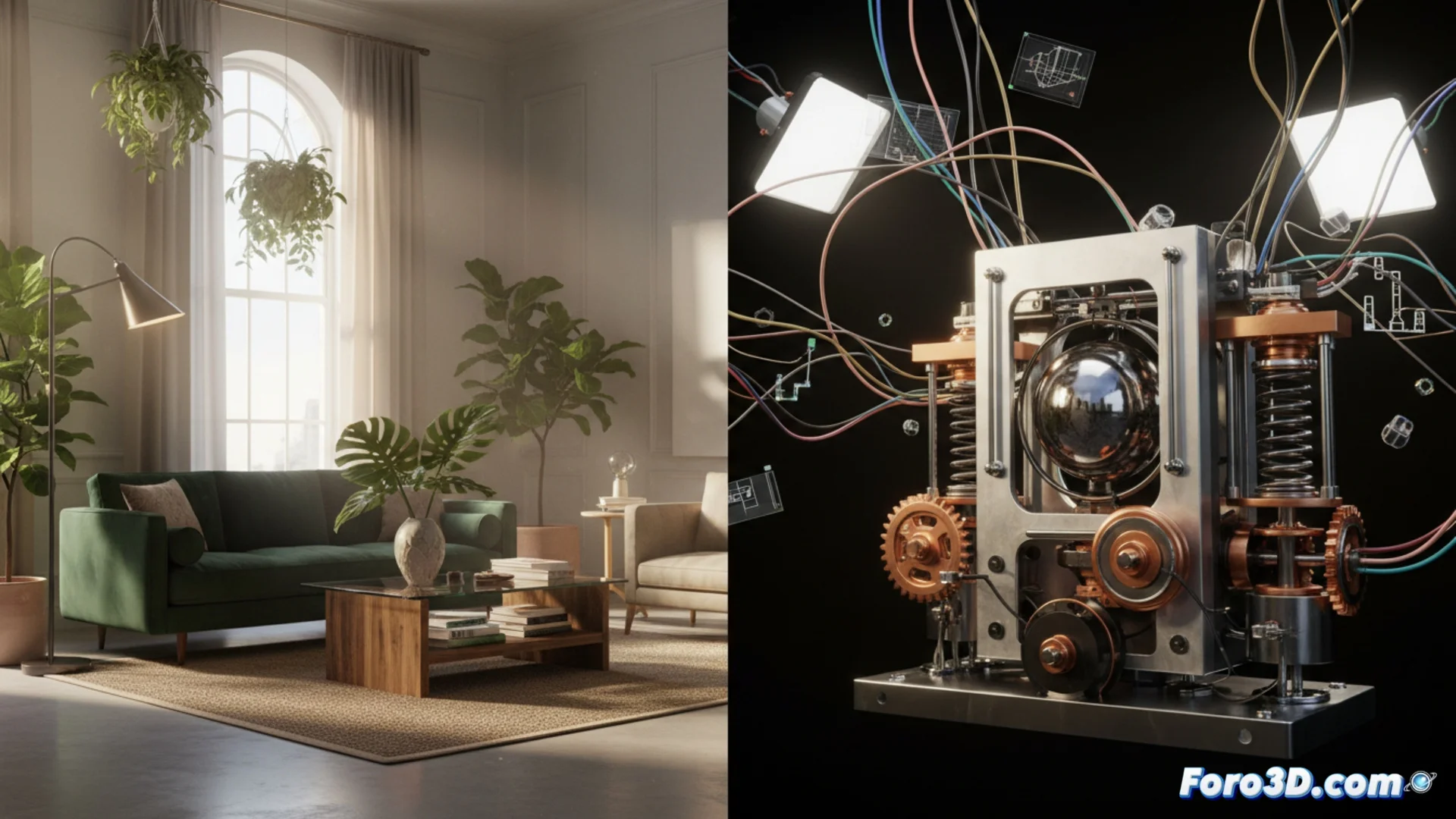
Comparing Cycles and V-Ray for Complex Scenes
When creating detailed scenes, it is common to evaluate different render engines. Two powerful options are Cycles, integrated into Blender, and V-Ray, a cross-platform external solution. Although both calculate global illumination and sophisticated materials, their philosophy and application vary significantly. Choosing one or the other directly influences how a project is developed 🎨.
Cycles: Integrated Physical Precision
Cycles is based on path tracing, a ray tracing method that simulates the physical behavior of light. This produces highly realistic images, especially when working with surfaces like metal, glass, or organic tissues. Its native integration in Blender allows for quick iteration within the same environment. To handle dense geometry, it is key to optimize using instances and adjust the number of light samples. In interiors with many light sources, it may need more time to reduce image noise ⏳.
Main Features of Cycles:- Ray tracing engine with path tracing integrated into Blender.
- High physical realism results, ideal for reflective and translucent materials.
- Depends on optimizing the scene (geometry, instances) to render quickly in complex projects.
A render that never ends tests the artist's patience more than the power of their equipment. Sometimes, the best setting is a fresh coffee while the machine processes.
V-Ray: Hybrid Strategy and Cross-Platform
V-Ray adopts a hybrid approach, combining ray tracing with algorithms like irradiance map and light cache. This tactic can greatly accelerate the process in complex architectural scenes by reusing lighting data between frames. Its toolbox is extensive, with lights and materials specific to architecture and visual effects. Being an independent engine, it works in multiple applications (3ds Max, Maya, etc.), facilitating work across several programs, although it requires learning its specific workflow in each one 🔄.
Key Aspects of V-Ray:- Combines multiple algorithms (irradiance map, light cache) to speed up rendering, especially in interiors.
- Extensive set of specialized tools for architectural visualization and VFX.
- Cross-platform engine that integrates into different 3D software, favoring mixed pipelines.
How to Choose the Right Engine?
The final decision does not depend solely on raw speed. The main workflow must be considered: Cycles is ideal for those who work exclusively in Blender and value total integration. V-Ray is more suitable for studios that use multiple programs or need the specific tools it offers. The type of project (static architecture vs. animation with VFX) also determines which engine can best optimize time and resources. In the end, knowing the strengths of each allows for the smartest decision for each complex scene 🤔.