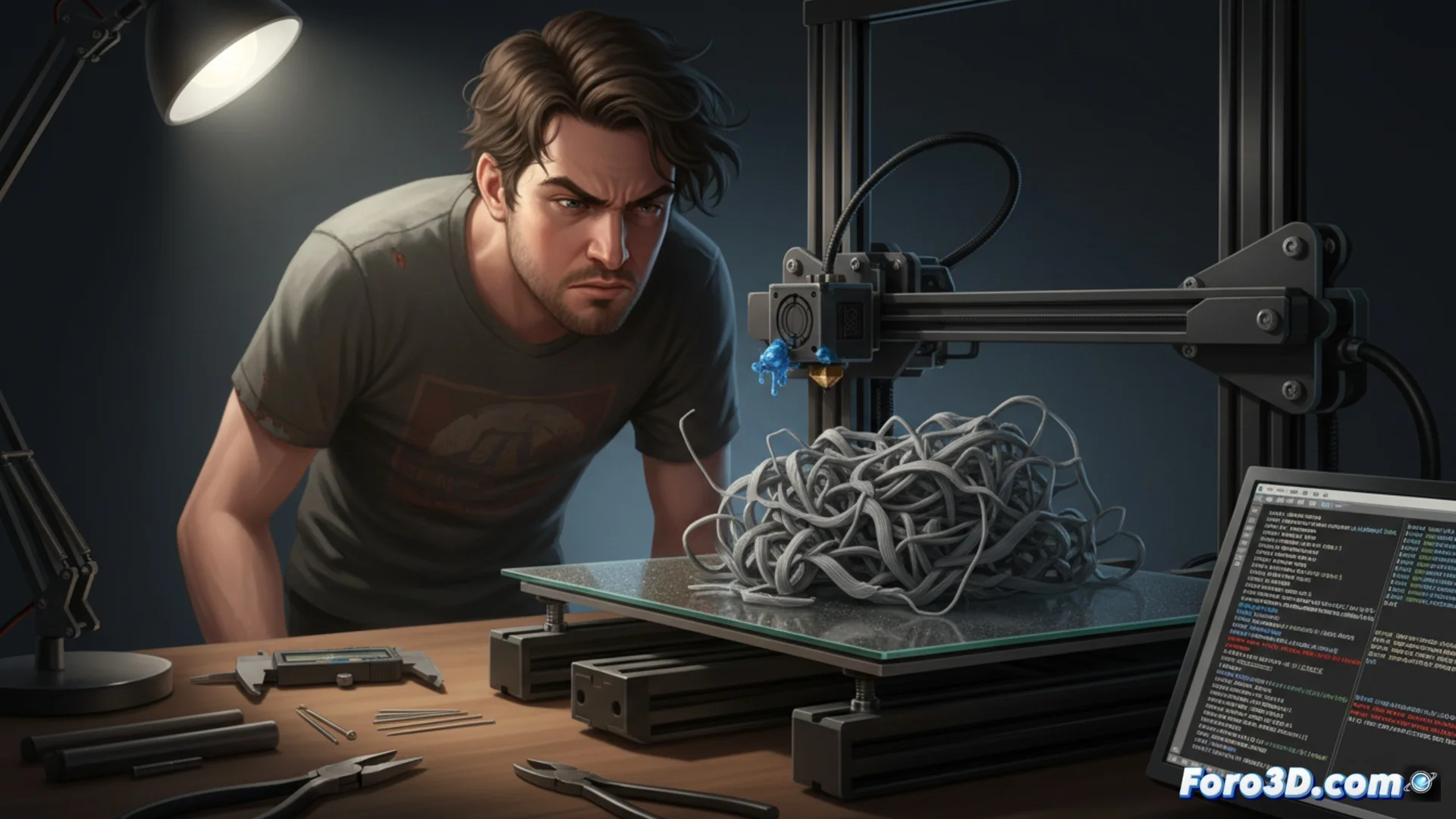
Common Errors When Using G-code from Other Slicers
When loading a G-code file that has not been generated by your usual slicer, such as Cura, multiple issues can arise that directly affect the print result. This happens because each slicing software processes and writes the instructions in a unique way. Ignoring a prior review of the code can trigger failures in the heated bed, damage the extruder, or completely ruin the model. It is essential to understand that G-code is the direct machine language and a simple error in one line can halt the entire job. 🚨
Misinterpreted Temperature and Speed Parameters
A common misconception is to believe that the values for heating the filament or the bed are standard and transferable between programs. Another slicer might define a lower initial temperature for layers or an excessively high travel speed. The printer will execute these commands literally, which can result in the plastic not adhering properly or the head moving abruptly and dangerously. These settings must always be verified and modified directly on the machine or within the G-code file before starting.
Typical problems that arise:- Assuming that the filament temperature is universal across different software.
- Finding an excessive travel speed that generates jerky head movements.
- An inadequate initial layer temperature that compromises bed adhesion.
G-code is the final set of instructions that the printer executes; its correct interpretation is the key to a successful print.
Inconsistencies in Retraction and Material Flow
The way to configure when and how much to retract the filament, as well as the flow multiplier, changes significantly between applications. Using an incorrect value here produces the dreaded plastic strings (stringing), extruder clogs, or insufficient material extrusion. The imported code may contain very long retraction commands or flow variations that are not compatible with your printer's specific hardware. Manually correcting these values in the G-code or calibrating the machine for the new profile saves time, filament, and frustration.
Consequences of poor configuration:- Generation of plastic strings (stringing) between model parts.
- Risk of clogging the extruder due to excessive or poorly configured retractions.
- Insufficient extrusion that weakens parts and generates incomplete layers.
Movement Commands That Generate Errors
The frustrating moment when the printer starts drawing in the air instead of building the model you expect is often due to a G0 or G1 command that was misinterpreted when switching slicers. An unexpected head turn or displacement to an incorrect area of the bed are classic errors. These failures highlight the importance of previewing the print path and understanding how your machine responds to movement instructions generated by external software. 🔧