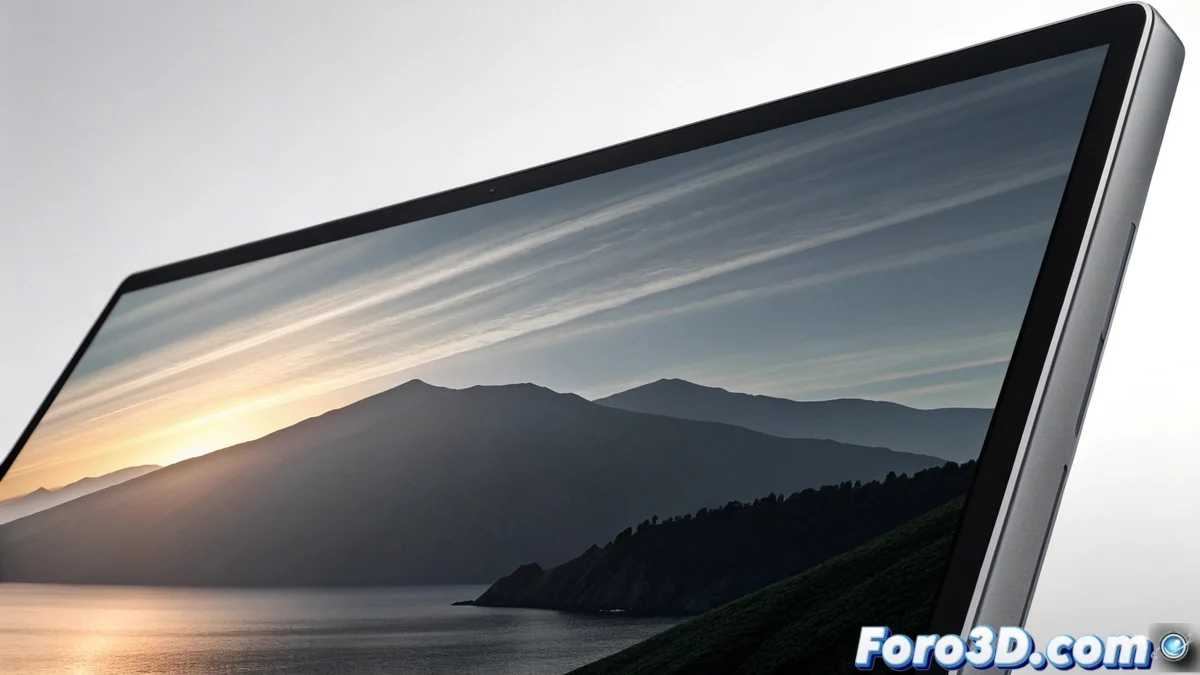
Fighting Mach Bands in Computer Graphics
The human brain sometimes plays tricks on us when perceiving images. A clear example is Mach bands, a visual illusion that makes us see dark or bright lines where there is only a continuous and smooth gradient. This phenomenon can ruin the quality of a render, a texture, or a post-production effect, introducing false edges that do not exist in the real data. 🧠
Why do these false bands appear?
Our visual system is optimized to detect edges and contrasts, a crucial skill for survival. In areas where color or light intensity changes gradually, the brain exaggerates the difference between adjacent areas to better define boundaries. This mechanism of lateral contrast enhancement is responsible for creating the illusion, making a perfect transition appear to have steps or bands. The effect is more noticeable in long, low-contrast gradients.
Direct consequences in digital graphics:- 3D renders with soft lighting can show unwanted bands in shadows and skies.
- Textures with gradients (like smoke screens or skies) lose realism.
- Post-processing and video compression can accentuate the problem.
The eye, in trying to define edges more clearly, ends up creating lines that do not exist and ruins the smooth gradient that was so hard to calculate.
Key techniques to reduce the effect
Mitigating Mach bands requires tricking the visual system or giving it more information to process. The fundamental strategy is to increase the number of intermediate tones available in the image.
Practical methods to implement:- Work with greater color depth: Using 16 or 32 bits per channel (floating point) provides a huge tonal range, making transitions inherently smoother.
- Apply dithering or noise: Adding a high-frequency, low-amplitude noise pattern breaks the perceptual edges created by the brain. This noise is usually imperceptible to the eye but effective.
- Avoid problematic gradients: Design textures and lights with appropriate contrast and avoid excessively long and subtle transitions.
Optimize the workflow in graphics software
In rendering engines and video games, specific settings can be enabled. It is crucial to enable dithering in the final conversion stage to 8 bits for common screens. Post-processing shaders can include a dedicated step to add this noise. When texturing, use maps with high dynamic range (HDR). When rendering, increasing samples per pixel (anti-aliasing) helps smooth the result, and excessive compression of lighting ranges in the tonemapping stage should be avoided. Mastering these settings allows producing clean and professional images, free from this deceptive visual artifact. ✅