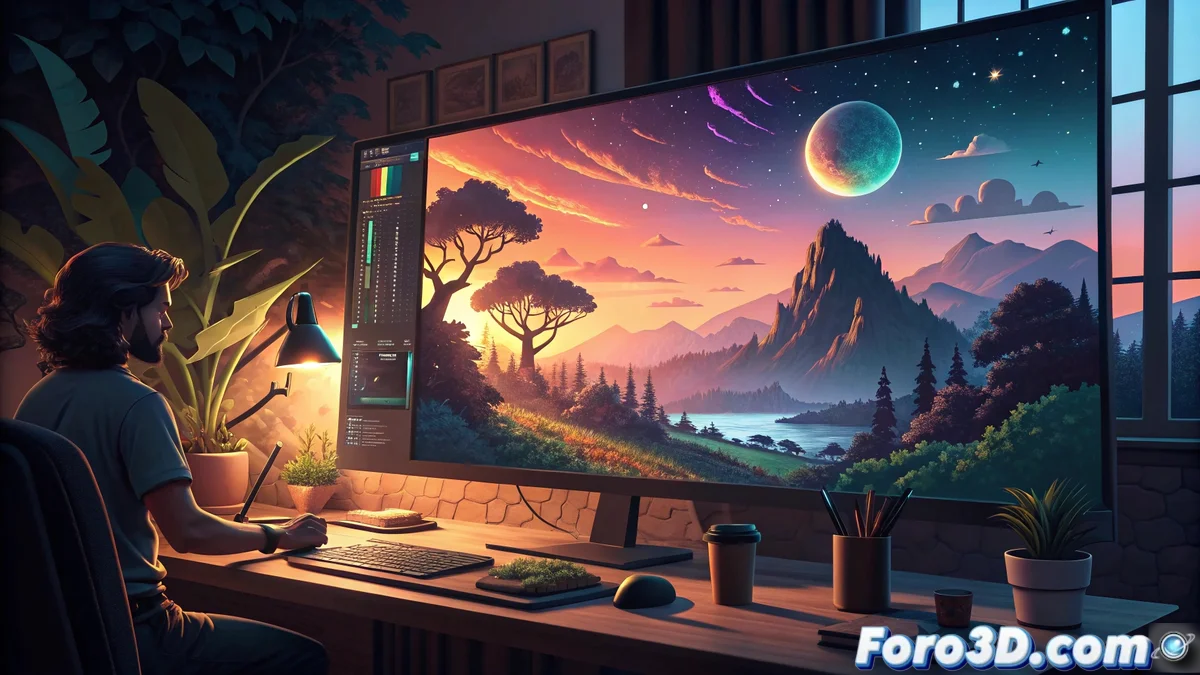
Color Ramp in Aseprite: Transform the Atmosphere of Your Pixel Art
The Color Ramp function in Aseprite has become an indispensable tool for pixel art artists who want to radically alter the atmosphere of their creations without needing to manually modify each sprite. 🎨
Revolution in Color Management
This intelligent feature automatically analyzes your active palette and redistributes all the tones following a custom gradient that you define. The result is global adjustments to lighting and color temperature controlled by a simple slider, keeping the fundamental tonal relationships intact while completely transforming the visual experience of the project.
Main Advantages of the System:- Instant atmospheric modification without altering original sprites
- Automatic preservation of color relationships
- Precise control via an intuitive slider interface
With Color Ramp, the same scene can go from a warm sunset to a freezing winter night in seconds
Non-Destructive and Iterative Workflow
When you activate Color Ramp, Aseprite generates a specialized adjustment layer that affects the entire selected animation or image without modifying the base pixels. This allows you to freely experiment with different color combinations throughout the creative process, from warm schemes to cool palettes, always preserving the ability to revert changes or adjust the intensity of the effect.
Seamless Integration with the Workflow:- Adjustment layer that does not alter the original pixels
- Full compatibility with the layer and frame system
- Consistent application across complete animated sequences
Advanced Creative Applications
The true potential of Color Ramp is revealed when you need to create seasonal variations of the same scene or show dramatic lighting transitions without manually redrawing each frame. You can simulate complex atmospheric effects like dense fog, golden sunrises, or urban night lighting simply by manipulating the gradient points.
Most Effective Use Cases:- Creating mood variations for the same assets
- Simulating weather and time-of-day conditions
- Radically optimizing workflow by eliminating manual repainting
Creative Responsibility
Although Color Ramp offers extraordinary transformative power, it's crucial to remember that with great capabilities comes great artistic responsibility. It is perfectly possible to create color combinations so disastrous that they will make your pixels look like they were painted by someone with severe color blindness during an earthquake. The tool empowers your creativity, but the final aesthetic judgment always rests with the artist. ⚠️