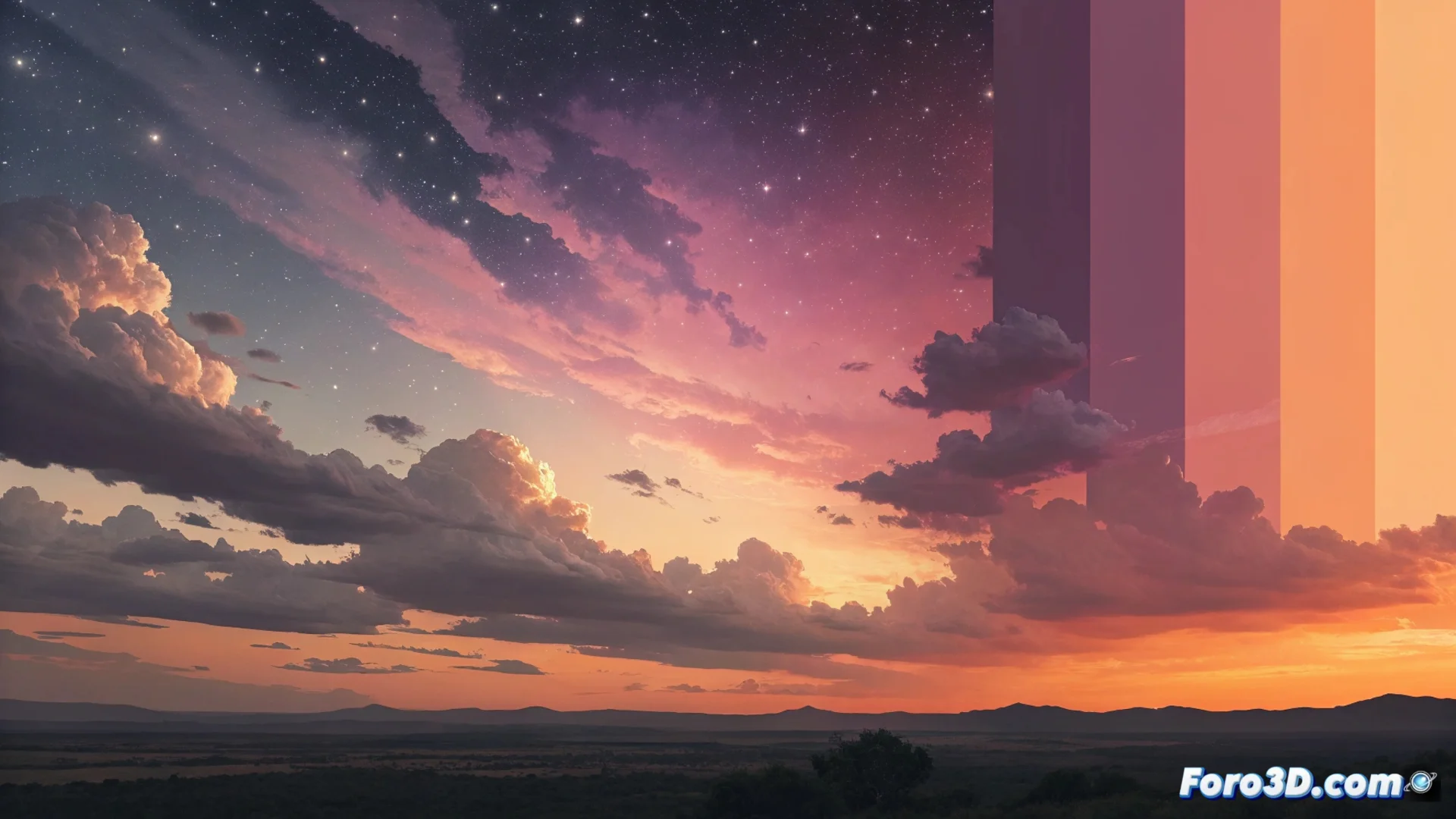
Color Banding Affects Smooth Gradients in Digital Skies
In digital graphics, a common problem is seeing color bands where there should be a uniform transition. This defect, called color banding, is especially noticeable in elements like skies, sunsets, or ambient lighting, where smoothness is key to immersion. It appears because 8-bit per channel systems cannot generate enough intermediate tones for very subtle gradients, which the human eye perceives as abrupt jumps. 🎨
Why Banding Appears and How We Perceive It
The main cause is limited color depth. An 8-bit channel can only display 256 tones per color (red, green, blue). In an extensive and subtle gradient, this amount is insufficient, creating visible edges between one tone and the next. Our visual system integrates these abrupt changes, degrading perceived quality and making a rendered scene look artificial or low-fidelity.
Factors that Accentuate the Problem:- Screens and Compression: Many monitors and common file formats work natively in 8 bits, reproducing the defect.
- Extensive Low-Contrast Gradients: Like those found in clear skies or dim ambient lighting, are the most prone.
- Viewing Conditions: Banding can become more or less visible depending on monitor calibration and viewer distance.
Digital fidelity sometimes needs a bit of controlled disorder to look real.
Key Techniques to Mitigate and Prevent Banding
The most effective solution is not one, but a combination of methods applied at different stages. The main strategy is based on tricking the eye into blending colors, and using more color information from the source to avoid technical limitations. 🛠️
Methods for Applying Dithering:- Procedural Noise Injection: A shader or compute process can be implemented to add a low-amplitude noise pattern during rendering or in post-production. This almost imperceptible noise breaks the defined edges of the bands.
- Export Dithering: When preparing an image for web or media with an 8-bit limit, dithering should be applied in the last step, just before compressing the file. Some modern video codecs do this automatically.
- Working in High Depth: The most robust prevention is to create and manipulate files in a 10, 12, or 16-bit per channel color space from 3D modeling software or digital painting.
Planning the Workflow to Avoid Problems
Preventing color banding is more efficient than correcting it afterward. It requires planning the workflow with the final color depth in mind. It is crucial to keep master files at the highest possible depth and only reduce it to the necessary bit in the final export stage, applying dithering at that moment. Additionally, the result should always be reviewed on a similar device at the end to confirm that the corrections are effective under real conditions. A rendered sky without these artificial bands significantly contributes to the sense of realism and quality in any visual project. 🌅