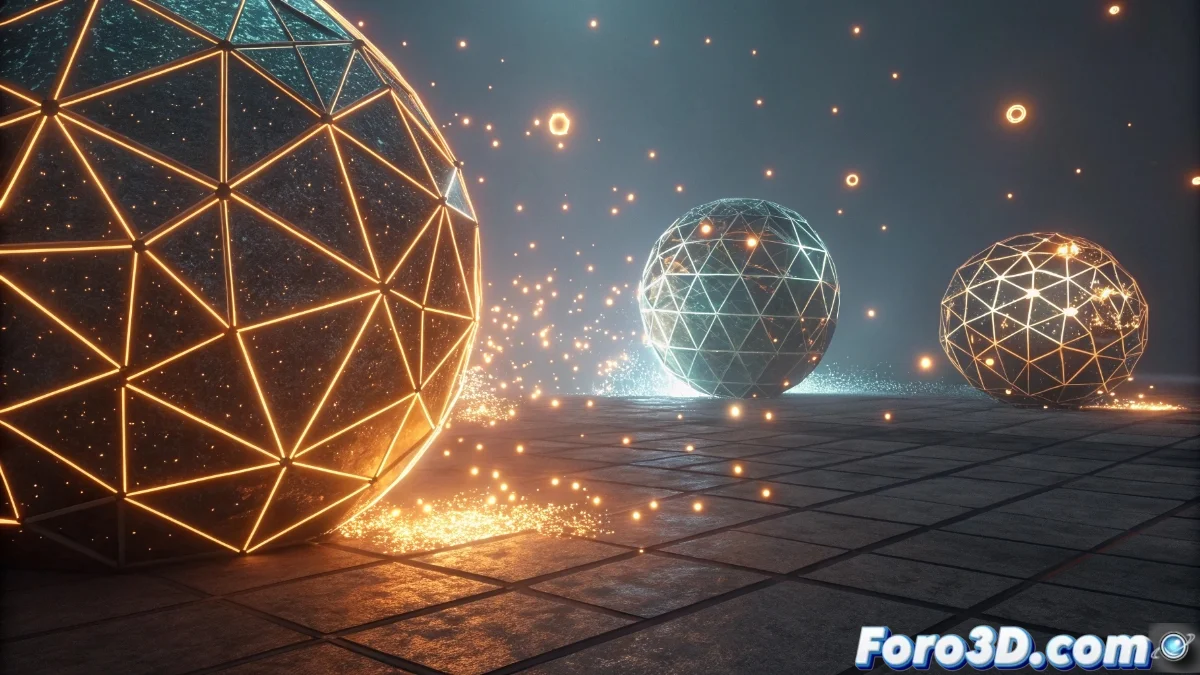
Collisions in Unreal Engine 5: Configuration and Practical Application
Collisions in Unreal Engine 5 are fundamental for simulating physical interactions between objects, detecting contacts, and generating automatic responses that enrich the gaming experience. 🎮
Types of Collisions and Their Configuration
The engine offers a variety of collision types that adapt to different needs, from primitive shapes like spheres and boxes to custom meshes for complex models. Each type has specific properties that determine whether objects block, overlap, or trigger events upon collision.
Key Collision Properties:- Primitive Collisions: Ideal for simple objects, they optimize performance with basic geometric shapes.
- Custom Mesh Collisions: Perfect for detailed models, although they consume more computational resources.
- Behavior Configuration: Defines whether an object simulates physics, allows overlap, or acts as a blocker on contact.
Digital physics has its rebellious days, where an object can pass through a wall like a programmed ghost, reminding us of the importance of precise configuration.
Practical Application in Projects
To implement effective collisions, it is essential to plan which objects require physical interaction and which only need detection. Mobile elements like characters often use collisions that trigger real-time physics, while static ones are optimized with simplified shapes.
Common Uses of Collisions:- Event Management: Activation of mechanisms, object collection, or damage application on impact.
- Integration with Game Logic: Through blueprints or C++ code for custom responses.
- Visual Debugging: Tools that allow verifying correct functionality during development.
Tips for Efficient Use
When working with collisions, it is crucial to balance precision and performance, using simplified shapes for static objects and reserving complex meshes for detailed interactions. Continuous debugging ensures collisions behave as expected, avoiding issues like objects passing through surfaces. 🛠️