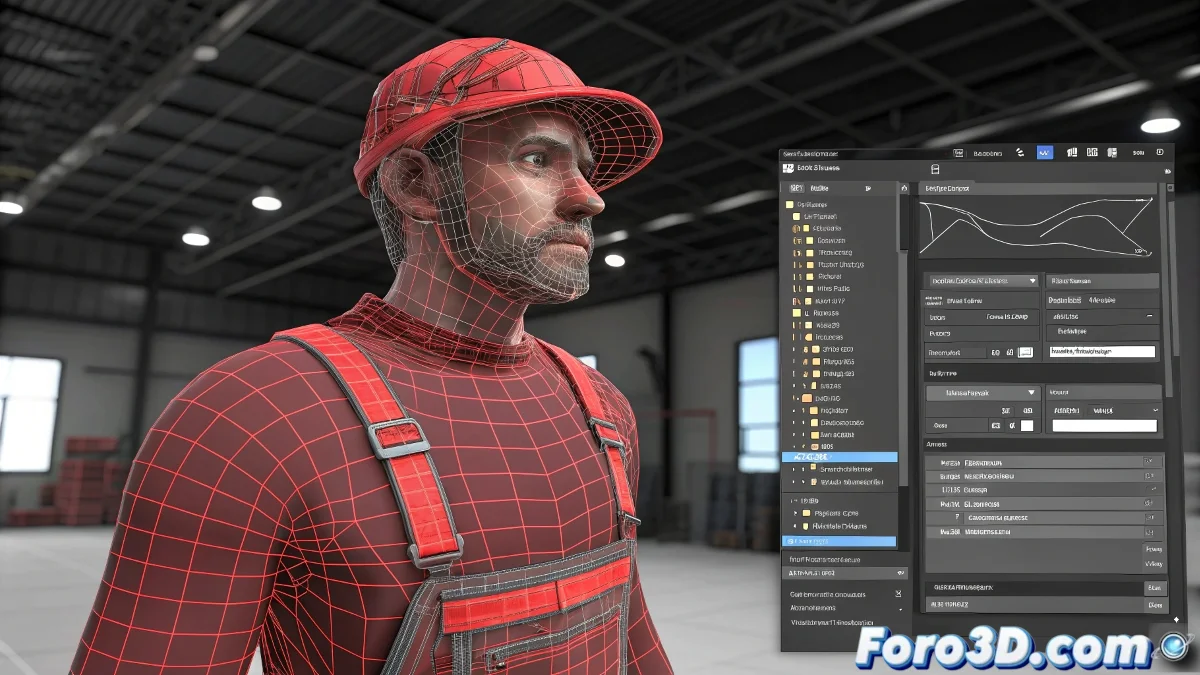
Cleaning Problematic Vertices in the Skin after Adjusting Envelopes in 3ds Max
This is one of those classic moments in rigging with 3ds Max: you think you've got the envelopes in the Skin modifier under control… and suddenly you discover vertices that cling emotionally to a bone like it's their toxic ex. Even if you move the envelopes or shrink them, they stay there, in red, affecting your mesh deformation as if they want to star in their own drama. And no, you don't need to be a rigging expert to fix it! 🦴
Why do vertices remain affected after modifying the envelopes?
The reason is simple but annoying: envelopes (envelopes) only serve as a kind of visual tool to assign initial influence weights. But once those weights are assigned, moving the envelopes doesn't automatically remove the influence on the vertices. The vertices already store those weights in their skinning, even if the envelope moves away or visually disappears from that area.
This means you have to go directly to vertex weight editing to solve the problem.
How to clean or reassign those rebellious vertices?
- Select the mesh and open the Skin modifier.
- In the Skin parameters panel, go to the Weight Table option (Weight Table). Here you can see exactly how much influence each vertex has per bone.
- Locate the problematic vertices (the ones in red). You can filter by bone or select manually.
- Delete the influence directly from the table or reassign it to another bone that should actually influence that area.
- Another faster option: in the Vertices subobject, select the vertices and use the Weight Tool to smooth, assign, or zero out the weights of a specific bone.
- If the problem persists, you can use the Normalize Weights function so that all weights sum correctly to 1.0 per vertex.
- If the 3ds Max Skin still decides to troll you, there are external plugins like Skin Utilities or even the legendary WeightPro that can help you do a deeper reset of the weights.
A small detail we always forget. Remember that if you duplicate a Skin modifier from one model to another or copy and paste the modifier… the vertices will drag all previous weight errors with them. So clean before copying.
And you know… if it still fails after all this… you can always consider the ultimate solution: export the mesh… and start the Skin from scratch while softly cursing Autodesk in the corners. So get to work and clean those vertices! 🔄
With these tips, you can effectively clean problematic vertices in the Skin of 3ds Max. And remember, if the vertices don't behave as expected, you can always check your weights! ⚖️