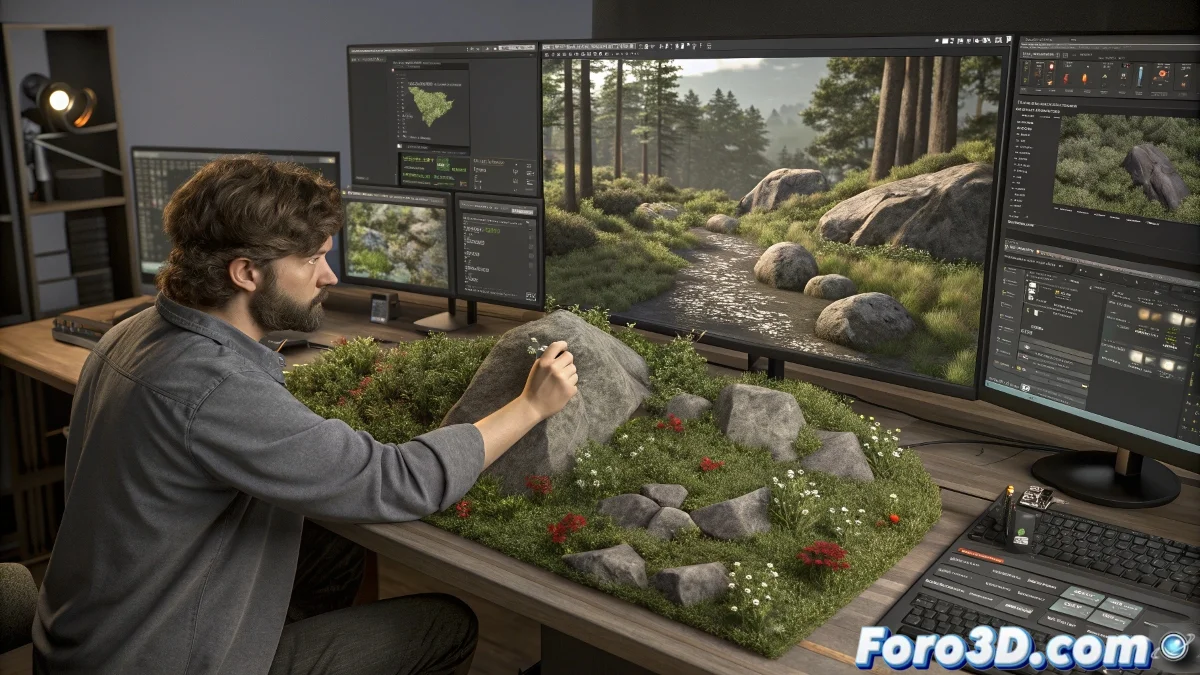
ChaosScatter Toolbox: Massive Management of 3D Scatters
The new ChaosScatter Toolbox is a script designed to manage and batch-edit multiple ChaosScatter instances within the same scene 🛠️. This tool offers a more agile workflow for 3D artists working with massive distributions of geometry, eliminating the need to adjust properties one by one. Ideal for architectural visualization, VFX, and video game design, this script ensures seamless integration within the Chaos ecosystem, optimizing performance and enhancing artist efficiency in large-scale projects. Because in the 3D world, time is the most valuable resource.
Simultaneous Editing: Consistency and Speed
With ChaosScatter Toolbox, it's possible to change properties like density, rotation, scale, distribution, random seeds, and alignment parameters across multiple ChaosScatter systems at the same time ⚡. This not only speeds up creative iterations in complex scenes but also guarantees visual consistency by applying uniform adjustments across thousands of objects. Imagine modifying the density of an entire forest or the orientation of all debris in a destroyed city with just a few clicks—that's real production power.
It's possible to change properties like density, rotation, scale, and distribution across multiple ChaosScatter systems simultaneously.
Greater Control for High-Detail Scenes
The script is aimed at high-detail productions requiring hundreds or thousands of scattered objects, such as vegetation, debris, furniture, or environmental elements 🌳. It simplifies the management of variations and avoids time lost on repetitive edits, allowing artists to focus on creativity instead of logistics. Furthermore, its integration with the Chaos ecosystem ensures there are no performance bottlenecks, even in scenes with millions of procedurally distributed polygons.
Practical Applications in Creative Industries
ChaosScatter Toolbox is invaluable for multiple disciplines:
- Architectural Visualization: Rapid distribution of furniture, vegetation, or people in urban environments.
- VFX: Creation of debris, particle swarms, or crowds in action scenes.
- Video Games: Efficient population of levels with natural or decorative assets.
- Animated Film: Construction of fantastical worlds with procedural flora and fauna.
Key Technical Features
The toolbox includes functions designed for professional workflows:
- Unified Panel: Intuitive interface that lists all ChaosScatter systems in the scene.
- Batch Modification: Simultaneous adjustments of critical parameters with visual feedback.
- Customizable Presets: Save and load configurations for reuse in other projects.
- Full Compatibility: Works with recent versions of 3ds Max and Chaos Scatter.
The Irony of Digital Organization
Thanks to this script, even the most lush forests in your scene will be as well-organized as your desk… or even better, because here there are no spilled coffee cups 😅.
You can download it from here.