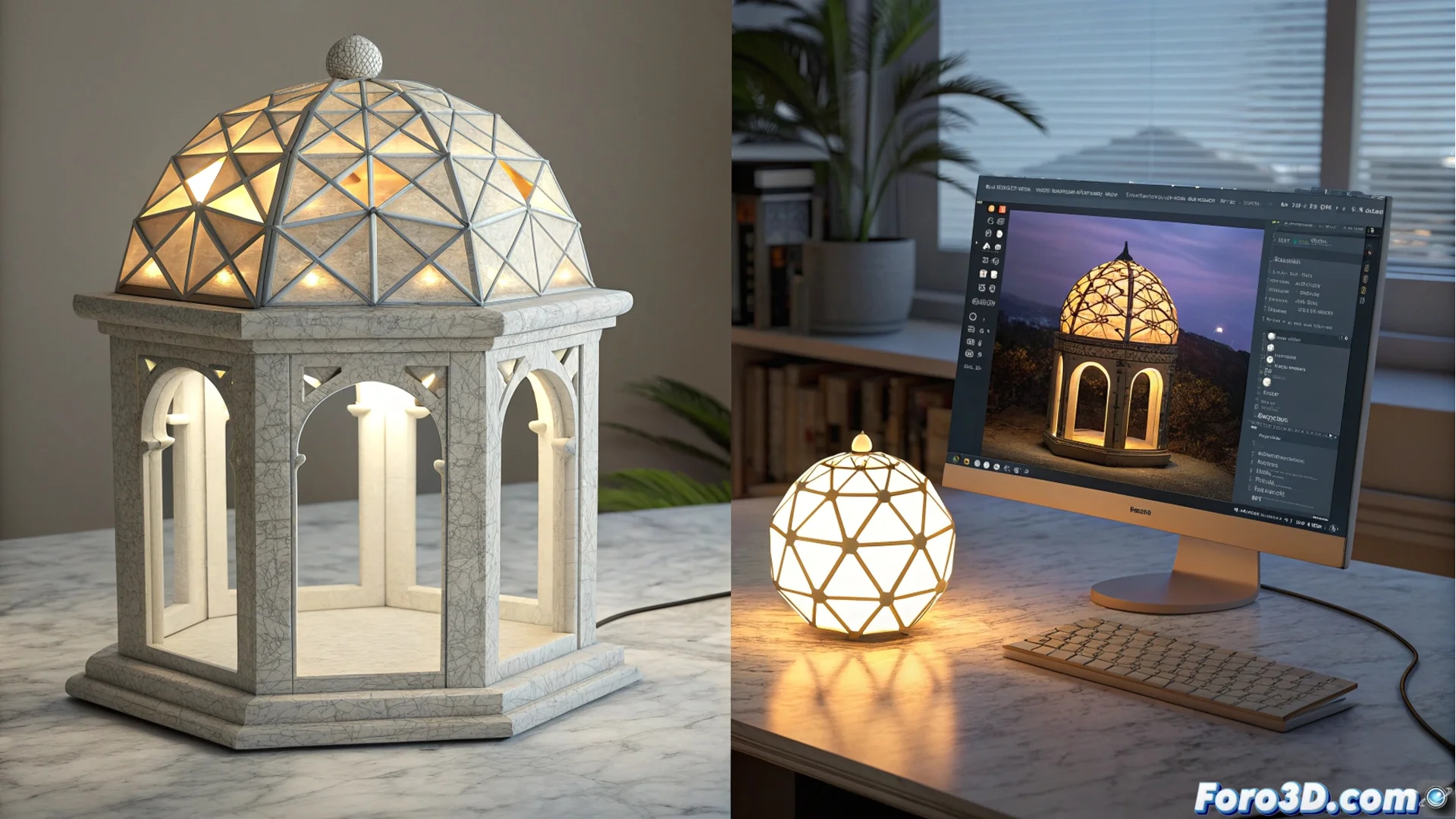
Carrara and Poser: Two Philosophies for Handling Light in 3D
When creating digital scenes, the way to manage lighting is crucial. Two programs, Carrara and Poser, approach this challenge from nearly opposite perspectives, defining very different user experiences. Understanding their approach helps choose the right tool for each project. 💡
Carrara's Unified Approach
Carrara operates with an internal render engine that simulates the physical behavior of light. This core automatically calculates complex effects like global illumination and caustics. The artist works with lights as separate entities, which they place and adjust through a clear properties list. Parameters like intensity, color, or attenuation are controlled directly. HDR maps can also be used to light with environment images, achieving realistic results without complicating the workflow.
Main features of lighting in Carrara:- Integrated physical engine: Processes light realistically and calculates ambient occlusion natively.
- Direct control: Light sources are independent objects with adjustable parameters in a unified panel.
- Environment lighting: Allows using HDR maps to simulate realistic global lighting efficiently.
In Carrara, light is an element that the artist places and configures separately, offering traditional and predictable control.
Poser's Nodal and Material Philosophy
Poser takes a different path, where the ability to emit light resides within the material shaders themselves. Using its FireFly render systems and, especially, the more modern SuperFly (based on Cycles), lighting is defined in the node editor. This allows creating surfaces with their own luminescence. Although traditional lights (point, directional) exist, advanced control requires mastering the nodal workflow.
Key aspects of lighting in Poser:- Emissive materials: Any surface can become a light source through its shader nodes.
- Nodal approach: Deep lighting control requires working within the FireFly/SuperFly node editor.
- Advanced flexibility: Offers enormous potential for users who understand and utilize nodal shading.
Choose According to Your Workflow
The difference does not lie in which software is superior, but in how you prefer to think about a scene. Carrara presents a unified and direct model, ideal for those seeking clear and quick control. Poser, by integrating light into materials, aligns with the workflow of applications like Blender, rewarding the investment in learning its nodal system. Sometimes, the complexity of adjusting nodes in Poser may make one long for the simplicity of a switch, while Carrara's limitations may crave nodal freedom. The choice defines your creative process. 🎨