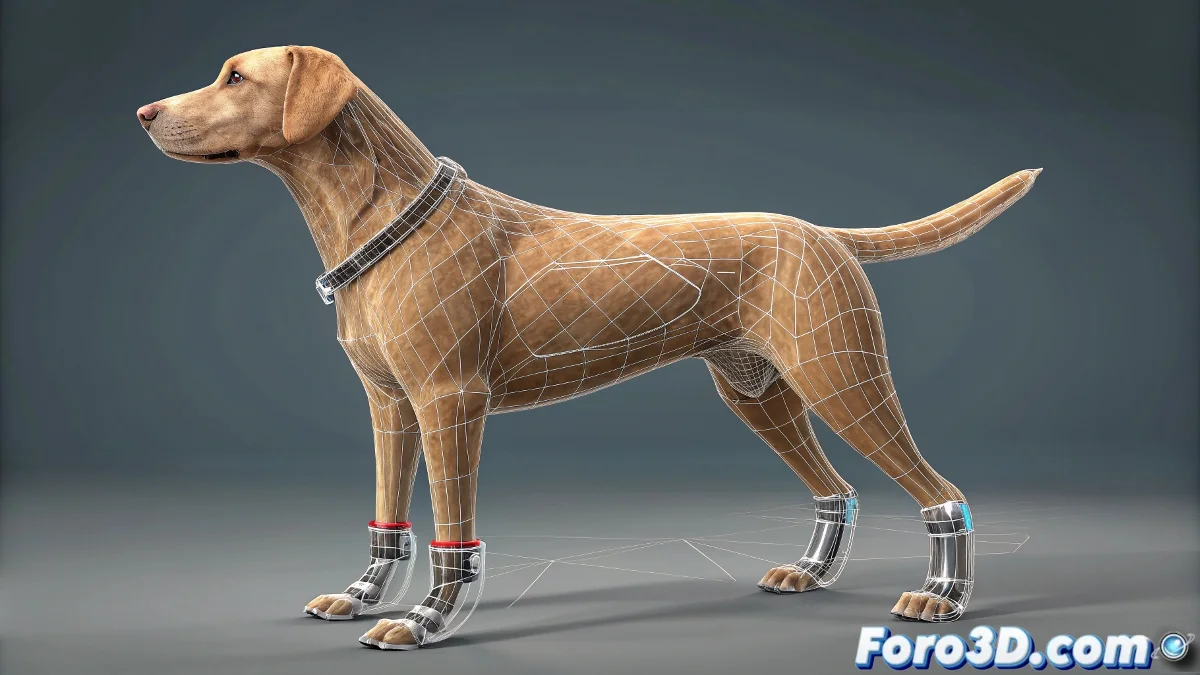
Canine Rigging Without Losing the Ankles in 3ds Max
When you're coming from Maya and face the IK systems in 3ds Max, the change can feel like trying to teach an old dog new tricks. In Maya, moving the effector of an IK system is as natural as throwing a ball. But in Max… well, here the HI Solver (History Independent Solver) works with its own logic, and yes, you can work with it, but with certain conditions. If you're rigging a dog's hind leg, you need precise and flexible control, and yes, there are effective ways to do it without throwing the keyboard out the window.
The HI Solver and Its Strange Relationship with the Effector
In 3ds Max, the HI Solver doesn't let you move the effector directly like in Maya. What you actually do is move the IK Goal (the solver's target), which appears as a helper or point at the end of the IK chain. This helper is what you should use to move the leg. But if you're trying to move the effector directly that appears at the end of the bone (the pyramid-like shape generated by the system), then yes: you're hitting the wall of Max.
Solution: Select the IK Goal and Not the Effector
It's the Goal that controls the movement of the chain. Make sure the IK system is correctly applied between the thigh bone and the lower part of the leg. At the bottom of the IK chain, the Goal will appear, and that's your control. You can hide or customize its shape to make the rig easier.
Efficient Rigging of a Canine Hind Leg in 3ds Max
For a dog leg, you need to simulate realistic anatomy: thigh, inverted knee, ankle, and paw. A clean approach would be:
- Create a bone chain: With four segments: hip, thigh, leg, foot.
- Apply an HI Solver: Between the thigh and the foot (without including the toe yet).
- Create an additional helper: To manually control the ankle, using constraints or dummy targets.
Add custom controllers using Custom Attributes or Wire Parameters to bend the foot or adjust the ankle angle. Optionally, use CAT Rig if you need advanced flexibility and a ready-made base for quadrupeds.
Plugins or Advanced Systems If You Need Absolute Realism
If you're into VFX or motion capture of animals (like cinema or advertising), you might want to use tools like Anima Pro, Ziva Dynamics (though more for Maya), or take muscle simulation to Houdini or Blender with Rigify and then import the animation via FBX to Max. In those cases, you can use Skin Wrap over a base mesh and work with advanced deformers to simulate muscle pressure and flexion in the legs.
Of course, you just wanted to move a dog's ankle… and you ended up with an advanced lesson in anatomy, software, and IK philosophy. In summary: yes, it can be done, but Max will always ask you to do it its way. Like stubborn dogs.