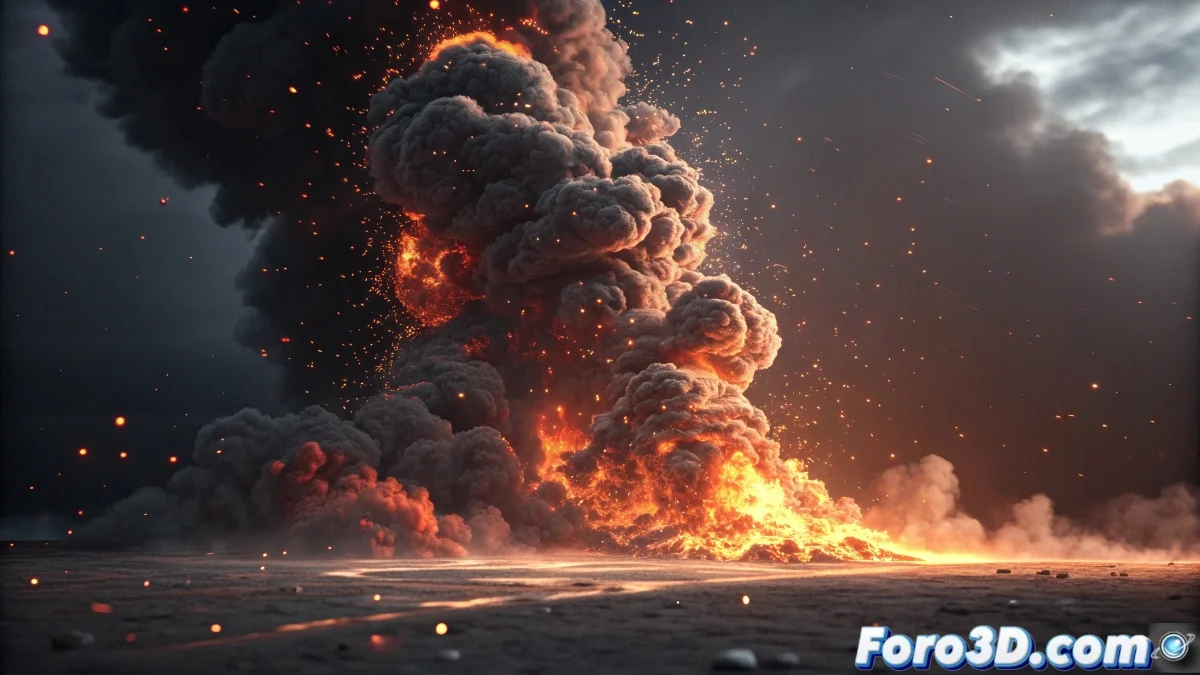
When You Miss an Old Friend
The migration from Combustion to After Effects is a path that many artists have taken with that nostalgia mixed with frustration that comes from leaving behind tools you knew inside out. Combustion's particle system, with its nodal approach and interactivity, has earned a special place in the hearts of many artists, and fully replicating it in After Effects is that holy grail that many seek but few achieve perfectly.
The short answer is yes, something very similar can be achieved, but it requires understanding the fundamental differences between both approaches and being willing to combine several tools within After Effects. There is no direct replacement, but there are very powerful alternatives that even surpass old Combustion in some aspects.
Native Alternatives in After Effects
The Trapcode Particular effect is, without a doubt, the most direct spiritual successor to Combustion's particle system. Its visual nodal interface and ability to create complex systems by connecting different forces and behaviors is the closest thing to the Combustion experience you'll find. The learning curve is similar, but the results are spectacular.
For users who prefer working with native tools, the CC Particle Systems II effect offers basic but effective capabilities. Although less visual than Particular, it allows creating simple systems with good performance and is perfect for less complex projects or for artists just starting with particles.
- Trapcode Particular as the main alternative
- CC Particle Systems II for simple projects
- CC Particle World effect for basic 3D systems
- Combination of effects for complex behaviors
The best homage to Combustion is using what you learned to master new tools
Workflow for a Smooth Transition
If you're coming from Combustion, your nodal mindset will be your greatest advantage when learning particle systems in After Effects. Instead of thinking in independent layers, conceive your composition as an interconnected network where null objects, adjustment layers, and precomps act as control nodes.
To recreate Combustion's interactive workflow, make extensive use of the RAM Preview panel and work with low preview qualities during development. The 0 key on the numeric keypad will be your best ally, just like the interactive preview was in Combustion.
- Nodal mindset applied to compositions
- Null objects as centralized control nodes
- RAM Preview for interactive testing
- Precomps to organize complex systems
Plugins That Bridge the Gap
In addition to Particular, there are other plugins that can help you recapture that Combustion feel. Superluminal's Stardust offers a complete nodal system that many users find even more intuitive than Combustion itself. Its ability to blend particles with 3D and volumetric effects is extraordinary.
For those who miss Combustion's simplicity and speed, Plexus offers a different but equally powerful approach for creating particle systems and connected geometries. Although not a direct replacement, it captures that essence of fast and intuitive working that so characterized Combustion.
- Stardust for advanced nodal systems
- Plexus for geometric and connection effects
- Form for organic particle systems
- Newton for advanced physics dynamics
Unexpected Advantages of the Switch
What at first seems like a loss of functionality can become an opportunity to expand your skills. After Effects offers integrations with other Adobe software that Combustion never had, plus an enormously active community and constant updates.
The ability to combine particles with other After Effects tools like Expressions, Shape Layers, and time effects opens up creative possibilities that in Combustion required much more complicated solutions or were simply not possible.
- Integration with the Adobe ecosystem
- Active community and abundant resources
- Constant updates and ongoing support
- Combination with other AE tools
In the end, the transition from Combustion to After Effects is like trading a trusty old hammer for a complete toolbox: at first you miss the familiarity, but soon you discover you can do much more than you imagined. And who knows, you might even end up wondering how you managed before 😏