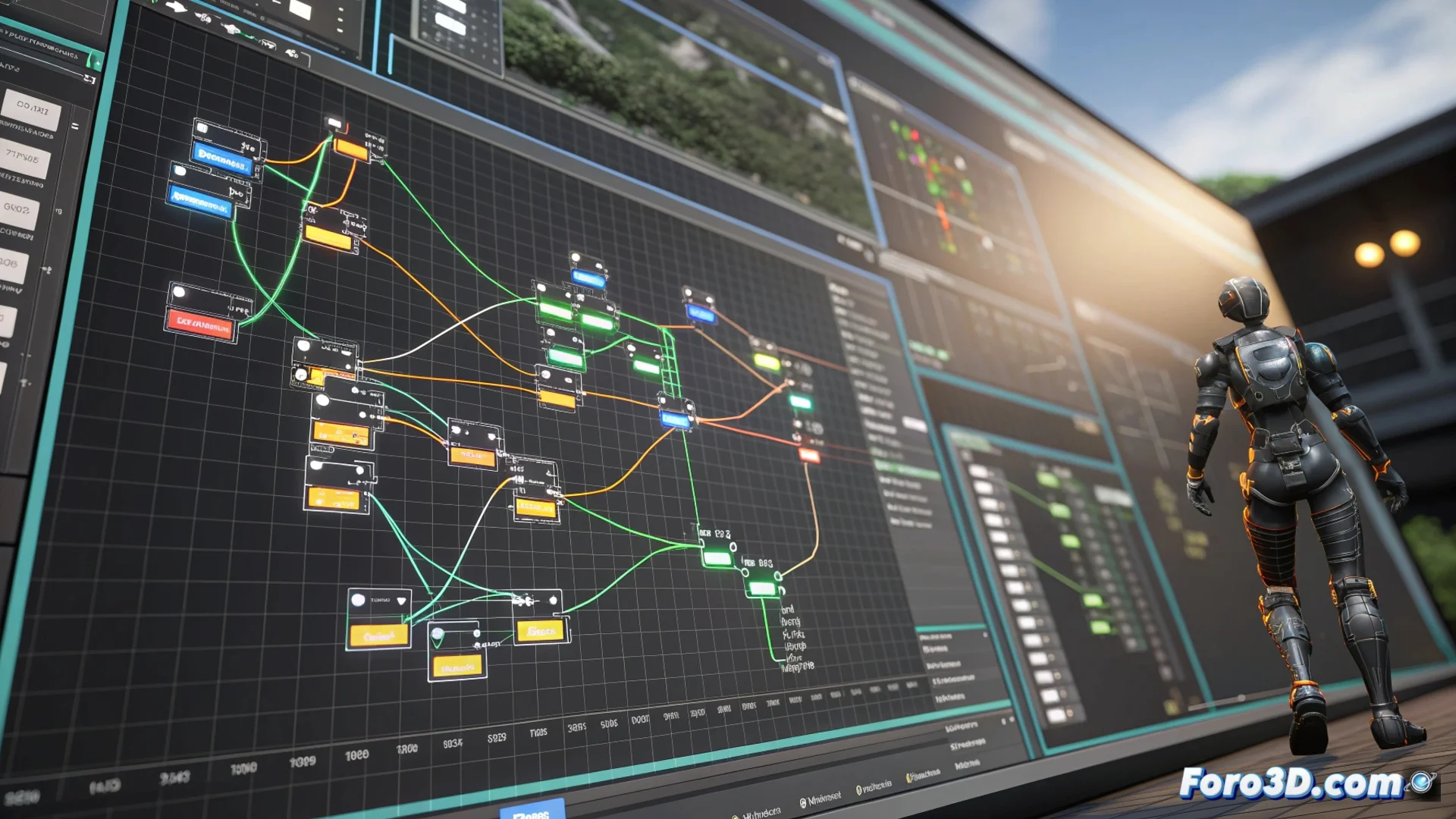
Blueprint in Unreal Engine: Visual Programming Without Code
Unreal Engine incorporates Blueprint, a visual programming environment that revolutionizes how game logic is built. This system allows designing complex behaviors, defining interactions, and controlling events without writing a single line of traditional code, democratizing development for non-technical profiles 🎮.
The Foundation: Nodes and Logical Connections
The essence of Blueprint lies in its graphs. Users work with nodes that represent functions, events, or data. By connecting the output pins of one node to the input pins of another, a clear and visual execution flow is established. This allows controlling everything from basic object movement to advanced AI systems.
What you can do with Blueprints:- Define complete actor types and their behaviors in the game world.
- Handle and create interactive user interfaces (HUDs, menus).
- Manage and manipulate game data, such as inventories or states.
Blueprint does not replace code, but offers a powerful parallel visual language to express game logic.
Perfect Collaboration Between Code and Design
A key strength of Blueprint is its native integration with the engine and C++ code. Programmers can expose specific functions and properties from their C++ classes to be available as nodes in visual graphs. This creates an ideal bridge for multidisciplinary teams.
Advantages of this integration:- Programmers write powerful and optimized systems in C++.
- Designers and artists use those systems agilely through the visual interface.
- Facilitates iterating and prototyping game mechanics with great speed.
Maintaining Order in Complexity
Although a very extensive Blueprint graph can become intricate (colloquially, a "plate of spaghetti"), good practices allow organizing it in a logical and modular way. Using comments, grouping nodes into custom functions, and structuring graphs well is essential to keep large projects manageable and efficient. The key is to leverage its visual agility without sacrificing clarity 🧠.