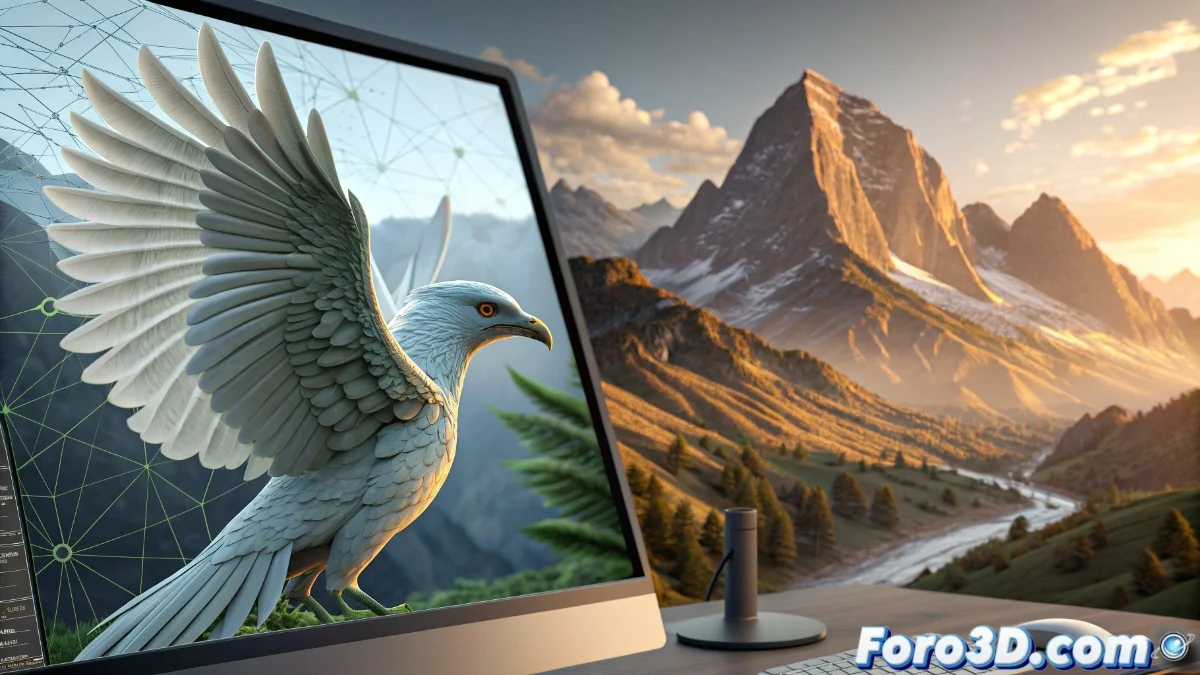
Blender vs Wings3D: Key Differences for 3D Modeling
The universe of three-dimensional modeling offers diverse alternatives depending on complexity and focus. While Blender constitutes a complete ecosystem, Wings3D represents minimalist specialization. This duality allows creators to choose based on specific objectives 🎨.
Divergent Approaches in 3D Tools
Blender functions as a complete studio with modules for digital sculpting, advanced animation, and the Cycles render engine. Its multidisciplinary nature positions it as ideal for cinematic productions and video game development. In contrast, Wings3D optimizes subdivision modeling with a clean interface that speeds up the creation of clean meshes.
Differentiating Advantages:- Blender: Unified pipeline with integrated texturing, lighting, and post-production
- Wings3D: Agile workflow for polygonal modeling without distractions
- Both: Compatibility with standard formats like OBJ and STL
Choosing between Blender and Wings3D is like selecting between a complete industrial workshop and a specialized toolbox: both allow creation, but with different levels of control and complexity.
Selection Based on User Profile
Beginners will find in Wings3D a welcoming environment with contextual tools that reduce the learning curve. For projects requiring photorealistic rendering or skeletal animation, Blender offers technical depth, though it demands a greater training investment.
Recommendations by Level:- Novices: Wings3D to master the fundamentals of polygonal modeling
- Intermediate: Blender to explore basic sculpting and animation
- Advanced: Blender as a professional solution for complete pipelines
Coexistence in the 3D Ecosystem
Both tools complement rather than compete. Many artists start models in Wings3D for its speed in creating bases, to later refine them in Blender. This synergy demonstrates that the ideal choice depends on the project phase and the creator's skills, not on absolute superiority 💡.