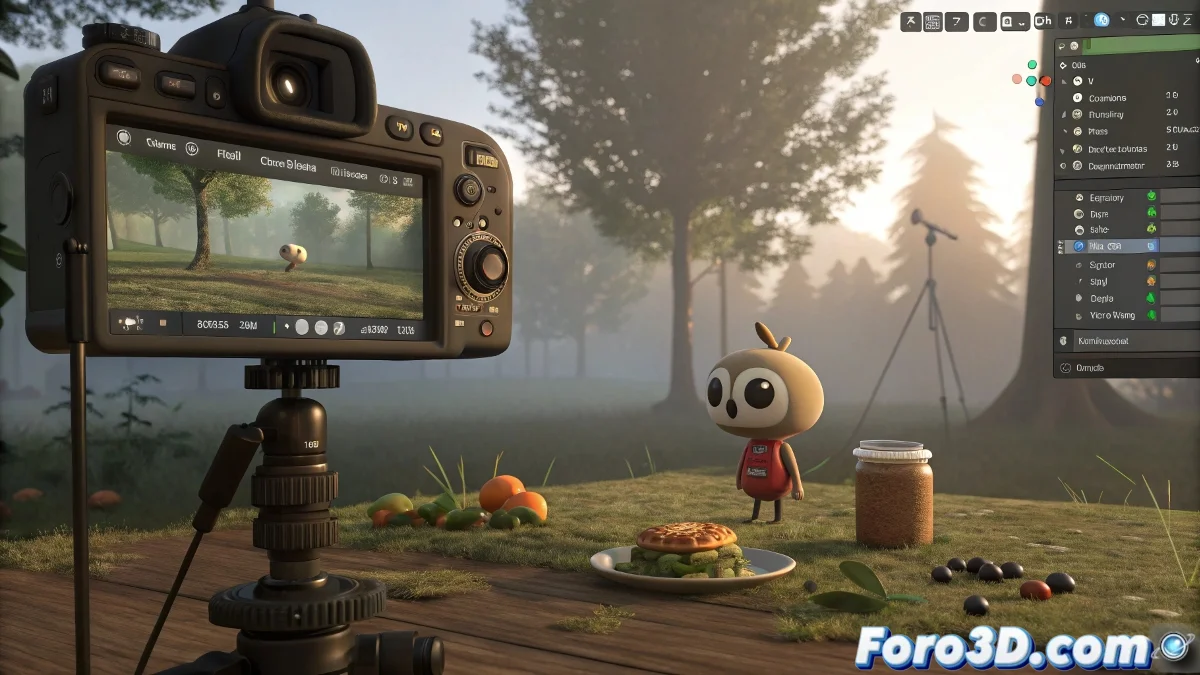
From "First Attempt" to "Wow!": Transform Your Blender Animations 🚀🎬
You posted your first work in Blender (well done!). Now it's time to take it to the next level with these professional tweaks that make all the difference.
1. Modeling That Doesn't Give Away You're a Newbie
- Clean Topology:
- Use loop cuts in deformation zones
- Avoid n-gons (faces with more than 4 vertices)
- Keep quads in animatable areas
- Strategic Detail:
- Add bevels to sharp edges
- Use Subdivision Surface with edge creases
- Basic textures > flat materials
2. Lighting That Doesn't Scream "I'm a Novice"
Quick Setup for Presentable Renders:
- Key Light: Sun Light with a low angle (simulating sun)
- Fill Light: Soft Area Light (intensity 0.3-0.5)
- Accents: Strategic Spotlights
- Global Illumination: Enable in Cycles or use irradiance volumes in Eevee
3. Animation That Doesn't Look Robotic
| Common Mistake | Professional Solution |
|---|---|
| Linear Movements | Use easing (Alt+E in Graph Editor) |
| Lack of Anticipation | Add 2-3 frames of preparation |
| Static Poses | Apply the squash and stretch principle |
4. Cameras with Cinematic Intent
- Rule of Thirds: Activate guides in camera view
- Smooth Movements: Use curves in the Graph Editor
- Transitions: Cuts in motion, not at rest
- Depth: Background blur (Depth of Field)
"Your first Blender animation is like your first love: you think it's perfect until you look back years later and see all the mistakes... but it's still special."
5. Final Render That Isn't Embarrassing
- Resolution: Minimum 1920x1080 (Full HD)
- Samples: 256-512 samples in Cycles
- Denoiser: Optix or OpenImageDenoise
- Post-pro: Basic adjustments