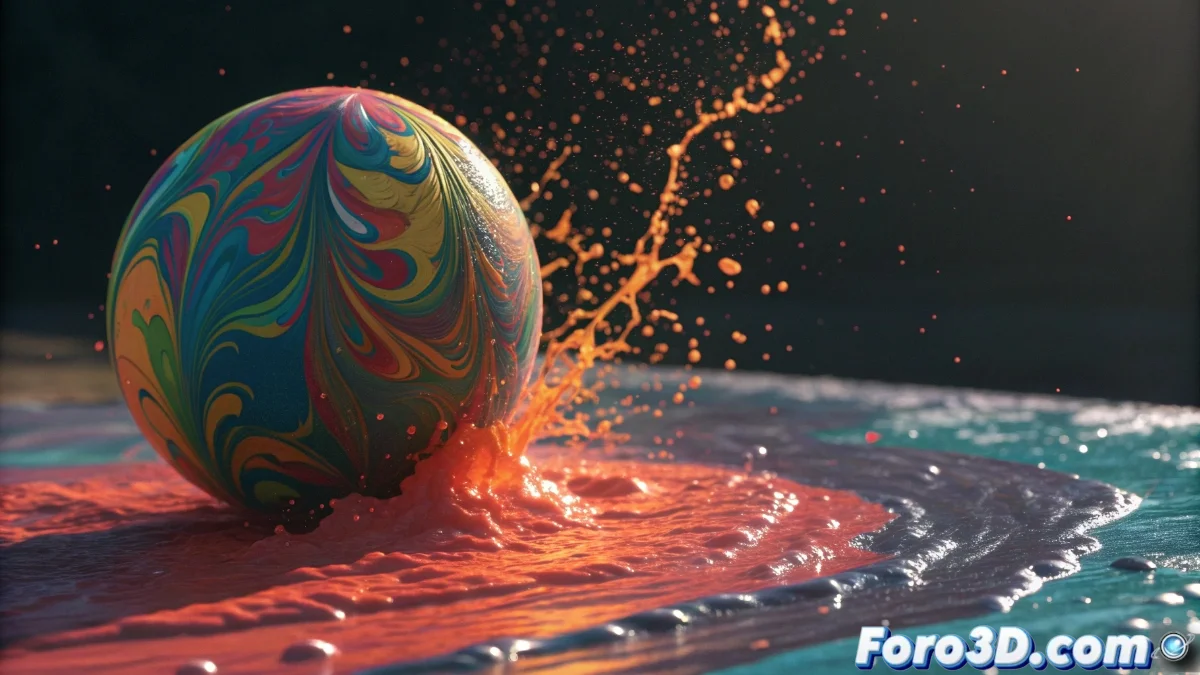
Blender 5 Takes Dynamic Paint to a New Level
The latest version of Blender completely transforms the Dynamic Paint system, allowing any mesh to become a dynamic brush with advanced interactive capabilities. It is now possible to simulate wet paint effects, displacements, and ripples in real-time, opening unprecedented creative horizons for digital artists 🎨.
Essential Dynamic Brush Setup
To activate this functionality, select the object that will act as the brush and go to the physics properties. In the Dynamic Paint tab, check the Brush option and choose the type of influence: color, depth, or waves. Then assign the target object as the canvas and adjust key parameters such as effect distance and visual persistence.
Main Parameters to Customize:- Influence Distance: Controls how far the brush affects the surface
- Paint Persistence: Defines whether strokes remain or fade
- Brush Type: Choose between projectile, proximity, or volume for different effects
Dynamic Paint makes painting in real life seem boring, especially when your brushes don't generate magical waves when hitting the canvas
Creative Applications in Real Projects
This tool is perfect for creating interactive water effects, footprints in mud, or animated gradients. A spherical object can simulate a raindrop generating concentric ripples upon impacting a liquid surface. In motion graphics, dynamic brushes add interactivity between 3D elements, such as particles leaving color trails as they move.
Implementable Practical Examples:- Realistic Splashes: Set up projectile brushes for droplets that deform surfaces
- Animated Textures: Combine with Subdivision Surface modifiers for greater detail
- Organic Effects: Create fluid interactions between multiple objects in real-time
Integration into the Workflow
By combining Dynamic Paint with other modifiers like Displace or Subdivision Surface, the results reach impressive levels of realism. Artists can experiment with different configurations to achieve everything from subtle fades to persistent textures that evolve during the animation, eliminating the need for complex manual setups ✨.