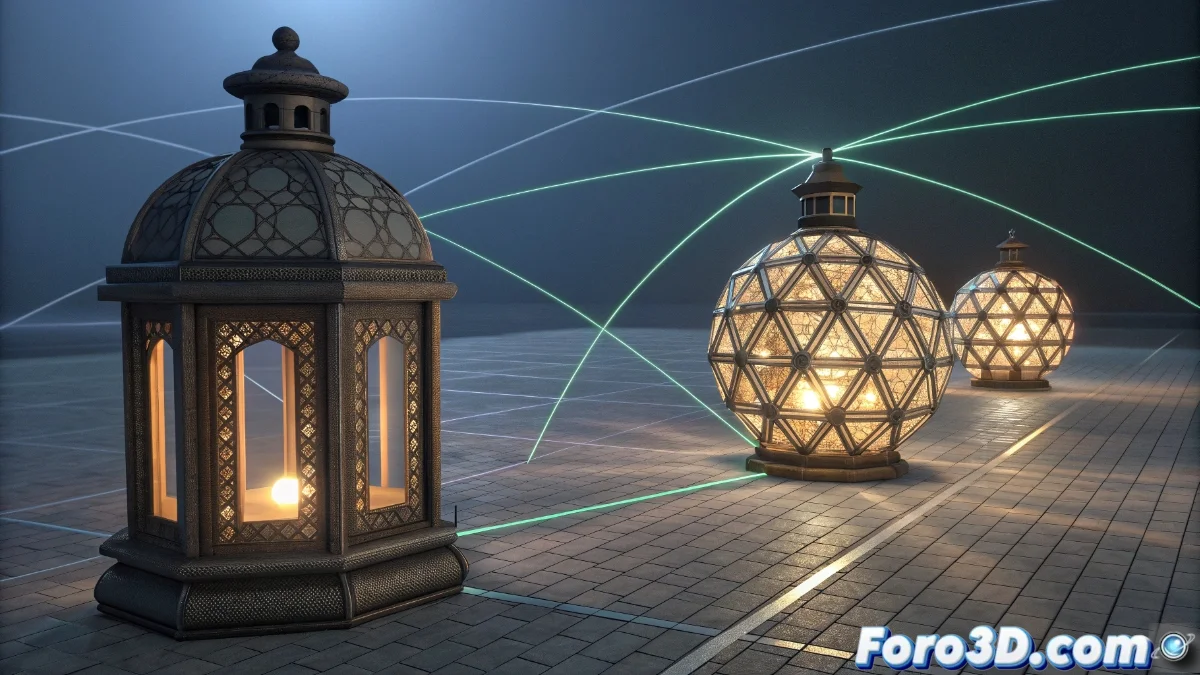
Blender 5 Revolutionizes Data Transfer Between Meshes
The new version of Blender introduces transformative improvements to the process of exchanging information between 3D objects, optimizing the workflow for artists and modelers. This evolution allows for the efficient transfer of geometric data and custom attributes between meshes, facilitating visual consistency in complex projects 🎯.
Essential Setup of the Data Transfer Module
To activate this functionality, the process begins by selecting the target mesh followed by the source mesh, accessed via the Object | Data Transfer menu in Object Mode. The system offers granular control over the types of information to transfer, from UV coordinates to paint weights and normals.
Main Configurable Parameters:- Selection of specific attributes such as vertex colors, UV data, or custom normals
- Configuration of interpolation methods to handle topological differences between meshes
- Precision adjustments based on the structural similarity between source and target objects
The effectiveness of Data Transfer critically depends on the topological compatibility between the meshes, although Blender 5 incorporates advanced interpolation algorithms for cases with significant structural disparities.
Practical Applications in Real Projects
Implementations of Data Transfer range from replicating UV maps between iterations of a model to transferring weight painting between characters with similar topologies. The advanced settings allow for the use of alternative mapping spaces and the definition of specific behaviors when geometric discrepancies exist.
Frequent Use Scenarios:- Transfer of UV coordinates between updated versions of the same 3D asset
- Replication of weight painting data between characters with similar anatomy
- Synchronization of custom attributes in meshes with different resolutions
Technical Considerations and Best Practices
It is essential to perform iterative tests with mix factor adjustments and specific layers to optimize results. The tool can produce unexpected results when transferring data between radically different geometries, such as trying to pass UVs from a sphere to a cube, generating patterns that defy conventional logic. Controlled experimentation remains the key to mastering this powerful functionality 🚀.