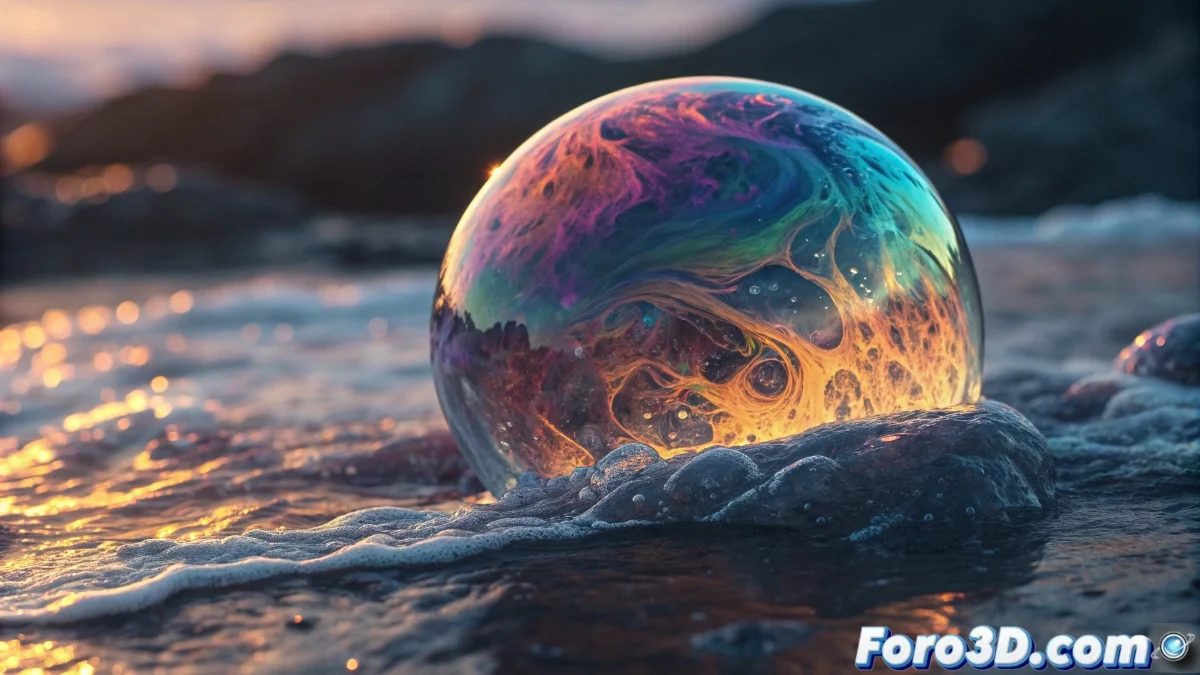
Blender 5 Introduces the UV Warp Node for Animating UV Coordinates
The new version of Blender 5 incorporates the UV Warp node as an essential tool within the Shader Editor, designed to manipulate UV coordinates in an animated and non-destructive manner. This node enables dynamic adjustment of the UV mapping for textures applied to meshes, generating effects like displacement, rotation, or scaling that evolve over time. Artists can link animated values to its inputs to produce natural movements in materials, similar to water ripples or progressive deformations, without modifying the base geometry. 🌊
Node Setup and Key Parameters
To use the UV Warp node, it is inserted in the Shader Editor between the UV output and the coordinate input of any texture. Its main settings include Center to set the origin of the transformation, Angle to control rotations, and Scale to modify the size. By connecting drivers or keyframes to these values, the UV coordinates update frame by frame, achieving fluid animations that react to scene variations or the animation timeline. ⚙️
Essential Parameters of the UV Warp Node:- Center: Defines the central point from which all UV transformations are applied.
- Angle: Allows rotation of the UV coordinates around the specified center.
- Scale: Adjusts the size of the UV coordinates for zoom-in or zoom-out effects.
The UV Warp node can work wonders with your textures, but it won't fix it if you forgot to apply the initial UV coordinates correctly.
Creative Applications in Visual Projects
The uses of the UV Warp node are diverse, ranging from simulating liquid flows over surfaces to creating dissolution effects or textures adaptive to object movement. For example, animating displacement based on a light's position creates interactive materials that alter their appearance under different lighting conditions. This versatility is crucial in motion graphics and visual effects, where flexibility in texture animation optimizes the workflow and enhances final results. 🎬
Common Use Cases:- Simulate liquid flows like water or lava over complex meshes.
- Create dissolution effects where textures fade progressively.
- Develop responsive materials that change with movement or lighting.
Tips for Efficient Use
When working with the UV Warp node, it is crucial to remember that, while it facilitates impressive dynamic effects, it depends on a proper initial UV setup. Ensure the base coordinates are correctly applied to avoid unwanted distortions. Integrating this node with other Shader Editor elements, such as drivers or keyframes, expands its creative possibilities, allowing textures that respond to scene variables in real-time. 🚀