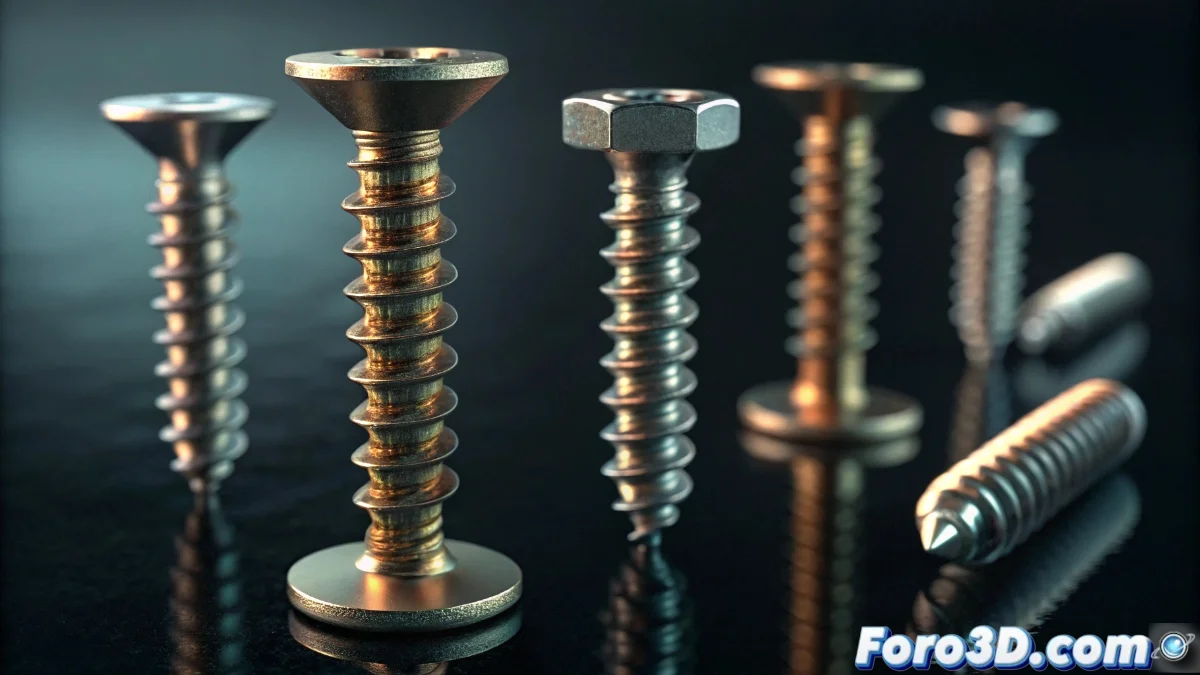
Blender 5 Introduces the Screw Modifier for Helical Geometries
The new version of Blender integrates the Screw modifier as a fundamental tool for developing complex helical geometries in a completely procedural way. This addition allows transforming simple 2D profiles into sophisticated three-dimensional structures through controlled rotation and extrusion along defined axes, revolutionizing the workflow for technical and organic modeling 🌀.
Essential Screw Modifier Setup
Implementing the Screw modifier requires selecting a two-dimensional mesh as a base profile and activating it from the modifiers panel. The axis of rotation is set automatically based on the object's orientation, although it can be customized manually for precise adjustments. The number of steps defines the smoothness of the spiral, while the angle regulates the twist applied in each iteration. The axial offset values facilitate the creation of conical or cylindrical helices adapted to any design.
Key Parameters to Control:- Rotation Angle: Determines how much the profile rotates in each step, from subtle turns to full rotations
- Number of Iterations: Controls the number of repetitions to define the length and detail of the helix
- Axial Offset: Allows moving the profile along the axis to create compact or extended spirals
The irony of finally having a dedicated tool for screws after years of manually combining curves and arrays. Now every screw can have its detailed procedural history, although we'll probably still use basic cylinders for most.
Advanced Applications and Synergies
The true potential of the Screw modifier emerges when combining it with other modifiers like Array or Curve. This integration allows generating perfectly defined screw threads, animatable springs with dynamic deformations, and elaborate architectural structures. By chaining multiple modifiers, infinite variations are obtained while maintaining absolute control over each parameter, with real-time updates that streamline the iterative design process.
Practical Combinations Demonstrated:- Screw + Array: Ideal for creating repetitive sequences of helical elements like gears or decorations
- Screw + Curve: Allows adapting helical geometries to complex curved trajectories for organic designs
- Screw + Subdivision Surface: Generates smoothed surfaces on spiral structures for organic and polished results
Impact on Workflow
The incorporation of the Screw modifier in Blender 5 represents a significant advancement for 3D artists and technical designers. By eliminating the need for complex manual techniques to create helical geometries, production time is considerably optimized while maintaining total creative flexibility. This tool not only simplifies the creation of mechanical elements like screws and springs but also opens new possibilities for the design of architectural structures, digital sculptures, and organic spiral elements 🌪️.