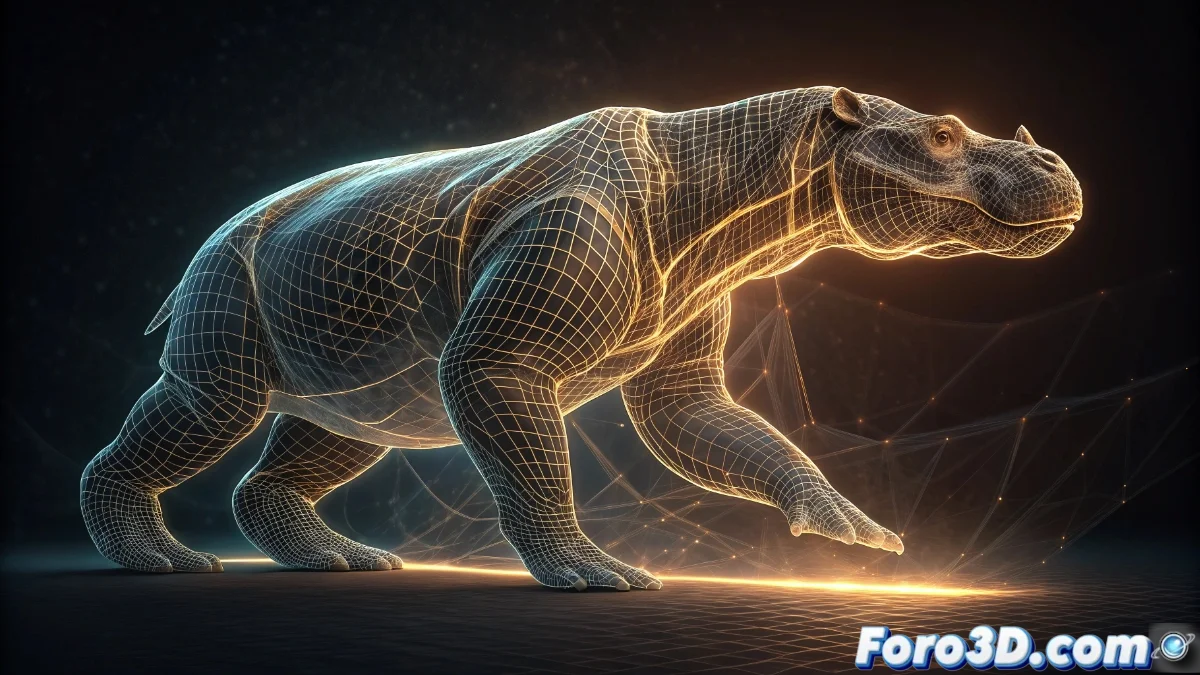
Blender 5 Introduces the Mesh to Curve Modifier to Transform Meshes into Editable Curves
The new version of Blender 5 surprises with the addition of the Mesh to Curve modifier, a revolutionary tool that automatically converts any mesh geometry into fully editable curves. This process keeps the original topology intact while opening up limitless creative possibilities 🎨.
Fundamental Advantages of the Mesh Converter
The main strength of this modifier lies in its ability to preserve the base mesh throughout the entire editing process. Artists can apply complex deformations and visual effects to the resulting curve without compromising the original geometric structure, offering unprecedented control over the final result.
Key System Benefits:- Non-destructive conversion that keeps the original mesh intact
- Real-time adjustment of curve parameters with immediate feedback
- Full compatibility with the rest of Blender's modifiers
Mesh to Curve represents that type of tool that simplifies tedious processes, as if Blender anticipated our most complex creative needs
Implementation in Real Projects
In professional production environments, this modifier proves its usefulness in creating organic elements such as cables, conveyor belts, or animation paths. Converting complex meshes into editable curves allows the application of specialized modifiers like Curve Deform or Array with dynamic and precise results.
Highlighted Practical Applications:- Generation of paths and animation routes from existing 3D models
- Creation of cable and pipe systems with realistic deformations
- Development of complex visual effects through modifier nesting
Integration into the Blender Ecosystem
The perfect integration with the existing workflow pipeline makes Mesh to Curve a cohesive addition to the production flow. Artists can experiment with alternative shapes and animated transitions while retaining the ability to revert to the original geometry at any time, eliminating the inherent risk of destructive processes 🔄.