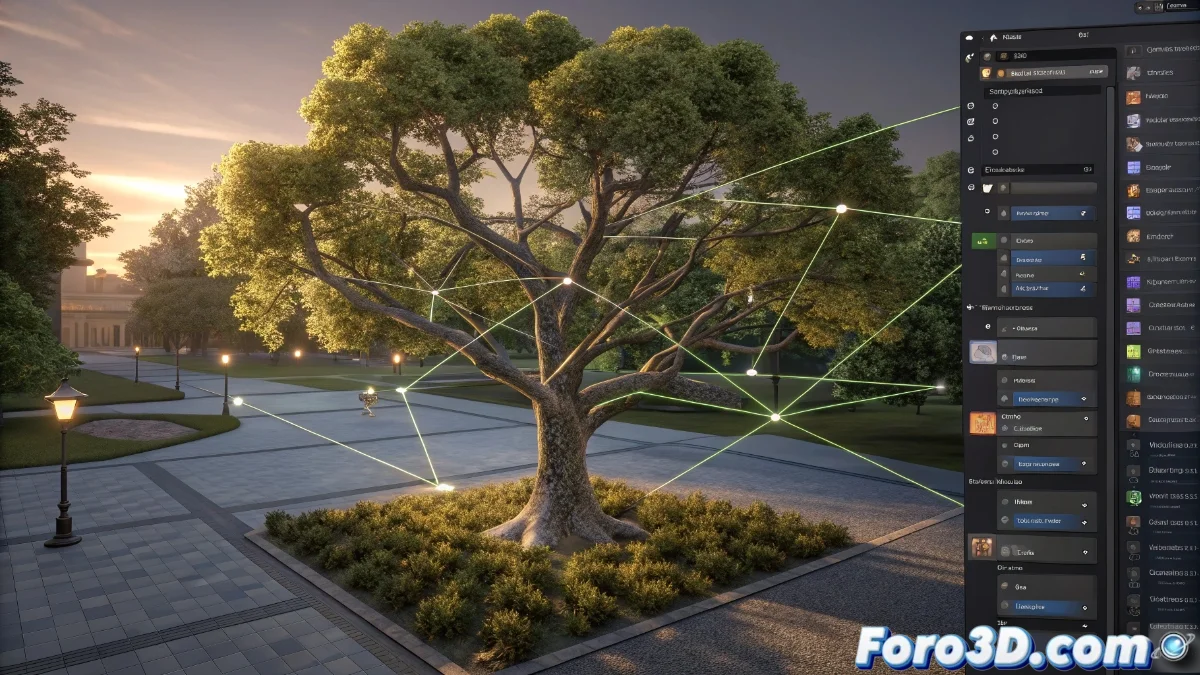
Blender 5 Introduces Geometry Nodes Modifier for Custom Behaviors
The new version of Blender 5 incorporates a revolutionary modifier based on Geometry Nodes that enables users to define completely custom behaviors through node groups with geometry input and output. This system provides unprecedented flexibility for developing effects and geometric modifications that perfectly fit the specific needs of each project. Artists can now design their own operations without relying on predefined tools, unlocking limitless creative possibilities in the realm of procedural modeling and animation 🎨.
Setting Up Custom Node Groups
To leverage this functionality, it is necessary to create a node group within the Geometry Nodes editor that includes a geometry input and a geometry output. Within this group, various nodes such as Mesh | Primitive, Transform, and Attribute can be interconnected to manipulate the geometry according to the user's requirements. Once the group is defined, it is applied as a modifier to any object, allowing the system to process the input geometry through the group and return the modified result, with the advantage of making real-time adjustments directly in the viewport 🔧.
Key Steps for Setup:- Create a node group in the Geometry Nodes editor with geometry input and output
- Connect nodes like Mesh | Primitive, Transform, and Attribute to manipulate the geometry
- Apply the group as a modifier to an object and adjust parameters in real-time
This modifier is like having a magical assistant that does exactly what you imagine, although sometimes it reminds you that imagination without technical knowledge can end up in a jumble of incomprehensible nodes.
Advantages and Practical Applications
The main advantage of this modifier is its ability to encapsulate complex logic into a single reusable group, which can be shared between projects or objects. It is ideal for tasks such as procedural vegetation generation, animated deformations based on attributes, or simplified simulation effects. Furthermore, by functioning as a modifier, it integrates seamlessly with Blender's modifier stack, allowing its effects to be combined with others like Subdivision Surface or Displace to achieve more elaborate and detailed results 🌱.
Common Applications:- Procedural generation of vegetation and natural elements
- Animated deformations based on custom attributes
- Simplified simulation effects that can be combined with other modifiers
Impact on the Creative Workflow
This modifier not only improves efficiency by allowing the reuse of node groups but also empowers artists to experiment with unique solutions without technical limitations. Integration with the modifier stack ensures users can combine multiple effects to achieve sophisticated results, maintaining a fluid and adaptable workflow. In summary, Blender 5 solidifies its position as a leading tool in 3D graphics and procedural animation, offering tools that transform complex ideas into impactful visual realities ✨.