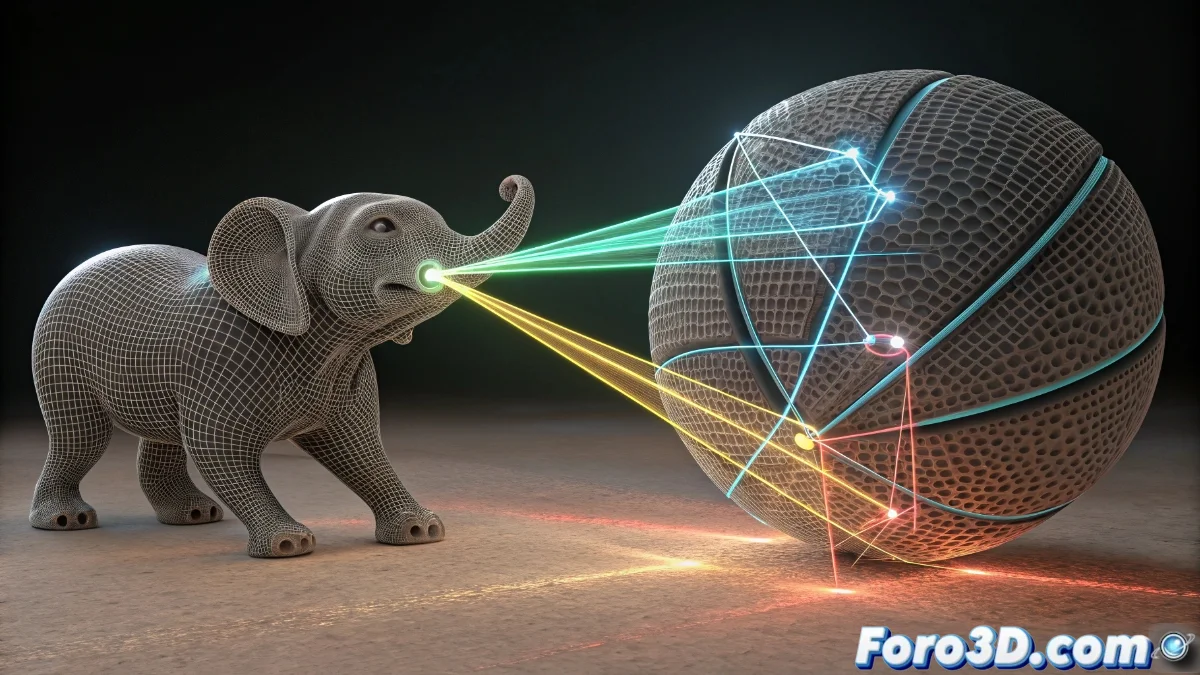
Blender 5 Introduces the Attribute Transfer Modifier
The new version of Blender incorporates a revolutionary tool: the Attribute Transfer modifier, designed to copy attributes between objects in a non-destructive way. This includes colors, vertex weights, normals, and UV coordinates, allowing you to adjust geometries without altering their base structure. 🎯
Modifier Setup and Functionality
The process requires selecting a source object and a target, defining the attribute to transfer, and adjusting parameters such as influence distance or interpolation method. Users can choose between proximity-based transfer or direct mapping, adapting to similar or different topologies. The interface offers precision controls to ensure consistent results. 🔧
Main Configuration Options:- Selection of specific attributes like colors or normals
- Adjustment of maximum distance for data transfer
- Choice between proximity interpolation or direct mapping
With Attribute Transfer, Blender simplifies complex modeling tasks, reducing the need for manual reprocessing.
Applications in Real Projects
In modeling and texturing projects, this tool is essential for matching colors between merged objects or applying vertex paint weights between meshes. It speeds up the creation of characters and environments, and also corrects normals to smooth surface transitions. UV transfer maintains textural consistency in complex assets, optimizing production pipelines. 🚀
Highlighted Use Cases:- Color matching in combined objects
- Application of vertex weights between different meshes
- Correction of normals for smooth surfaces
Impact on Productivity
The Attribute Transfer modifier not only speeds up workflows but also preserves flexibility for later modifications. By avoiding alterations to the original structure, artists can experiment without risk, leading to greater efficiency and creativity. It seems Blender anticipates our needs, eliminating hours of tedious work. ✨