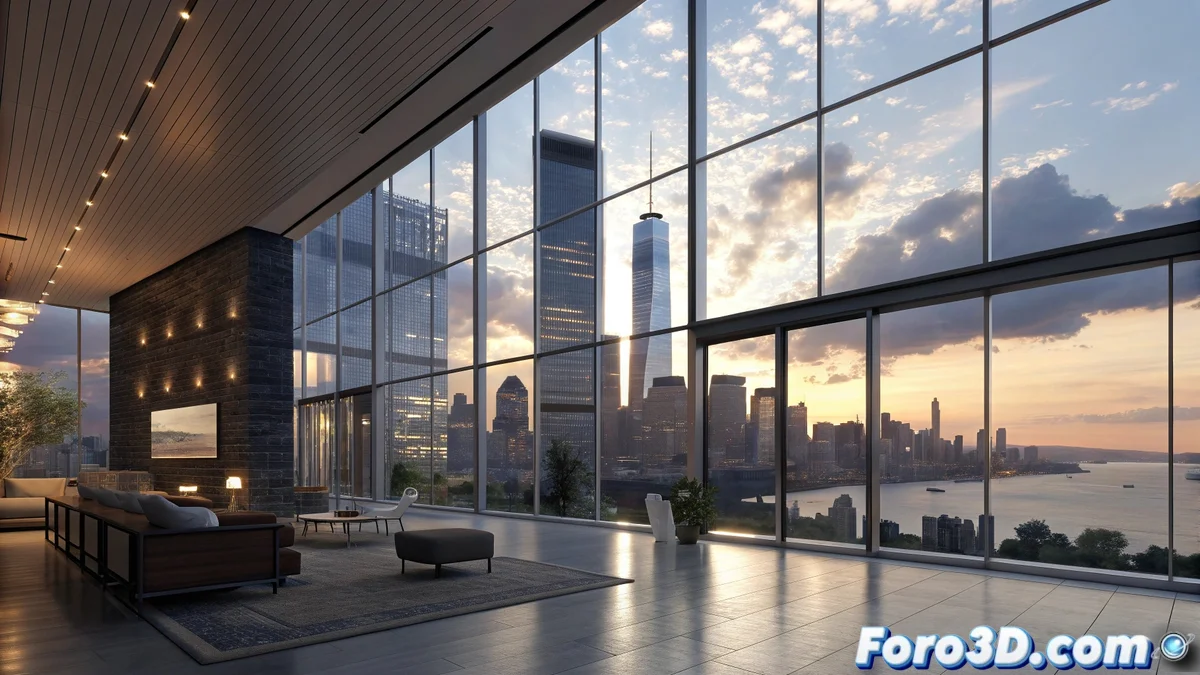
Blender 5 Enhances HDRI Support to Optimize Ambient Lighting
The new version of Blender 5 brings revolutionary improvements in handling High Dynamic Range Images (HDRI), completely transforming the experience for artists when setting up realistic lighting environments. Users enjoy unprecedented fluidity when loading and manipulating these files, significantly speeding up the creation of visually stunning scenes. 🚀
Workflow Optimization with HDRI
Blender 5 has redesigned HDRI integration to turn previously tedious processes into agile and efficient operations. When importing environment maps, the software automatically manages color conversion and exposure compensation, eliminating the need for repetitive manual adjustments. Artists can preview lighting changes while modifying parameters, seeing how they are instantly reflected in materials and shadows. This creative immediacy encourages experimentation with various lighting conditions without disrupting the production flow. 💡
Key Advantages of the New Integration:- Reduced Loading Times: Fast HDRI import that speeds up initial scene setup
- Real-Time Manipulation: Adjustment of intensity, rotation, and mapping without perceptible interruptions
- Instant Preview: Changes reflected immediately in materials and shadows during editing
Now we can spend more time perfecting a reflection than waiting for the file to load, though we'll still argue about whether the HDRI is half a degree rotated to the left.
Technical Advances in the Render Engine
Behind these improvements lies a comprehensive overhaul of the texture and memory management system. Blender 5 implements progressive HDRI loading, prioritizing regions visible in the current view to minimize resource consumption. Extended support for high-resolution formats includes adaptive compression, maintaining visual fidelity while reducing VRAM usage. These optimizations are especially beneficial for projects with multiple environment maps or resolutions above 8K, where significant bottlenecks previously existed. 🔧
Implemented Technical Improvements:- Progressive Loading: Prioritization of visible regions to reduce resource consumption
- Adaptive Compression: Maintaining visual fidelity while minimizing VRAM usage
- Extended Support: Enhanced compatibility with high-resolution formats up to 8K and beyond
Impact on Creative Production
The technical evolution of Blender 5 directly responds to the demands of artists seeking efficiency without sacrificing quality in their productions. The ability to adjust ambient lighting parameters in real time, combined with drastically reduced loading times, allows creators to focus on artistic details instead of waiting for technical processes. This transformation not only accelerates workflows but also elevates creative potential by facilitating immediate and fluid experimentation with different lighting configurations. ✨