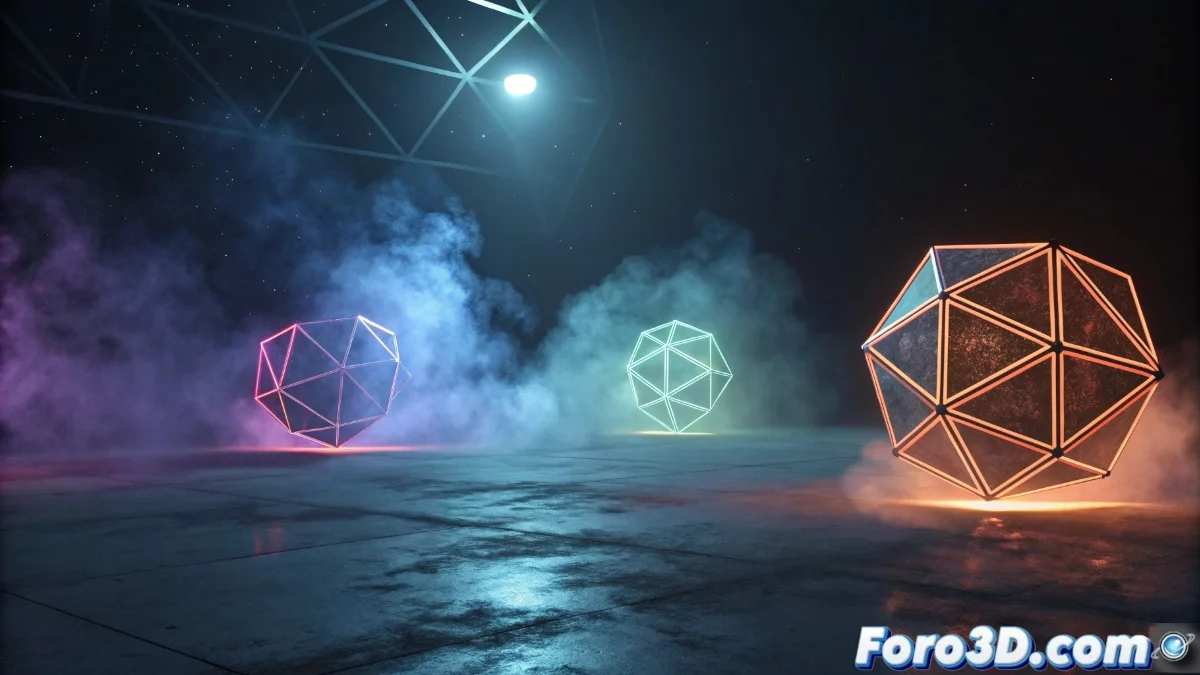
Blender 5 and the Revolutionary Improvements in Particle Instances
Version 5 of Blender has made a qualitative leap in handling particle systems, especially with the Particle Instance function, which enables the instantiation of complex geometries onto individual particles. This tool is fundamental for designing populated scenes like forests, crowds, or swarms, allowing controlled variations without drastically increasing the main scene's polygonal load 🌟.
Essential Particle Instance Configuration
To make the most of this function, you need an emitter particle system and the objects that will act as instances. In the particle properties panel, under the Render tab, choose the Object | Collection mode and assign the desired elements. Blender 5 has refined this process, granting greater control over parameters like rotation, scale, and randomness through the Rotation | Scale settings in the same section.
Key steps for configuration:- Create a basic particle system and define the emitter
- Select Object | Collection in Render to assign instances
- Adjust Rotation | Scale to introduce natural variations
With Particle Instance, it's possible to distribute detailed geometry efficiently, optimizing performance without sacrificing visual quality.
Practical Applications and Optimization Strategies
The uses range from generating vegetation in natural environments to simulating animated crowds. The key to success lies in using objects with low geometric complexity as instances and enabling rendering with engines like Cycles | Eevee to maintain fluidity in the 3D view. It is recommended to use collections to group instance variants and apply particle modifiers that incorporate additional dynamic behaviors.
Tips for efficient use:- Use low-polygon models for repetitive instances
- Organize variants using collections
- Leverage modifiers to add dynamic realism
Final Performance Considerations
Although Particle Instance allows populating complex scenes with ease, it is crucial to be prudent with the number of instances generated. An excess can overwhelm system resources, slowing down the workflow. Planning the scene and optimizing the instanced objects guarantees impressive results without compromising stability 🚀.